Buy your weekday smoothies and get your weekend ones for free. (7 for the price of 5!)
WELLNESSWEEK
Your garment on white, ready for the product page.
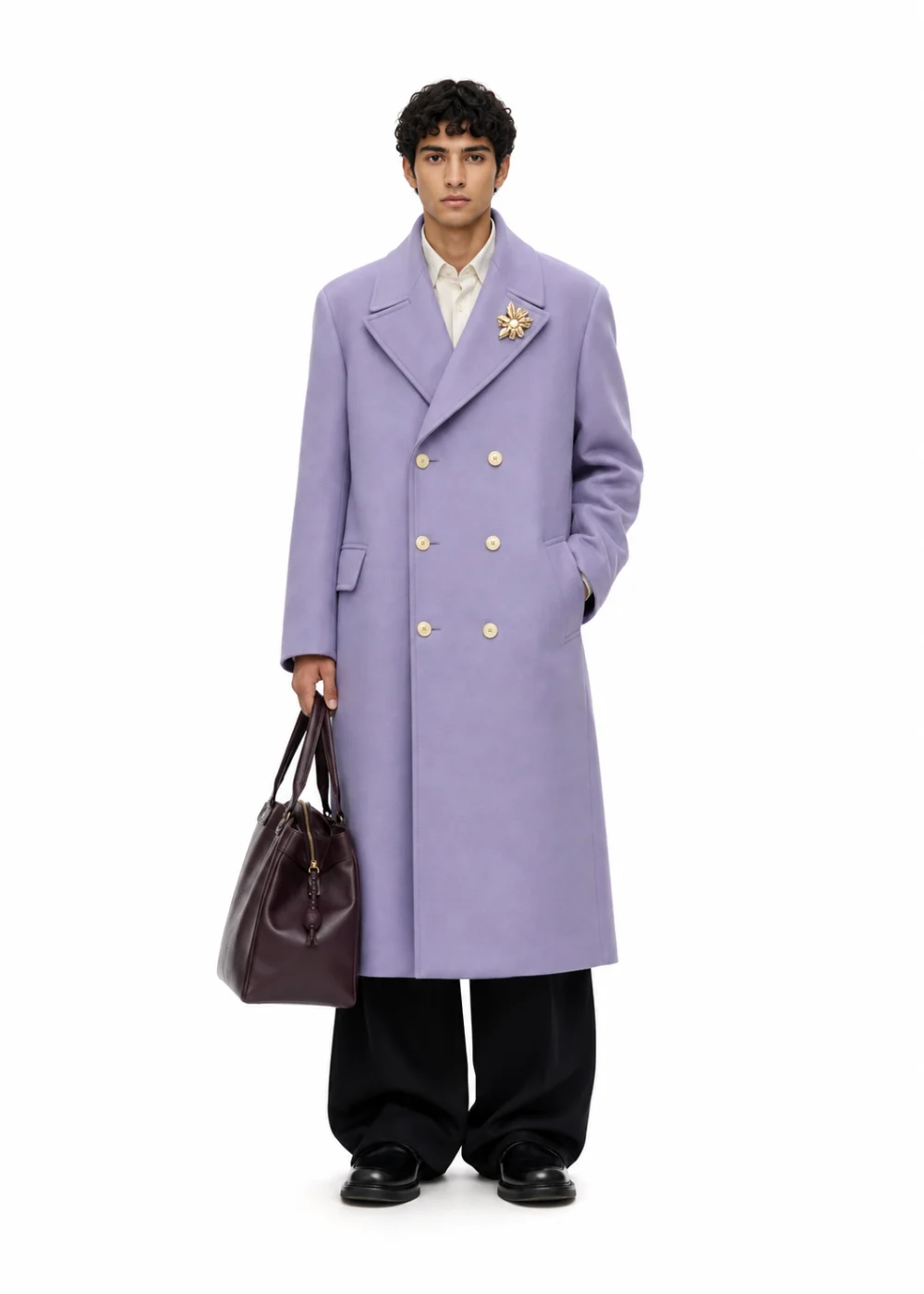
Describe the garment or attach your mockup, a sketch or any reference. The Catalog Generator shoots it on a model or on a ghost mannequin, front or back, on studio white, your brand colour or no background at all: the gallery photos a product page needs.
250 free credits every month. No card needed.
Describe it in the bar, or attach your mockup, a sketch or any reference photo.
On a model or on a ghost mannequin, front or back. Then the background: studio white, a colour you choose, or none at all.
Each view comes back as its own image, always under the same flat light. Shoot the front, then the back, and download them for the store.
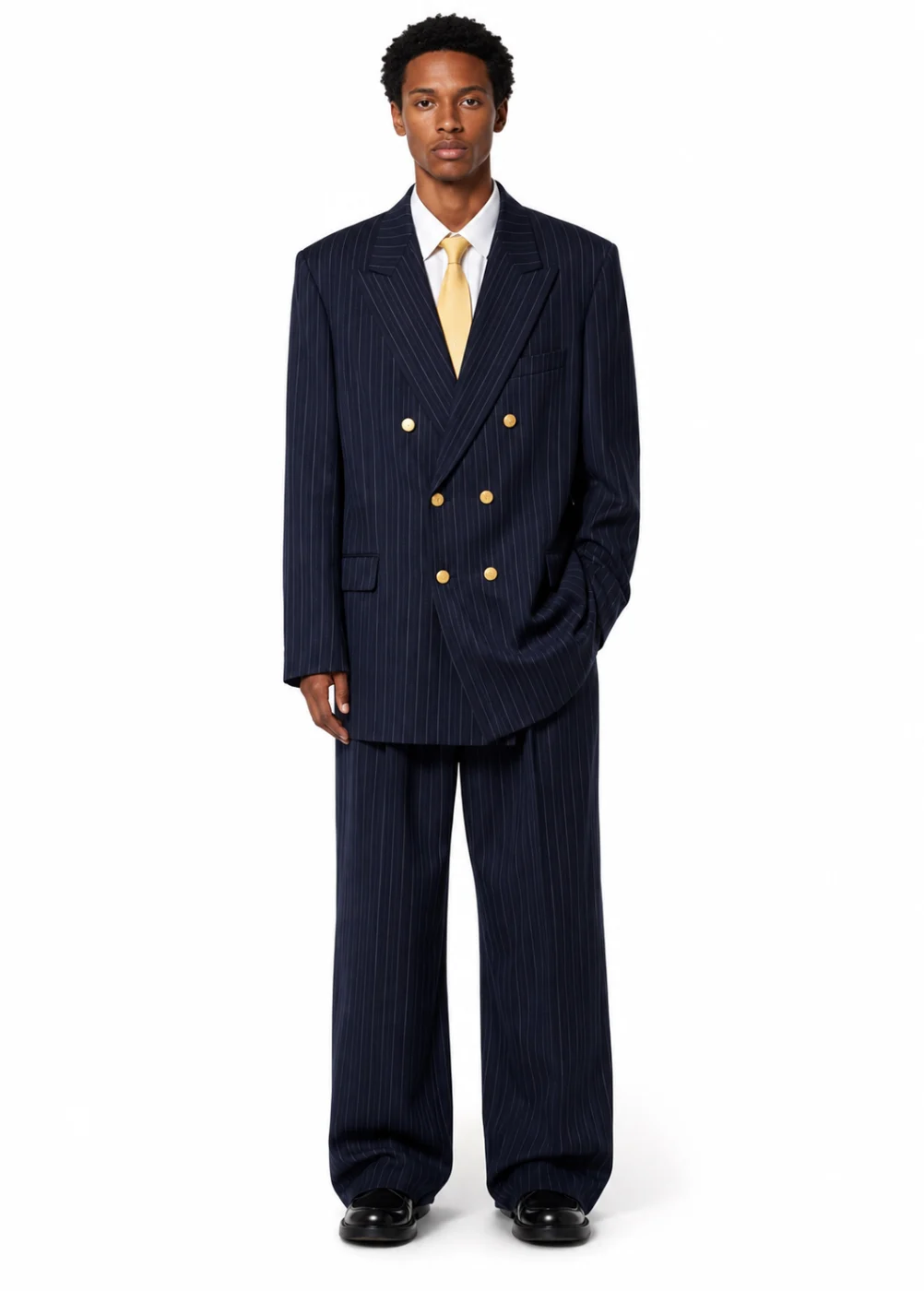
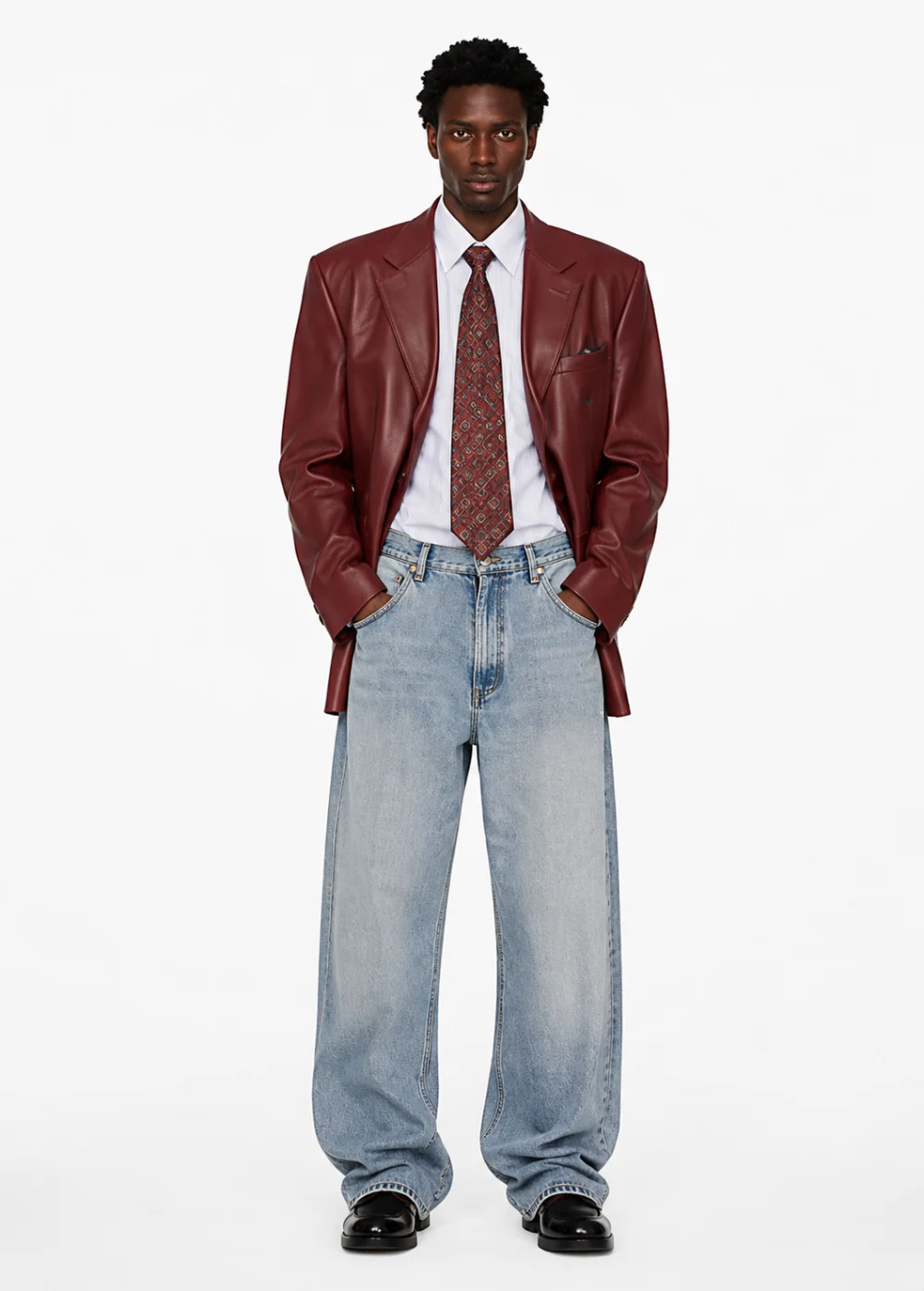
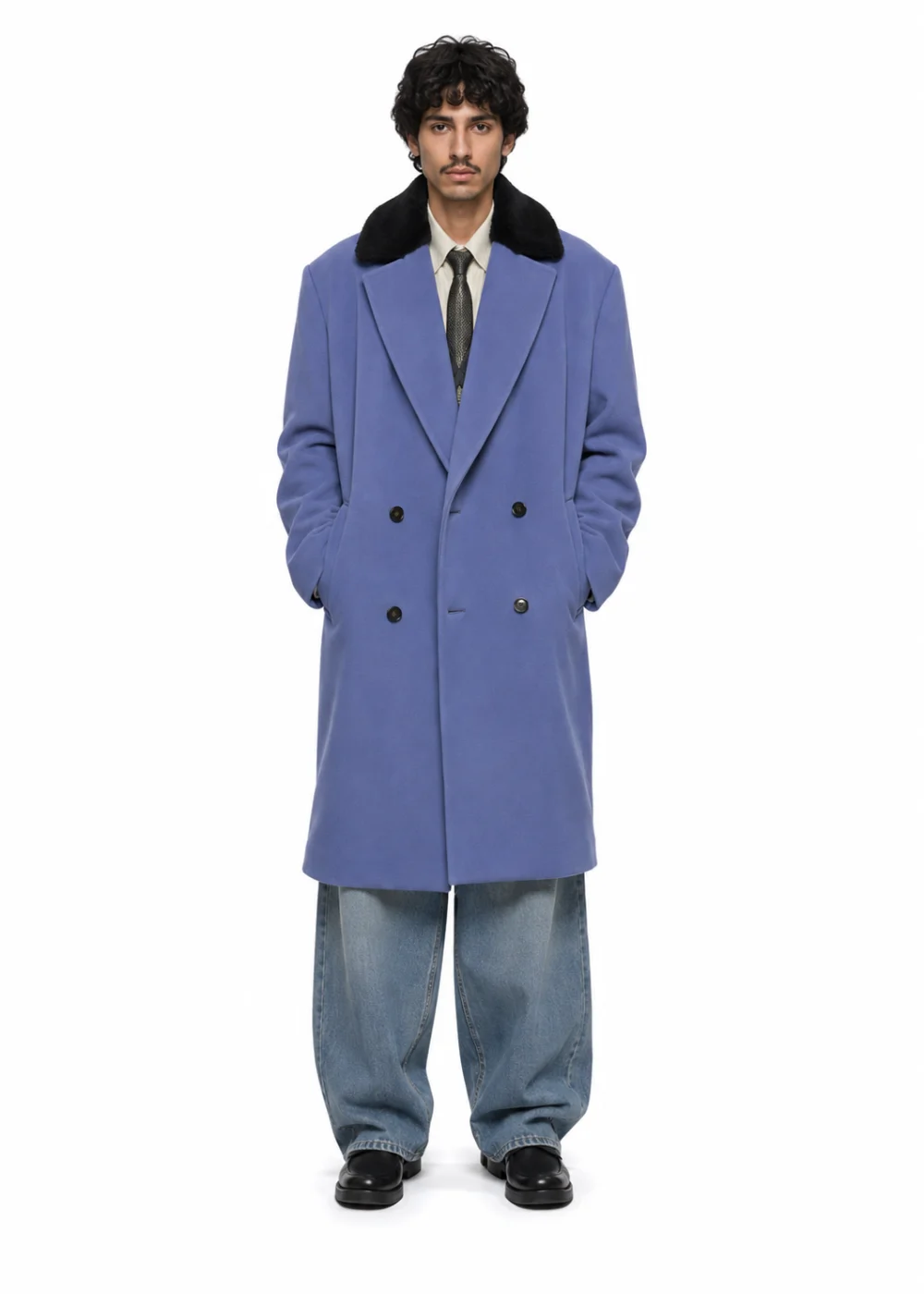
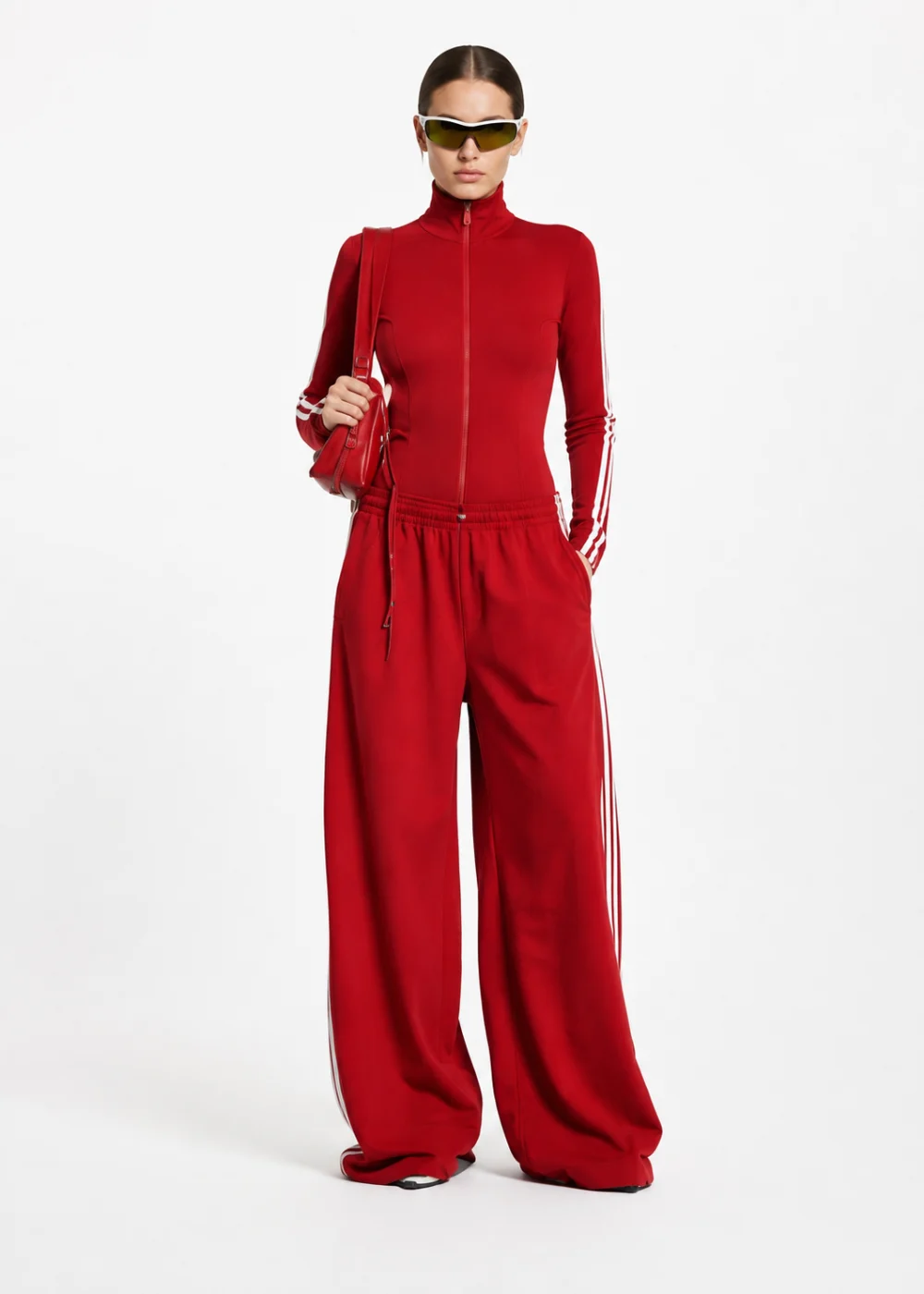
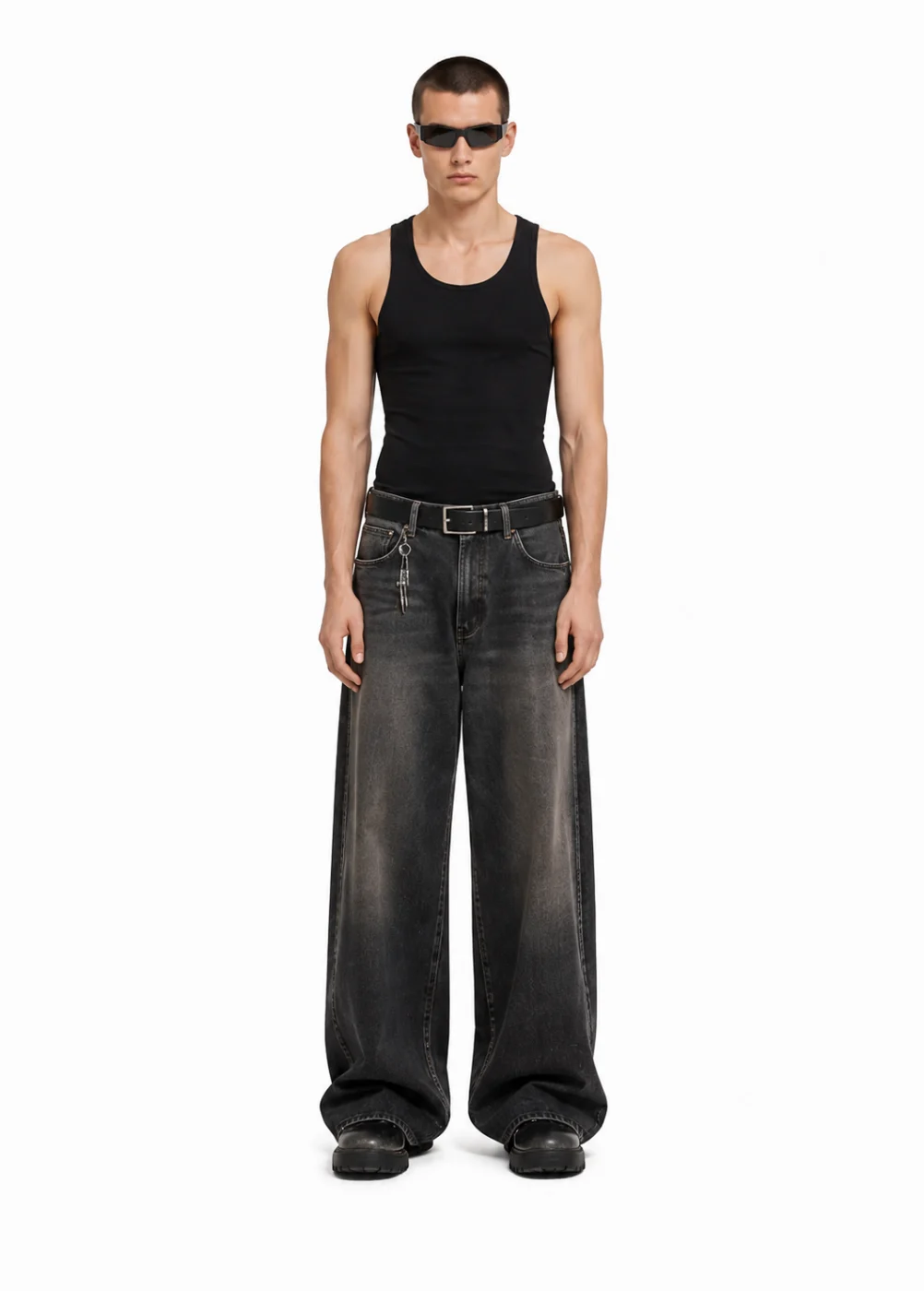
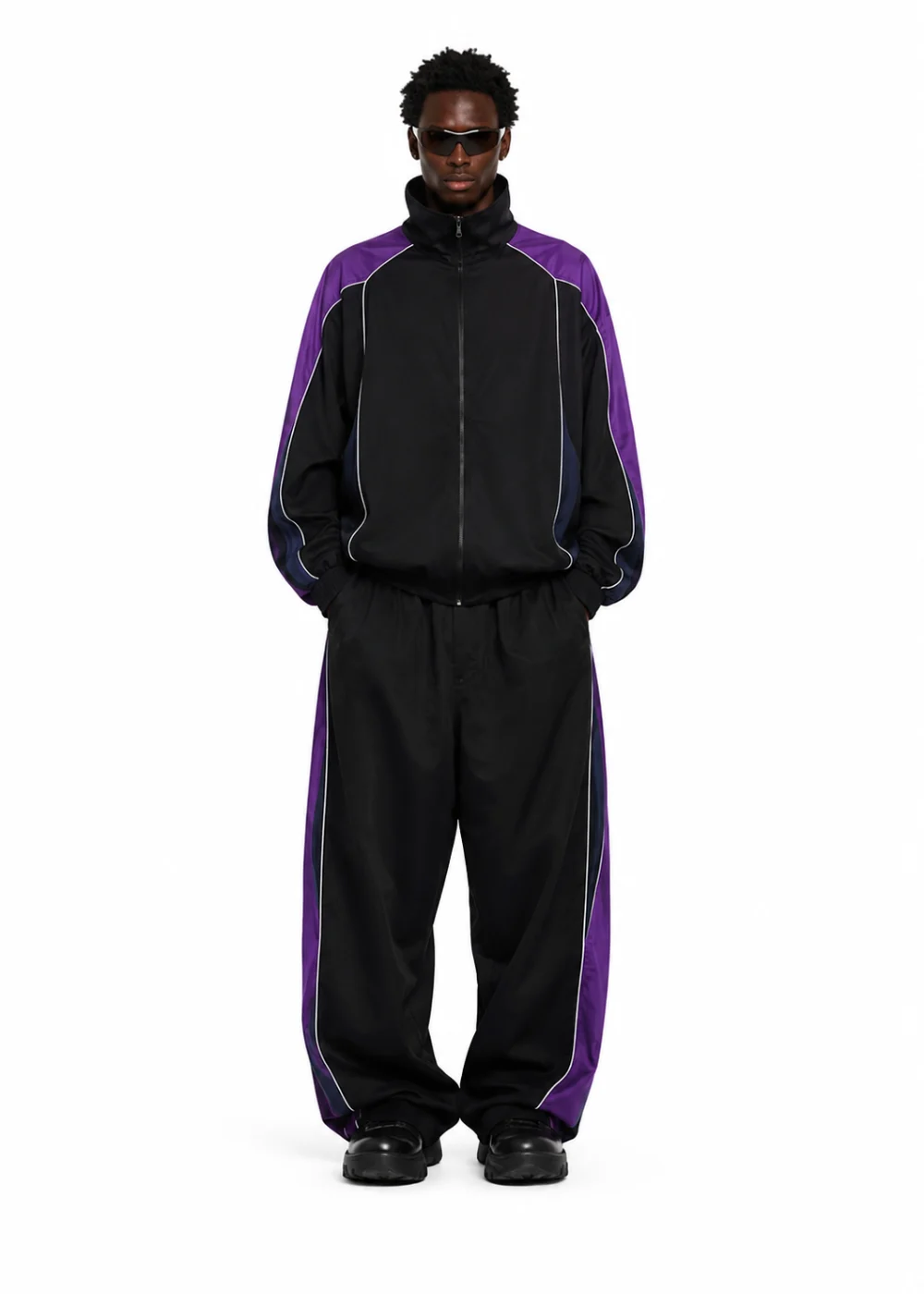
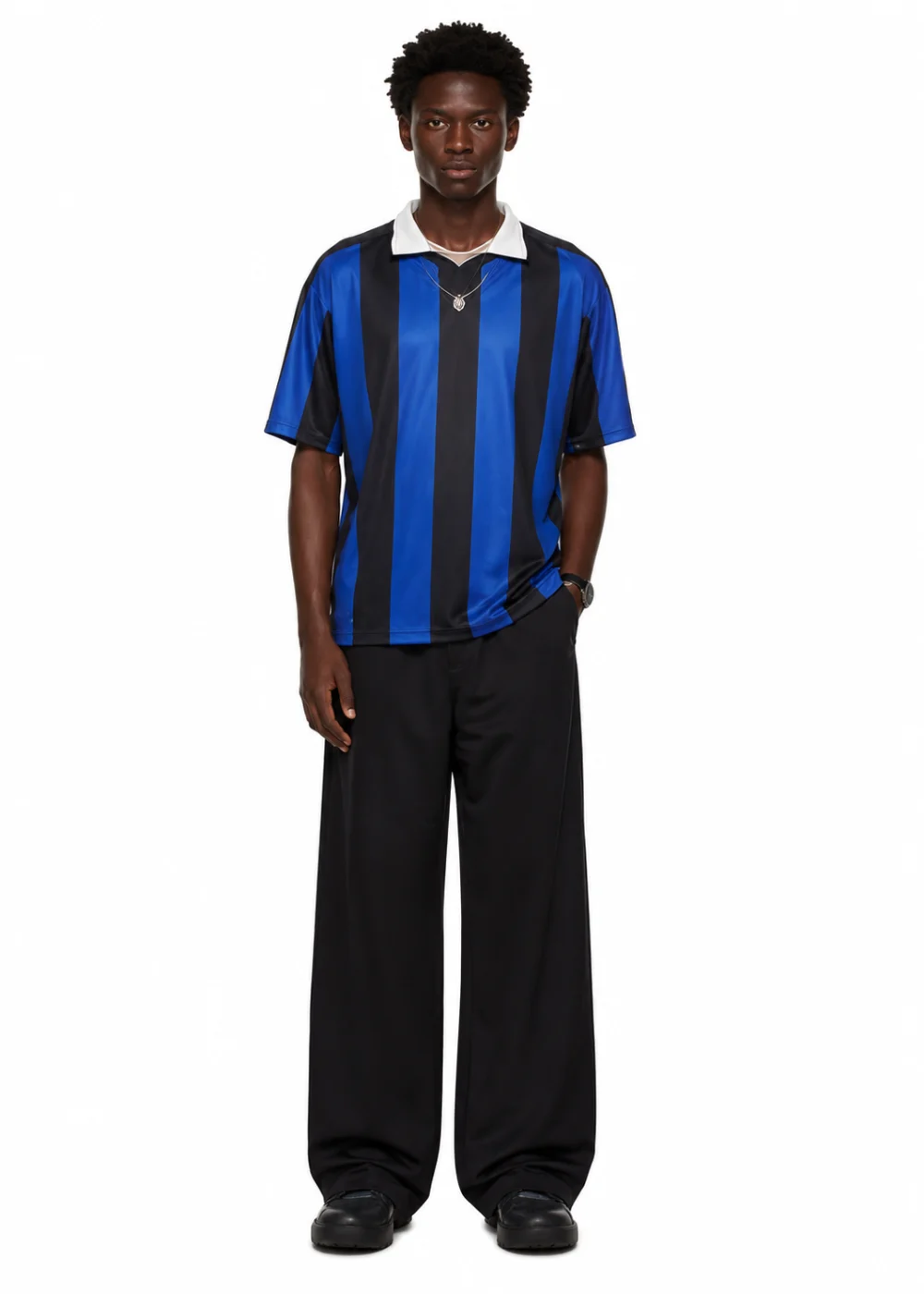
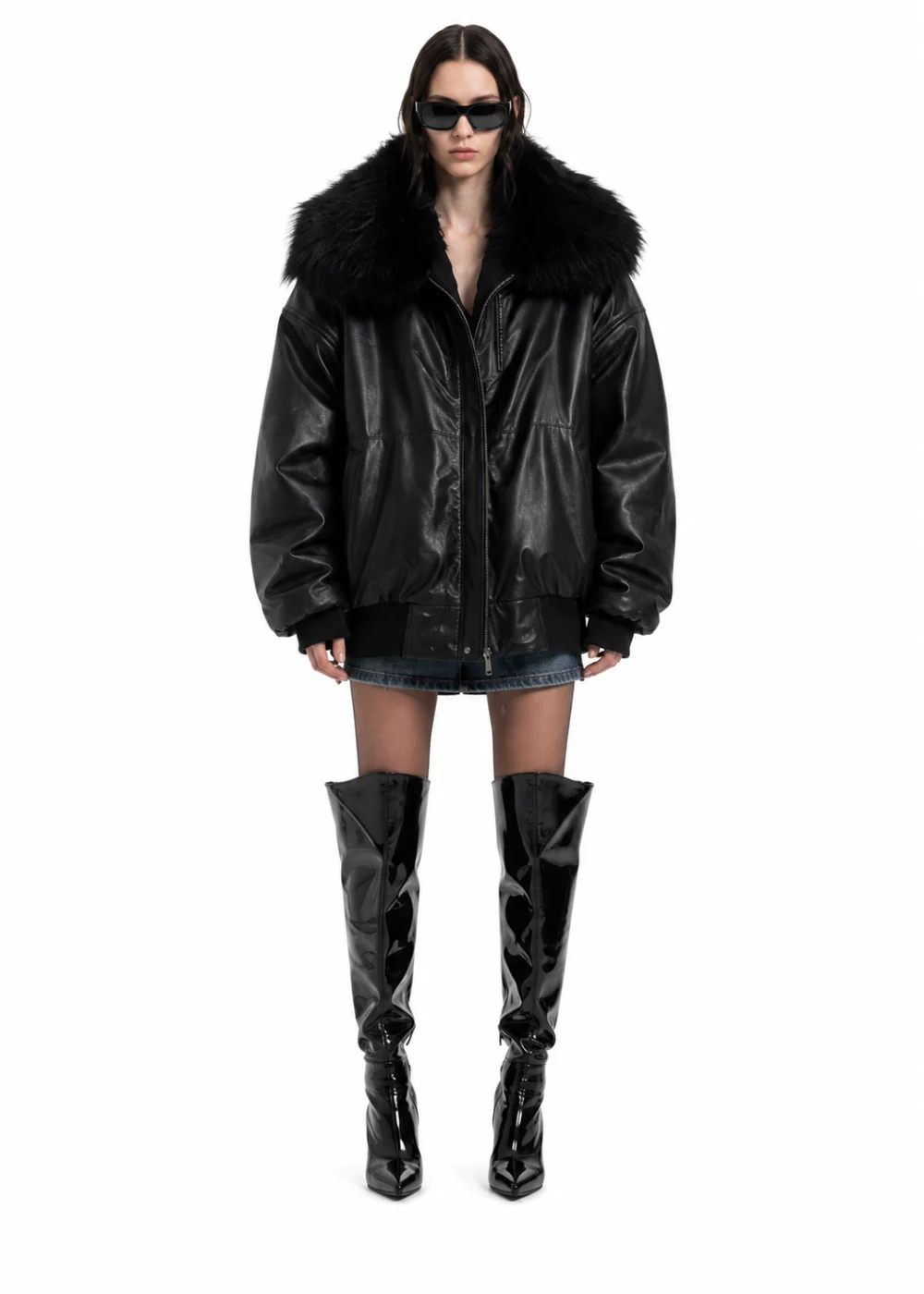
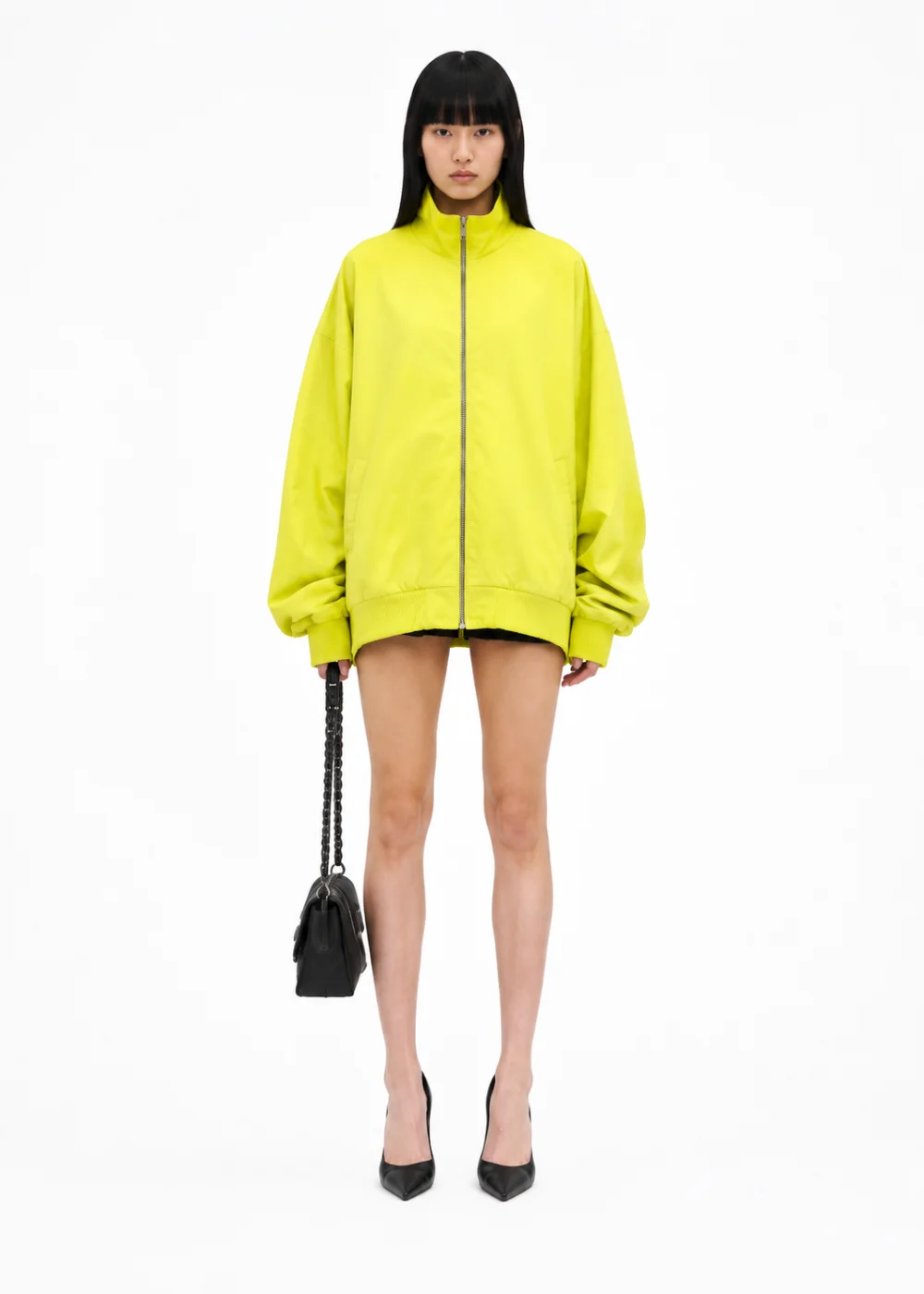
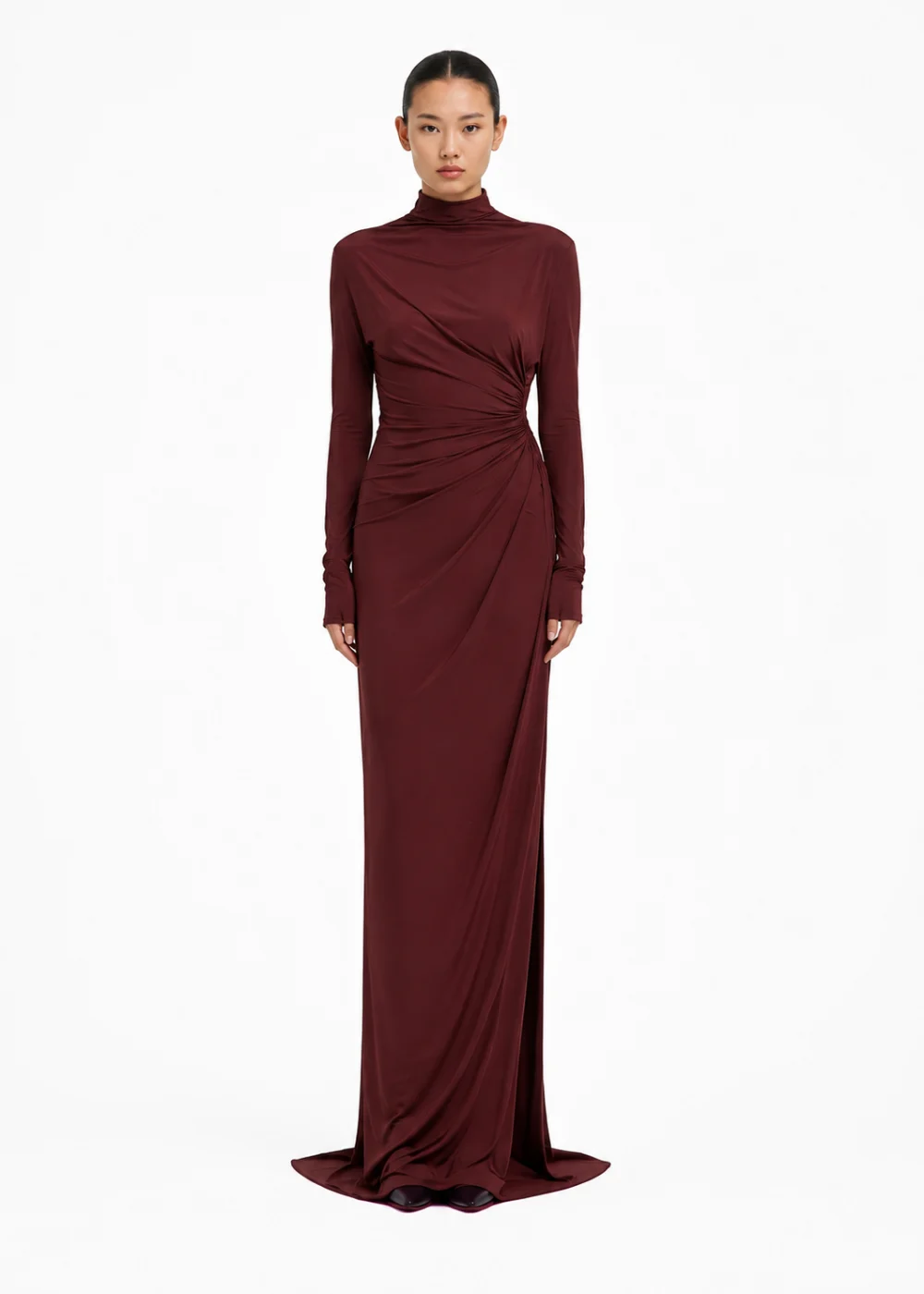
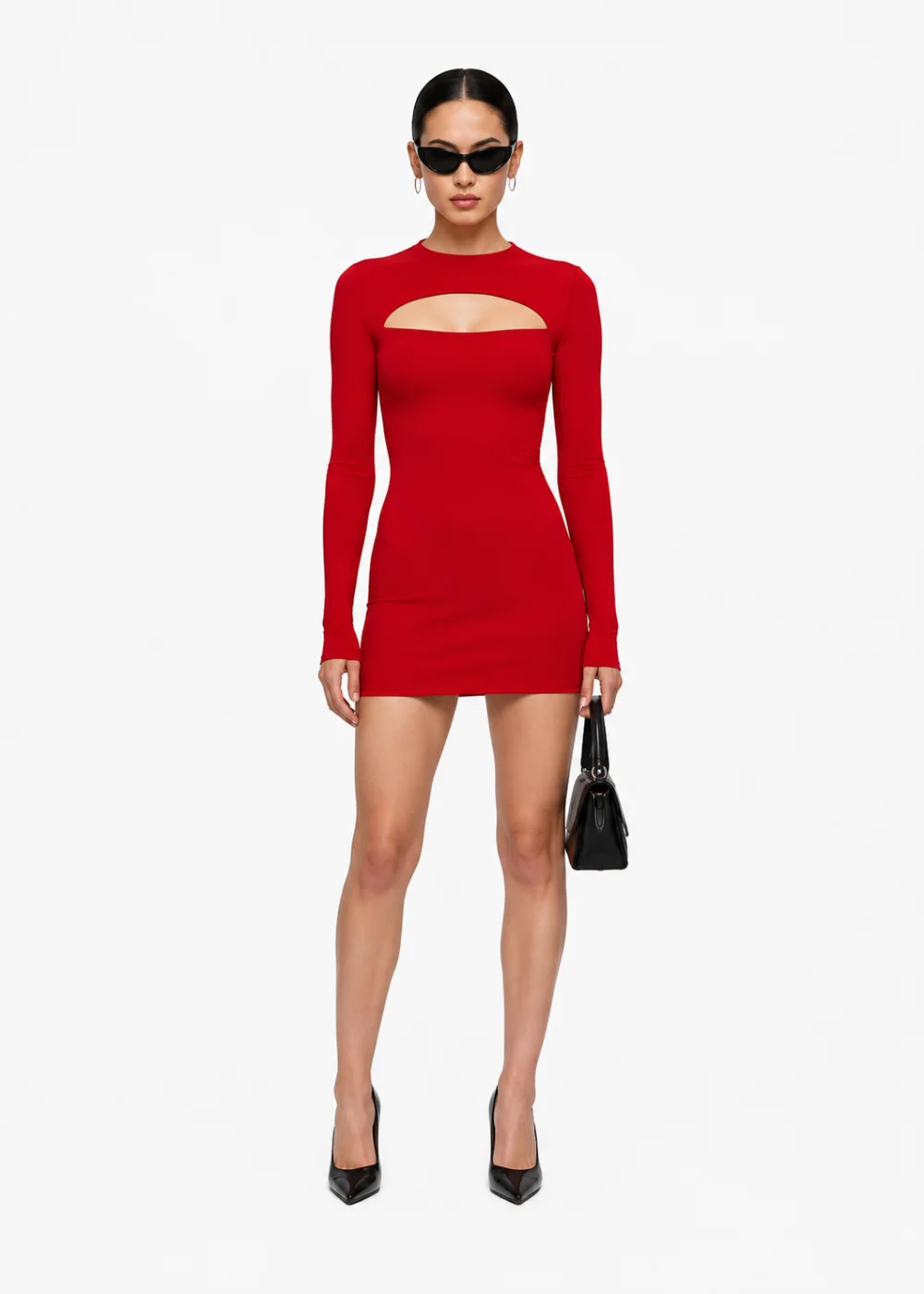
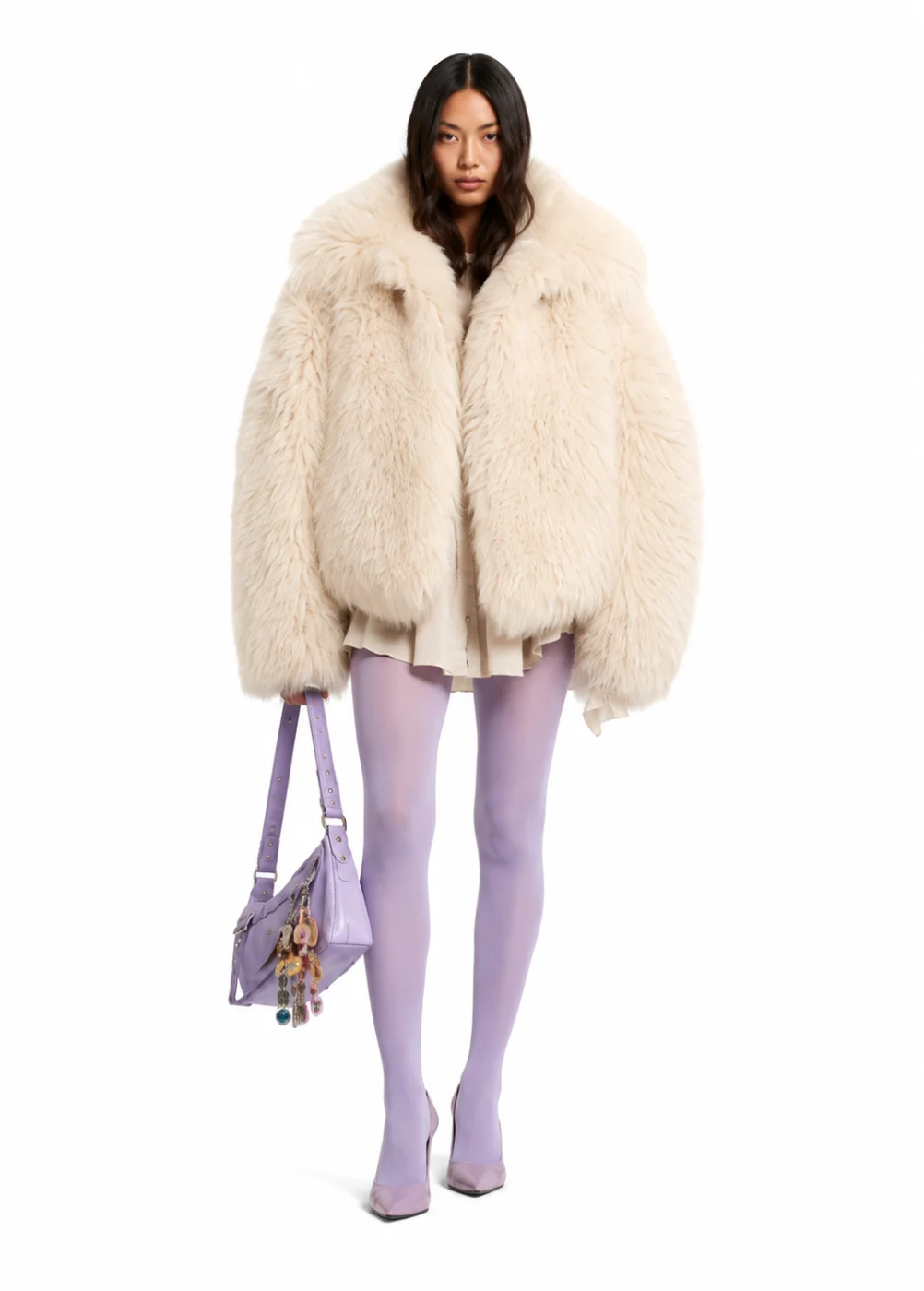
Every image here comes from the FUPstudio Catalog library: complete looks shot the same way, with the same light, the same distance and the same set. Open one to see it there, or put your own piece inside it.
Photograph a garment from its mockup for a pre-order page, a line sheet or a pitch, before it is sewn.
Every product under the same light, distance and set, so the collection reads as one.
Studio white for the gallery, your brand colour for your own store, a transparent PNG for your layouts. Commercial use included.
Put the same garment on a model in a real place, for the lookbook and the campaign.
Create your model or pick one from our casting, and keep the same face across the whole collection.
Measurements, materials and construction notes compiled from your garment: the document a factory quotes from.
A tool that makes the gallery photos of a product page: the garment on a model or on a ghost mannequin, in flat studio light, on white or with no background. In FUPstudio there is no scene and no style here: the product is the whole picture.
Editorial tells the story of the garment: a model in a real place, in an art direction you choose. Catalog sells it: the same garment in even light, front or back, ready for the product page.
Yes. Choose Ghost mannequin instead of On model and the garment is shot on its own, with its shadows, the same way as in the Mockup Generator.
Studio white, a colour you choose to match your brand, or no background at all for a transparent PNG.
Yes, one at a time: on a product page every view is its own photo, so the front and the back are two images, both under the same light.
Yes. Every account gets 250 free credits every month, no card needed. A catalog shot at the default quality (High) costs 30 credits. Plans and top-ups add more.
Yes. What you generate can be used in personal and commercial projects, including your own store and work for clients. The library files themselves cannot be resold or redistributed as they are. The full rules are in the Terms.
Open the generator, attach the garment and choose the background. Every account starts with free credits, no card needed.