Buy your weekday smoothies and get your weekend ones for free. (7 for the price of 5!)
WELLNESSWEEK
The people who wear your clothes, the same face in every shot.
Describe who you want to see, or pick a face from our casting. The Avatar Generator returns a casting portrait, always shot the same way, and saves the person with their own card, so the same face wears your collection in every editorial and catalog shot.
250 free credits every month. No card needed.
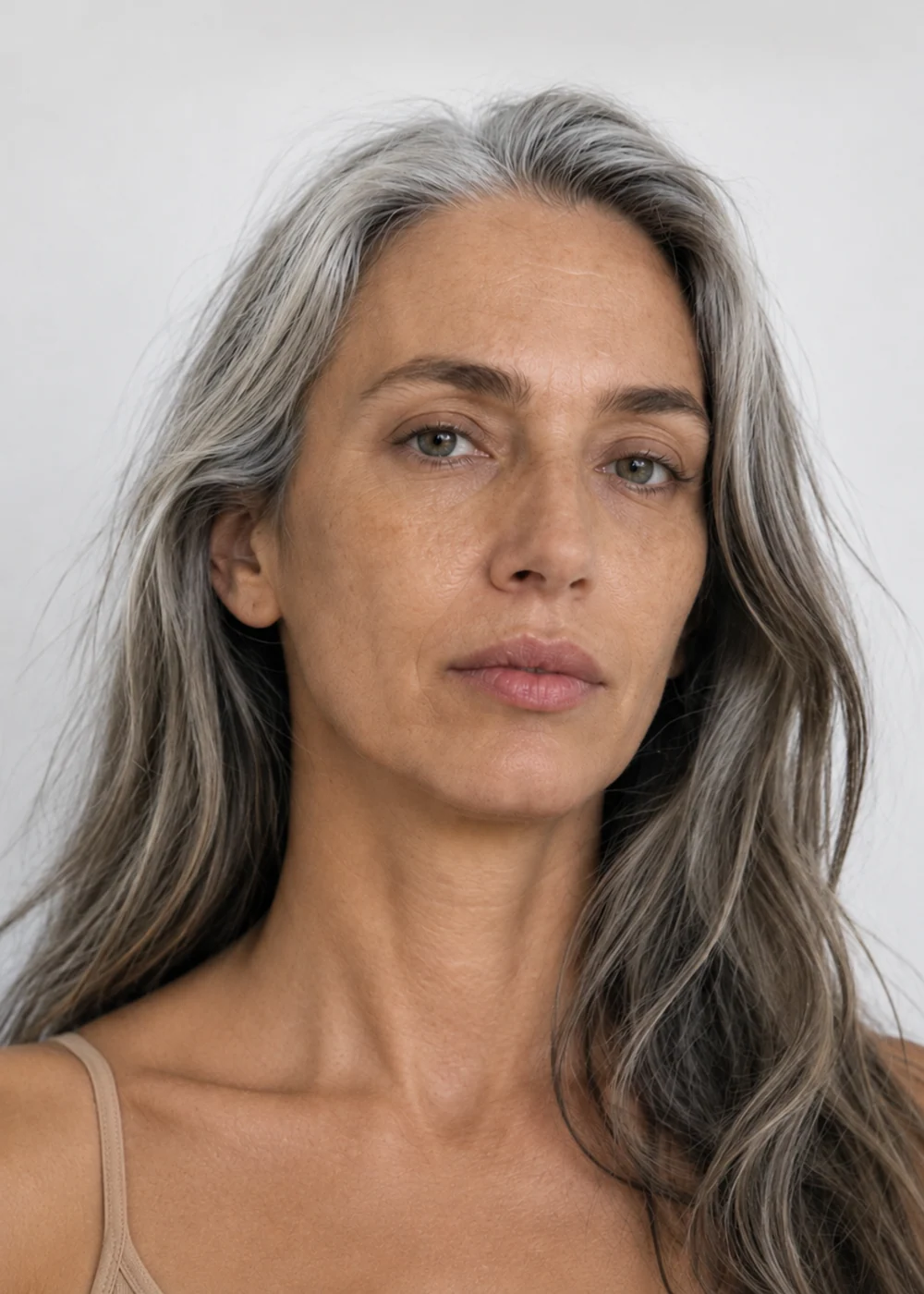
Write who you want to see: age, build, hair, features. Or open our casting and choose a face.
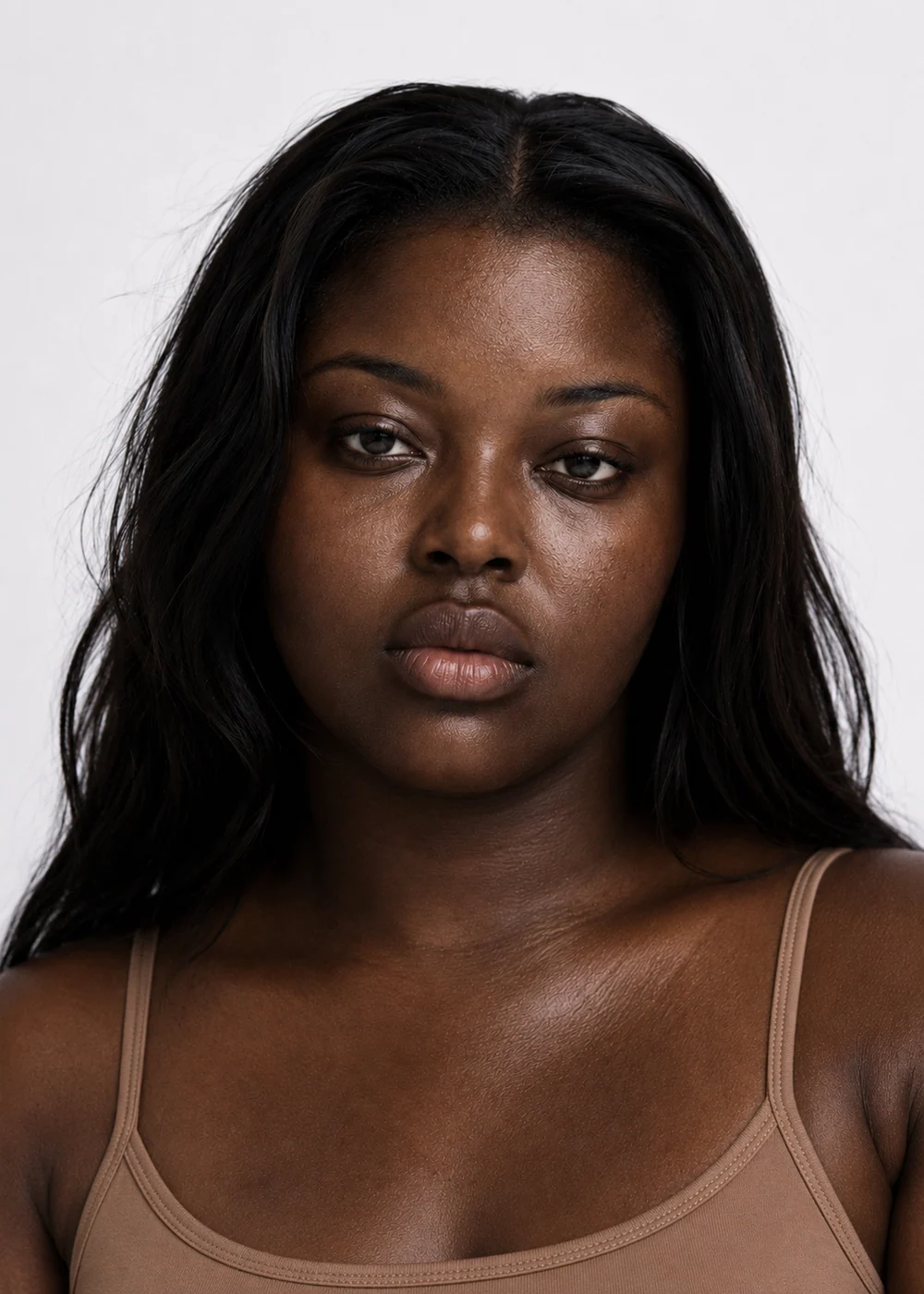
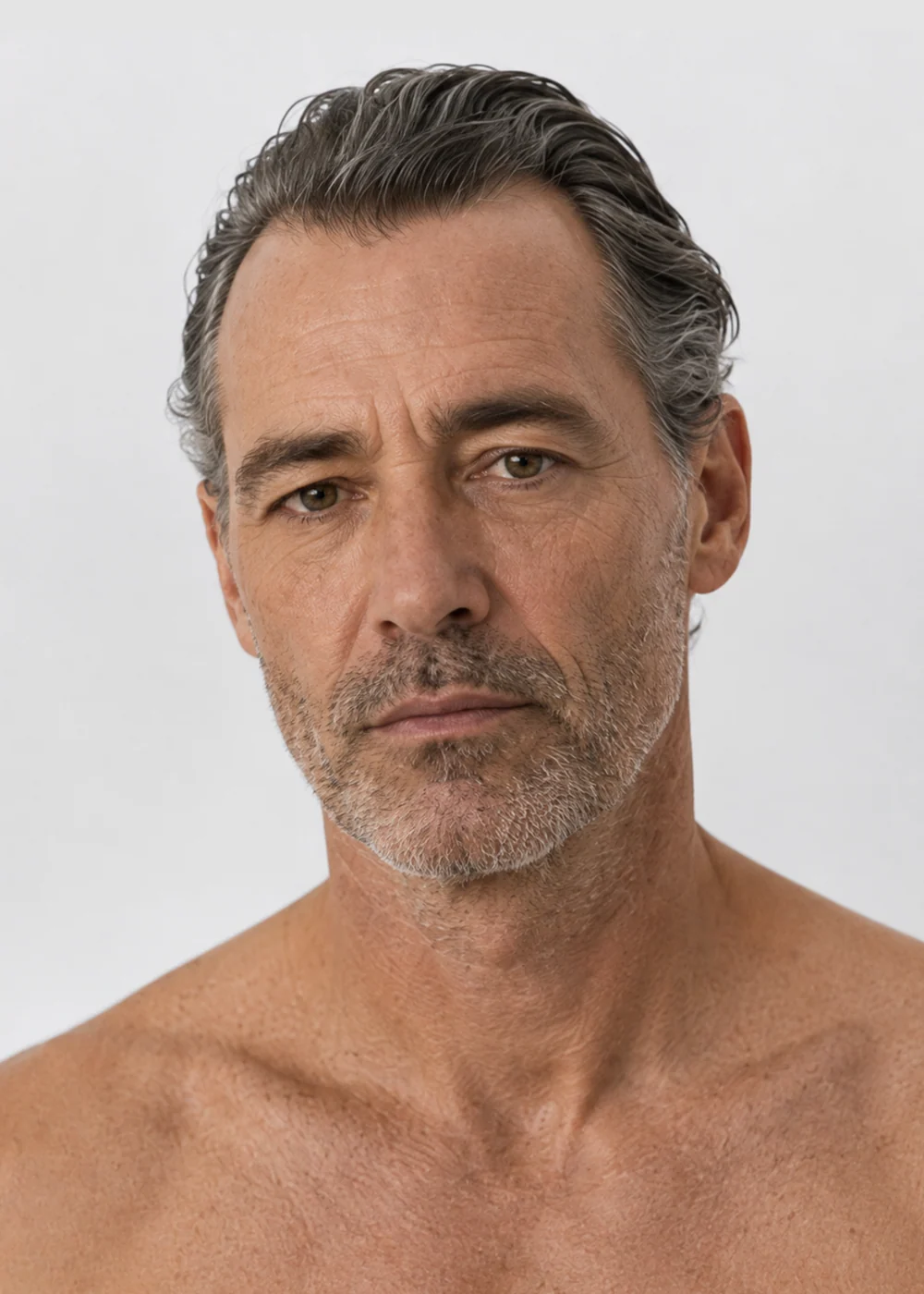
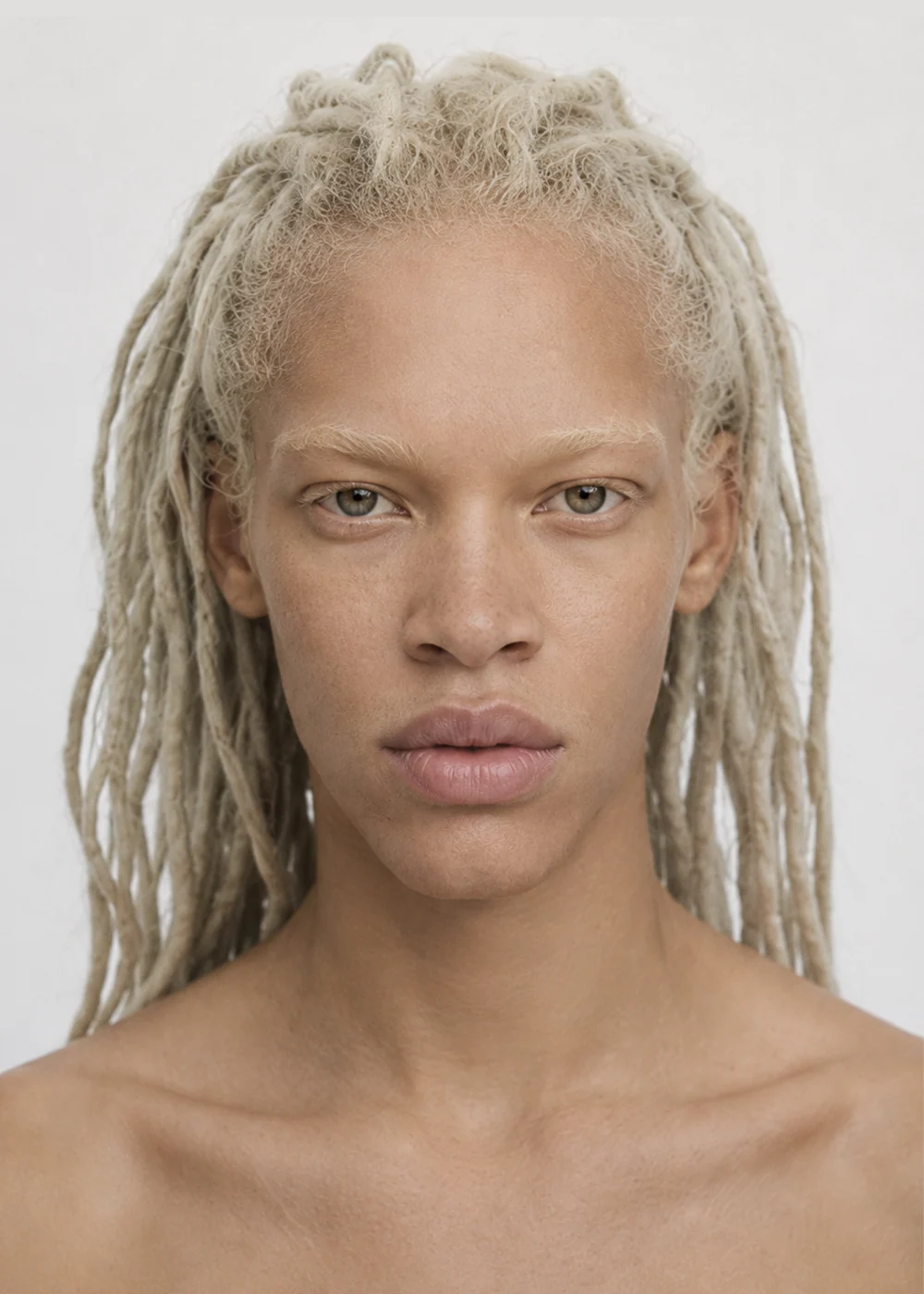
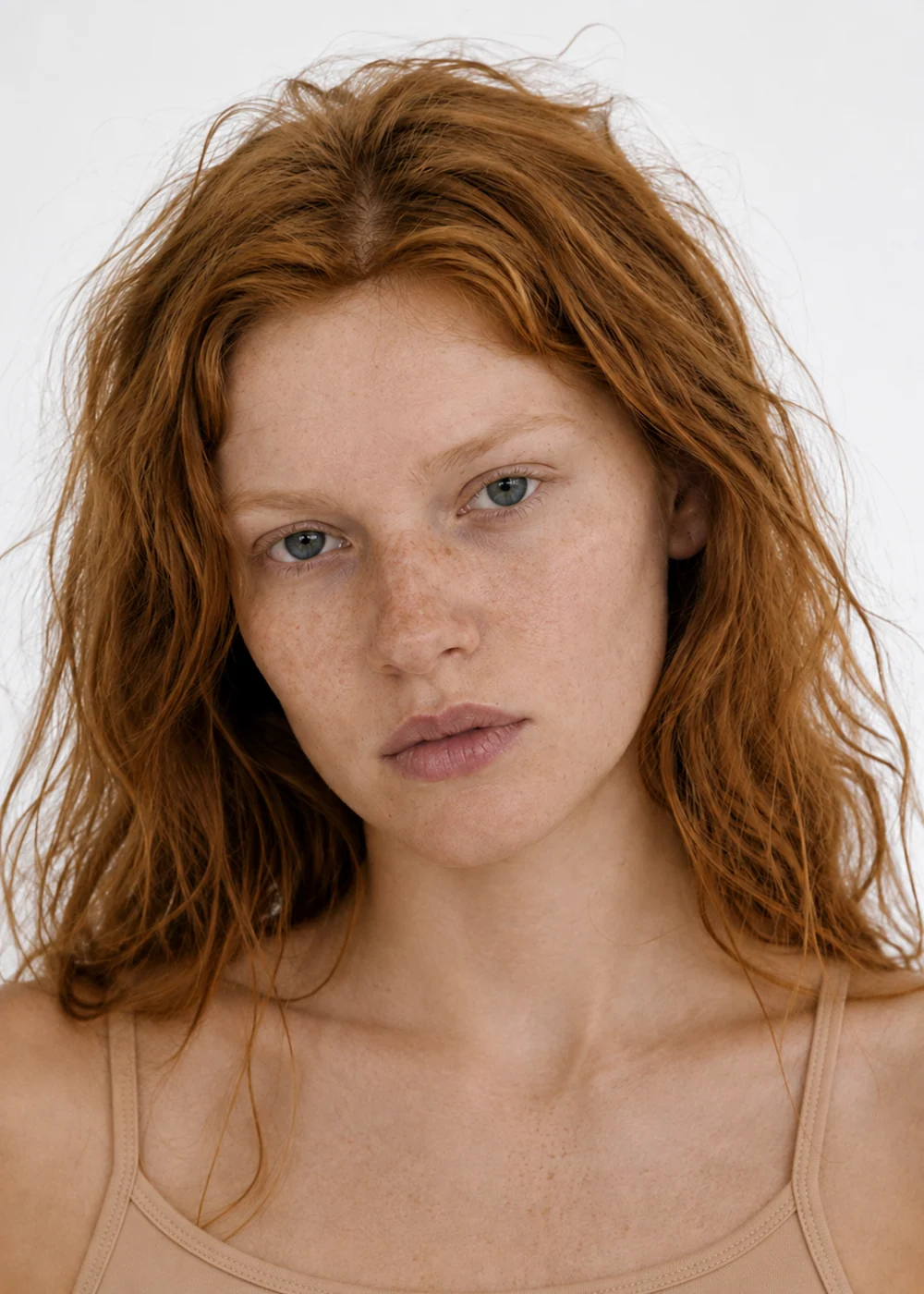
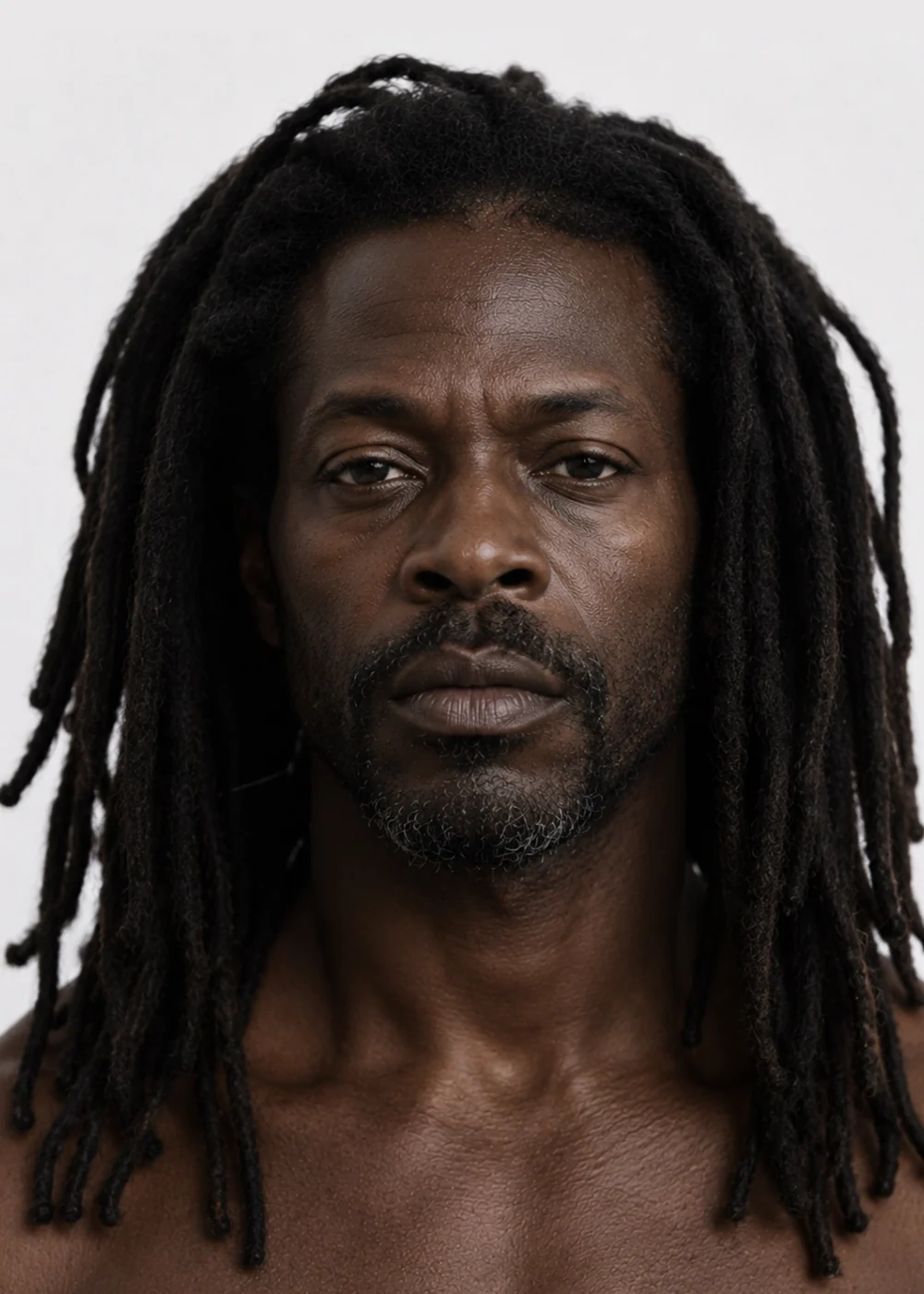
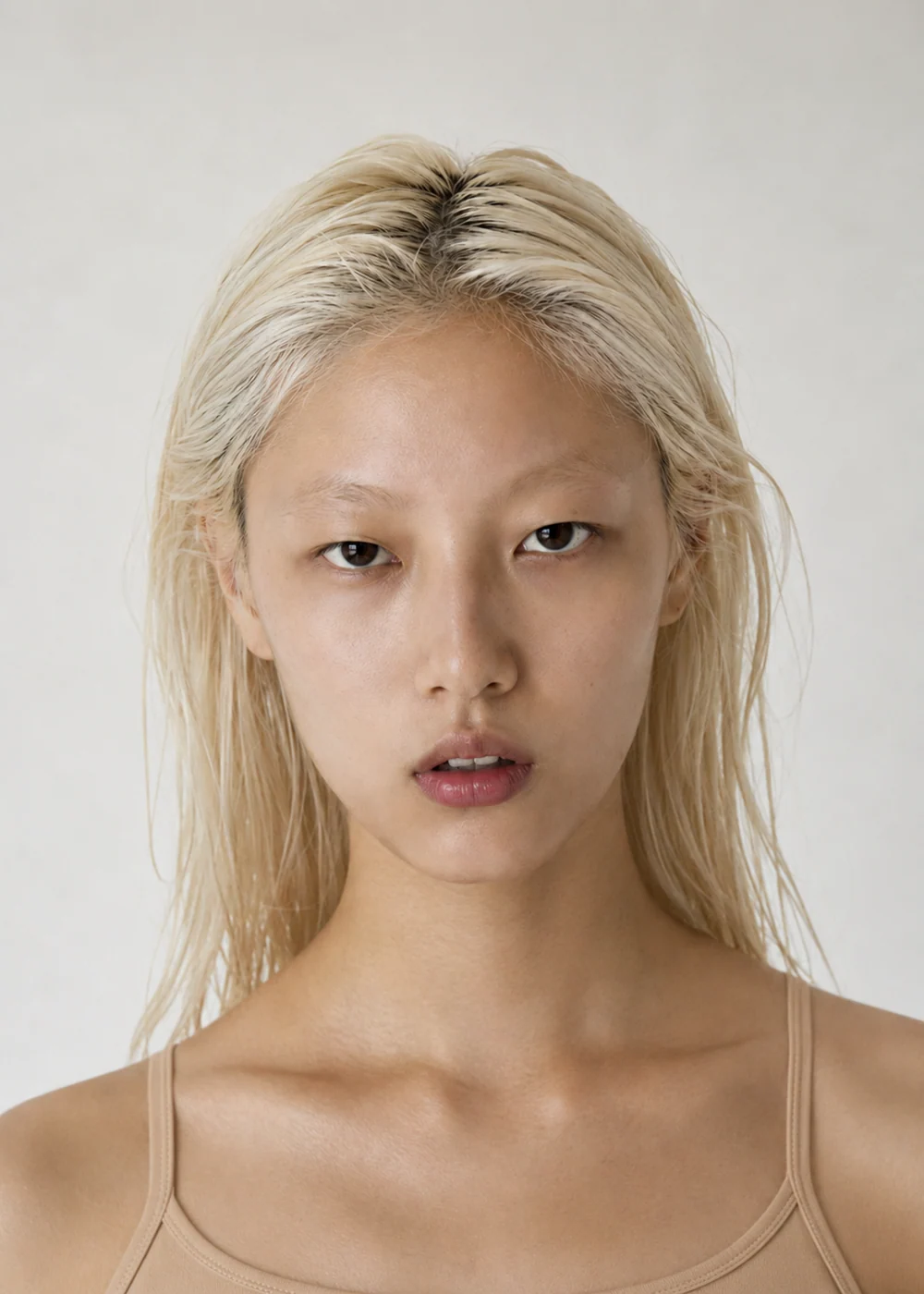
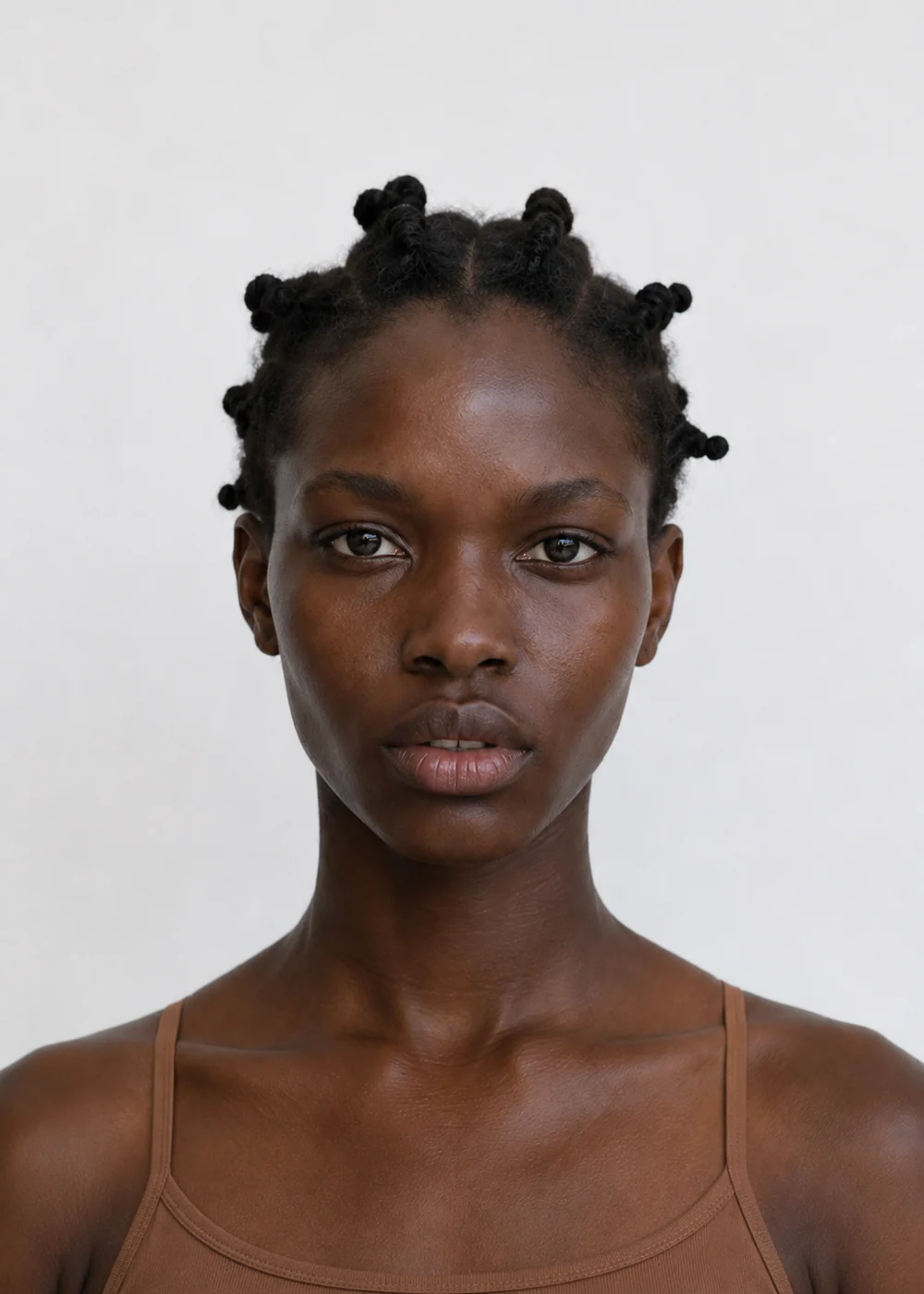
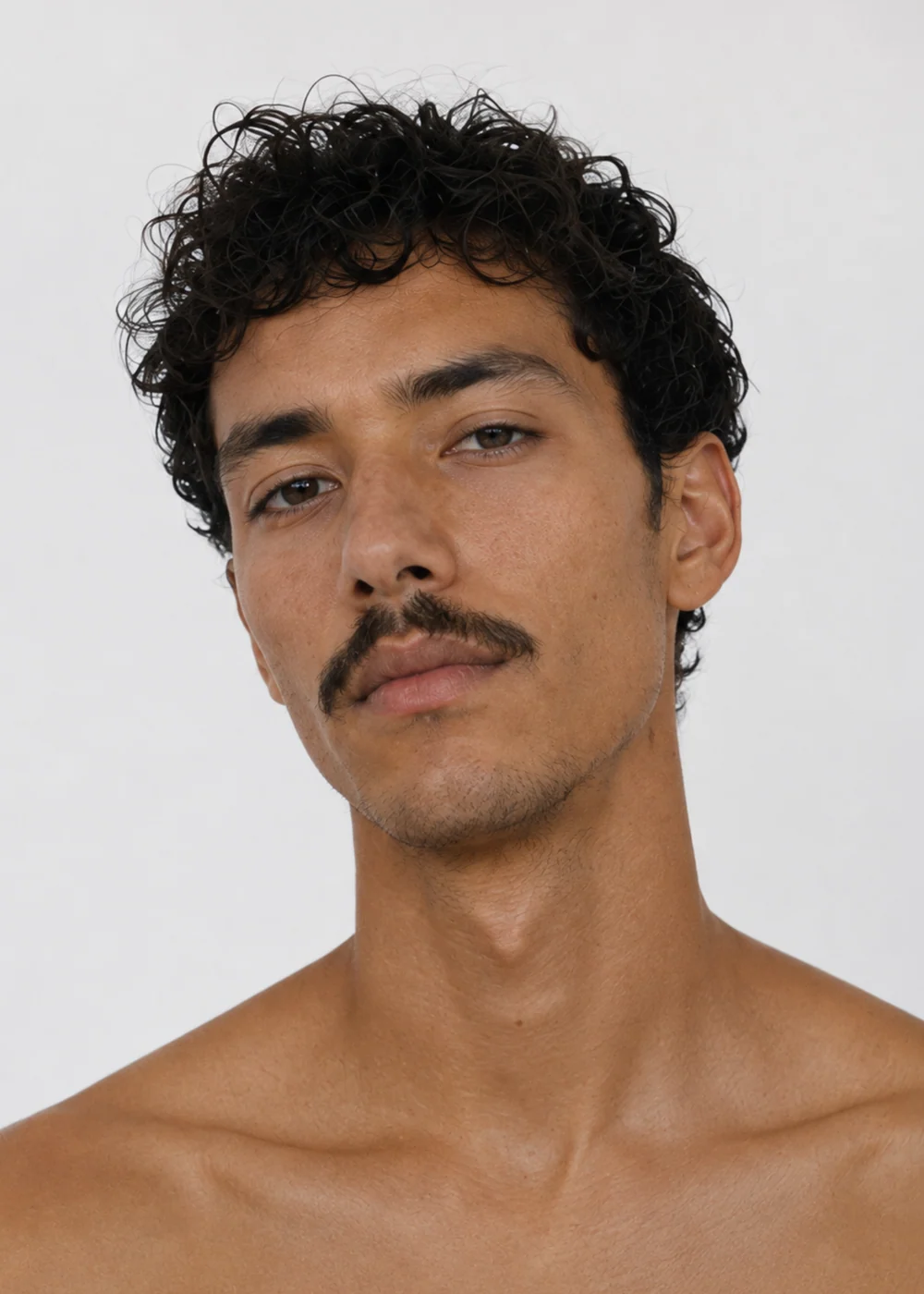
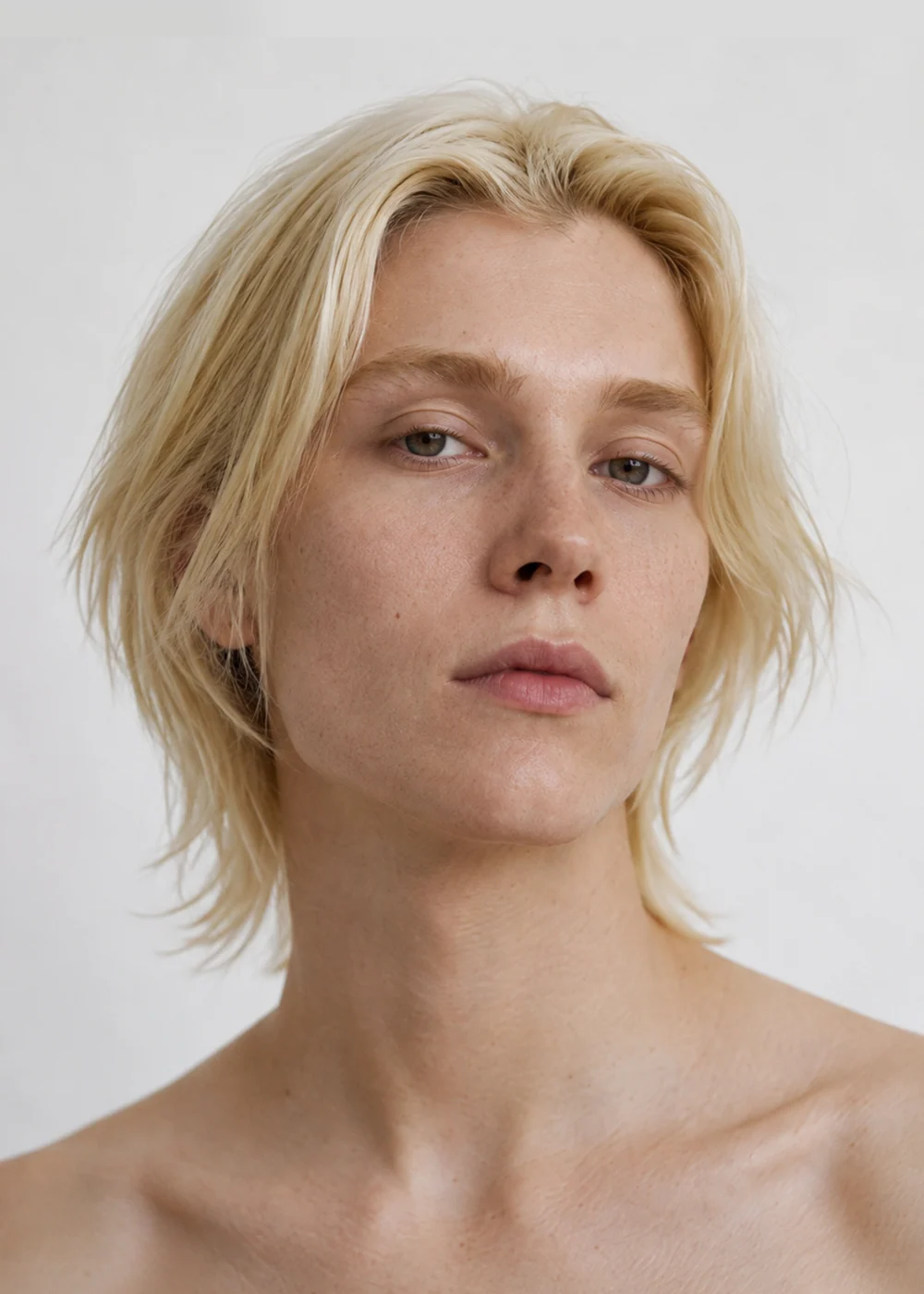
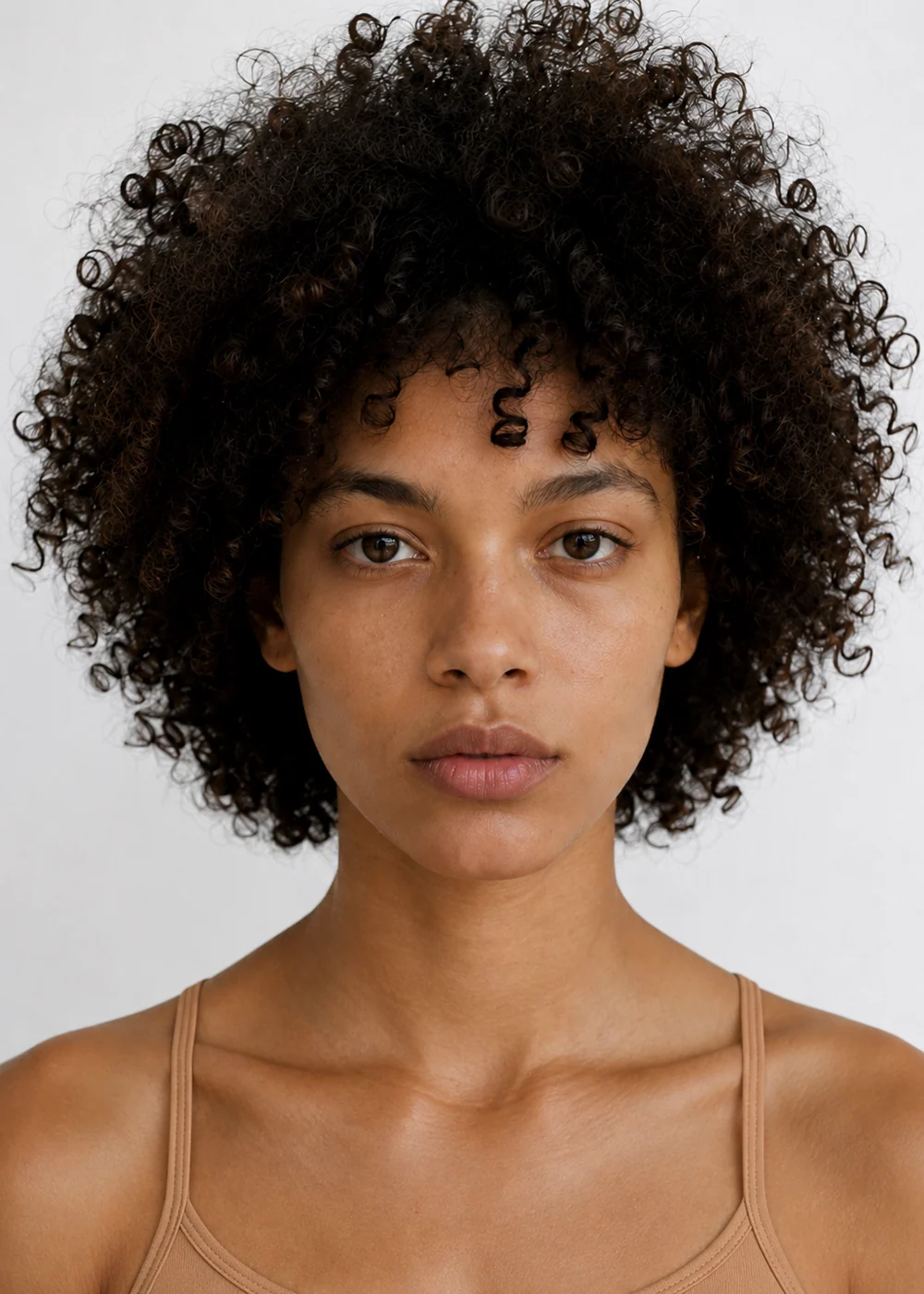
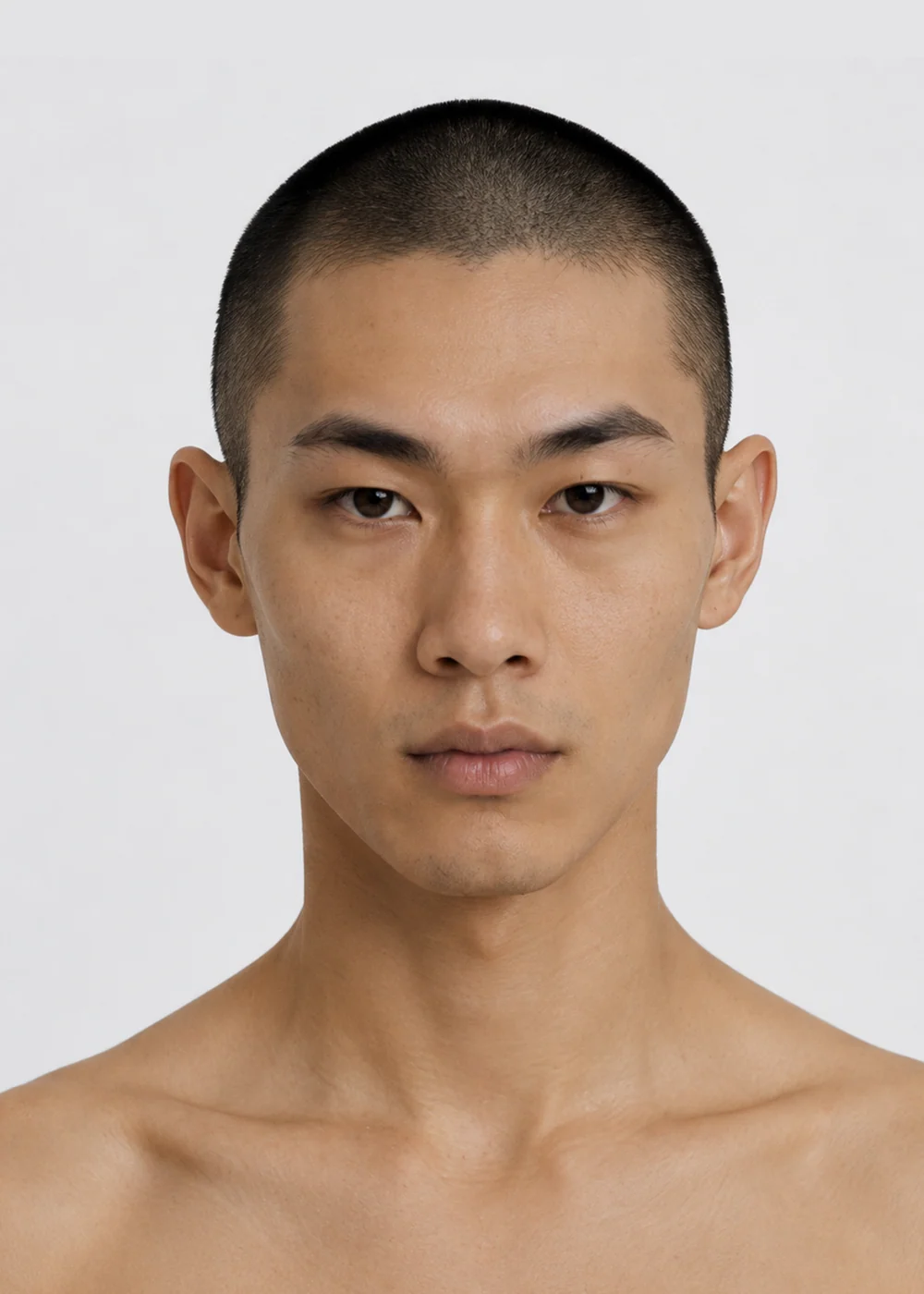
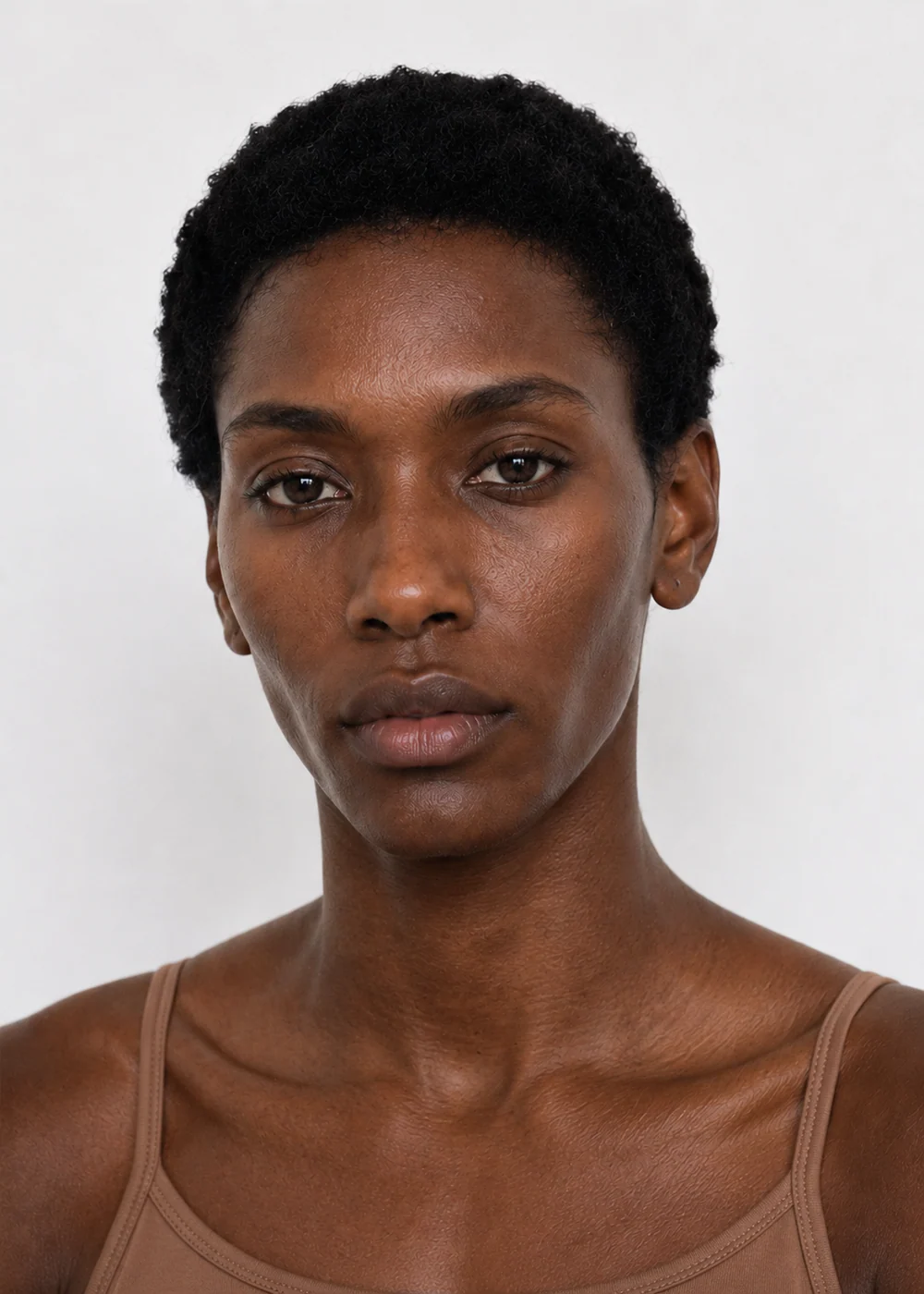
The portrait comes back the way agencies shoot digitals: white background, soft light, from the shoulders up. The photography never changes, so only the person does.
The avatar is saved with its own card. Choose it in the Editorial or Catalog Generator and the same person wears your garment, even at full length.
Every face here comes from the FUPstudio casting in the Avatars library: every person shot the same way, so you compare people and not photographs. Open one to see their card.
Keep one model across a whole collection, a lookbook and a store.
Age, build and features are yours to write: the casting is as varied as you describe it.
Every portrait is shot the same way, so choosing between faces is quick and fair.
Put your avatar in a real place, wearing your garment, in the art direction you choose.
Your avatar wears the garment on studio white, front and back, for the store.
Turn a sketch, a flat or a few words into a photoreal mockup, then dress your avatar in it.
A tool that creates the people who wear your collection. In FUPstudio you describe who you want to see and get a casting portrait, shot the same way every time, so you compare people and not photographs.
Who you want to see: age, build, hair, eyes and features. The photography is fixed and written by us, white background, soft light, shoulders up, so you describe the person and never the photo.
Yes. Every avatar is saved with its own card, name and casting details. Choose it in the Editorial or Catalog Generator and every shot made with it keeps the same person; age, build and features travel with them, even at full length.
Yes. The Avatars library is our casting, every face shot the same way. Anyone can browse it; some faces are free to use, and the full casting comes with the Starter plan.
Every avatar you create is saved with its card, and you find it under My avatars whenever you choose who wears a garment.
Yes. Every account gets 250 free credits every month, no card needed. A portrait at the default quality (High) costs 30 credits. Plans and top-ups add more.
Yes. What you generate can be used in personal and commercial projects, including work for clients. The library files themselves cannot be resold or redistributed as they are. The full rules are in the Terms.
Open the generator and describe who you want to see. Every account starts with free credits, no card needed.