Buy your weekday smoothies and get your weekend ones for free. (7 for the price of 5!)
WELLNESSWEEK
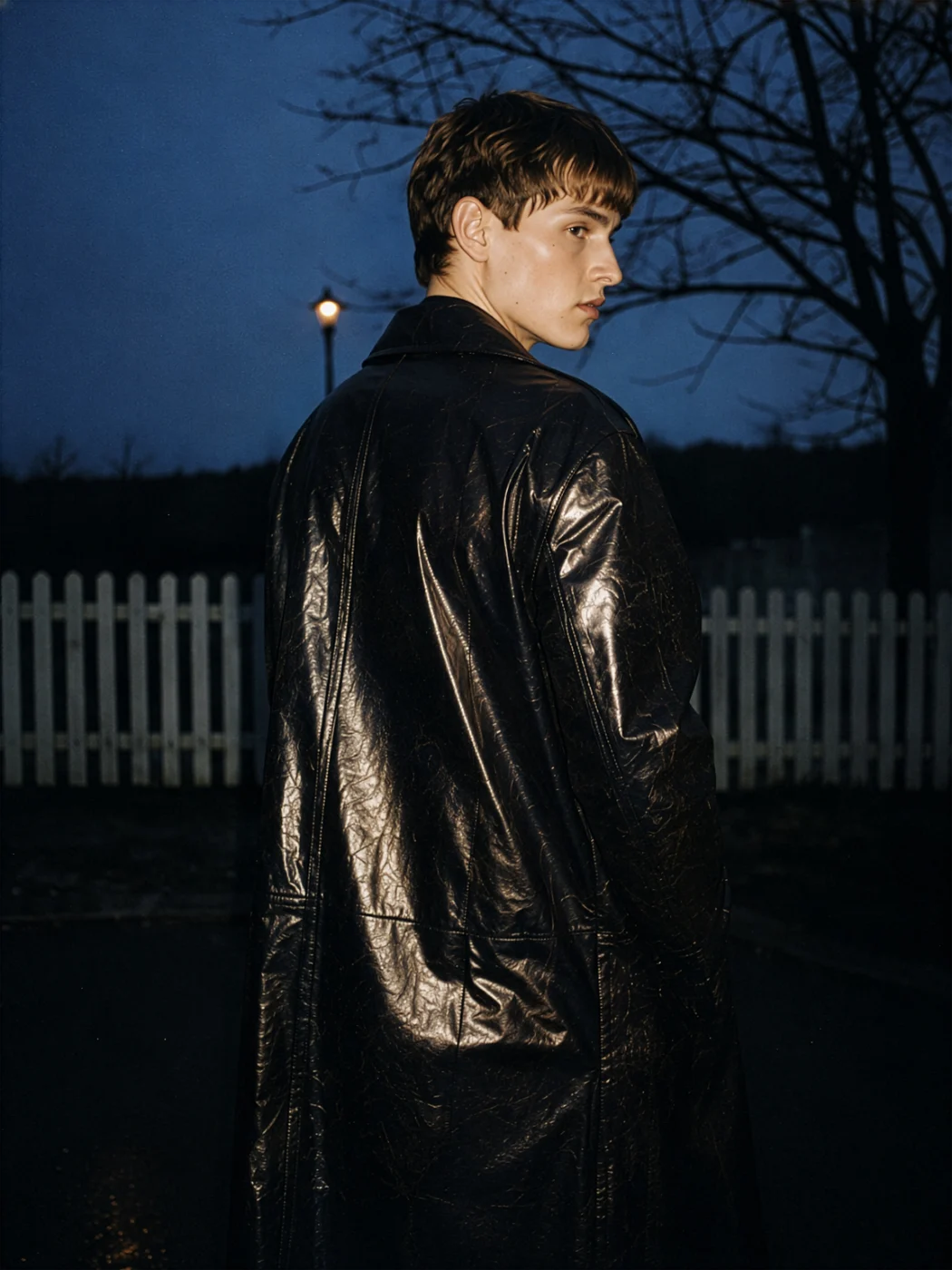
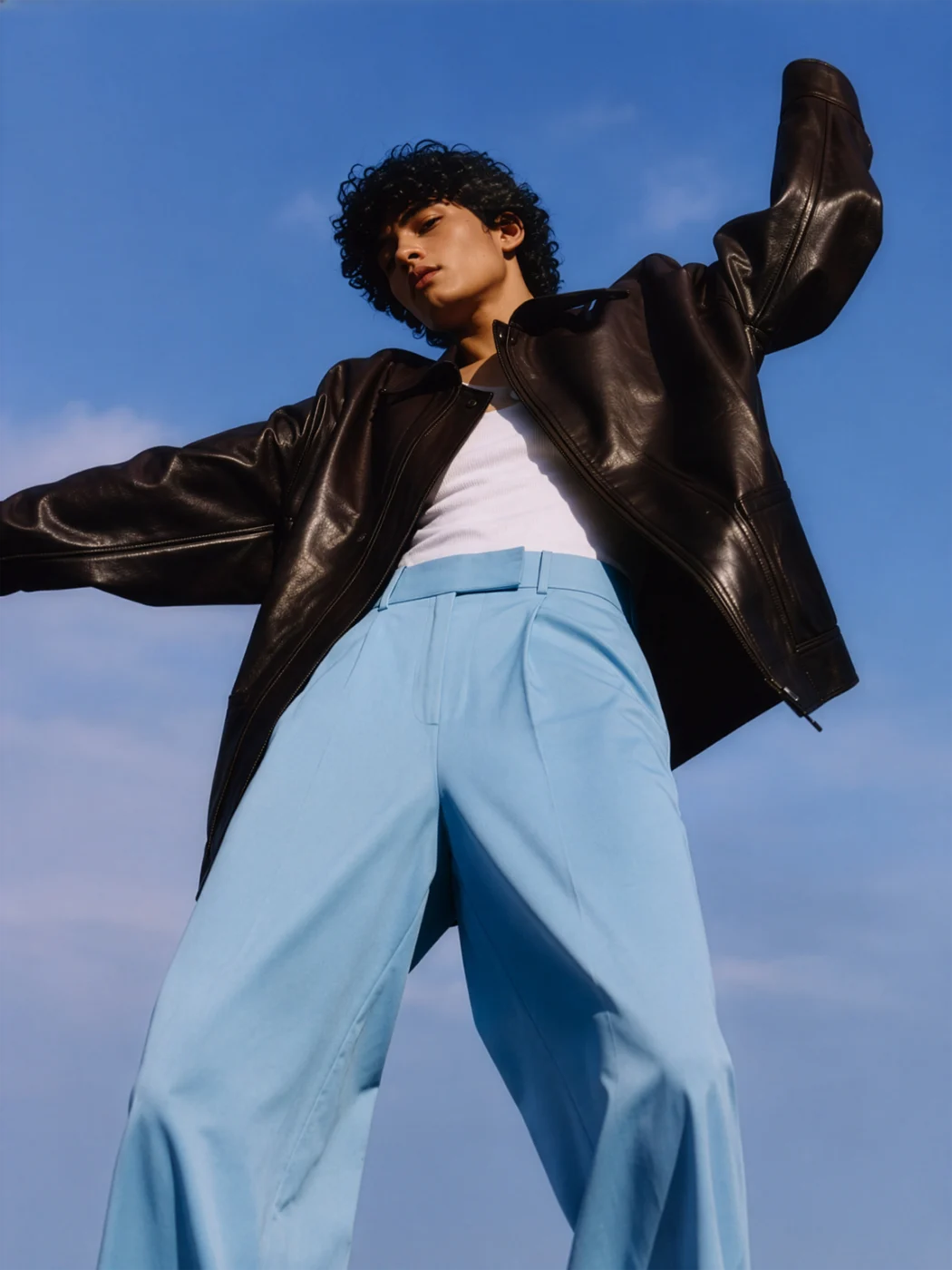
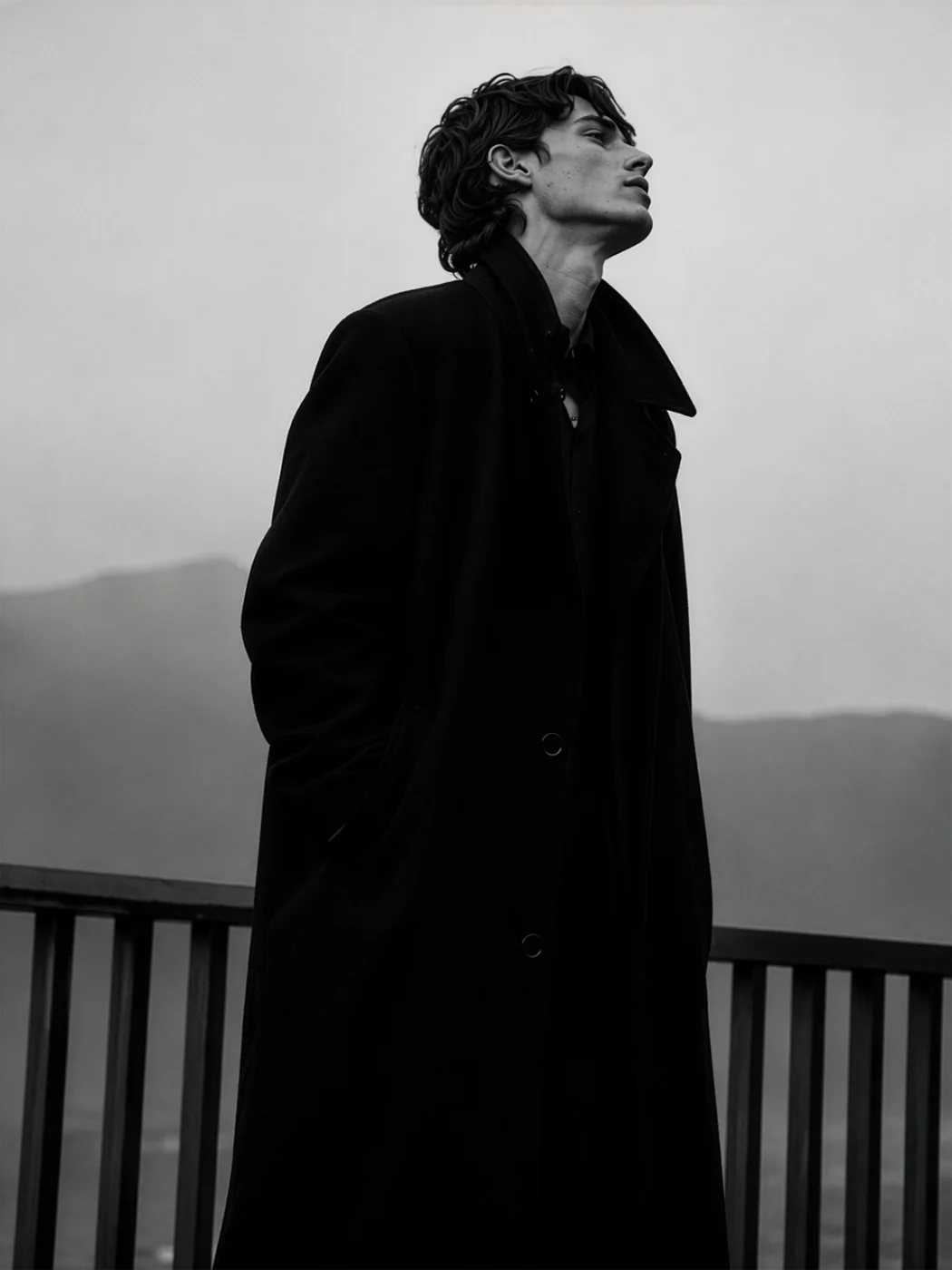
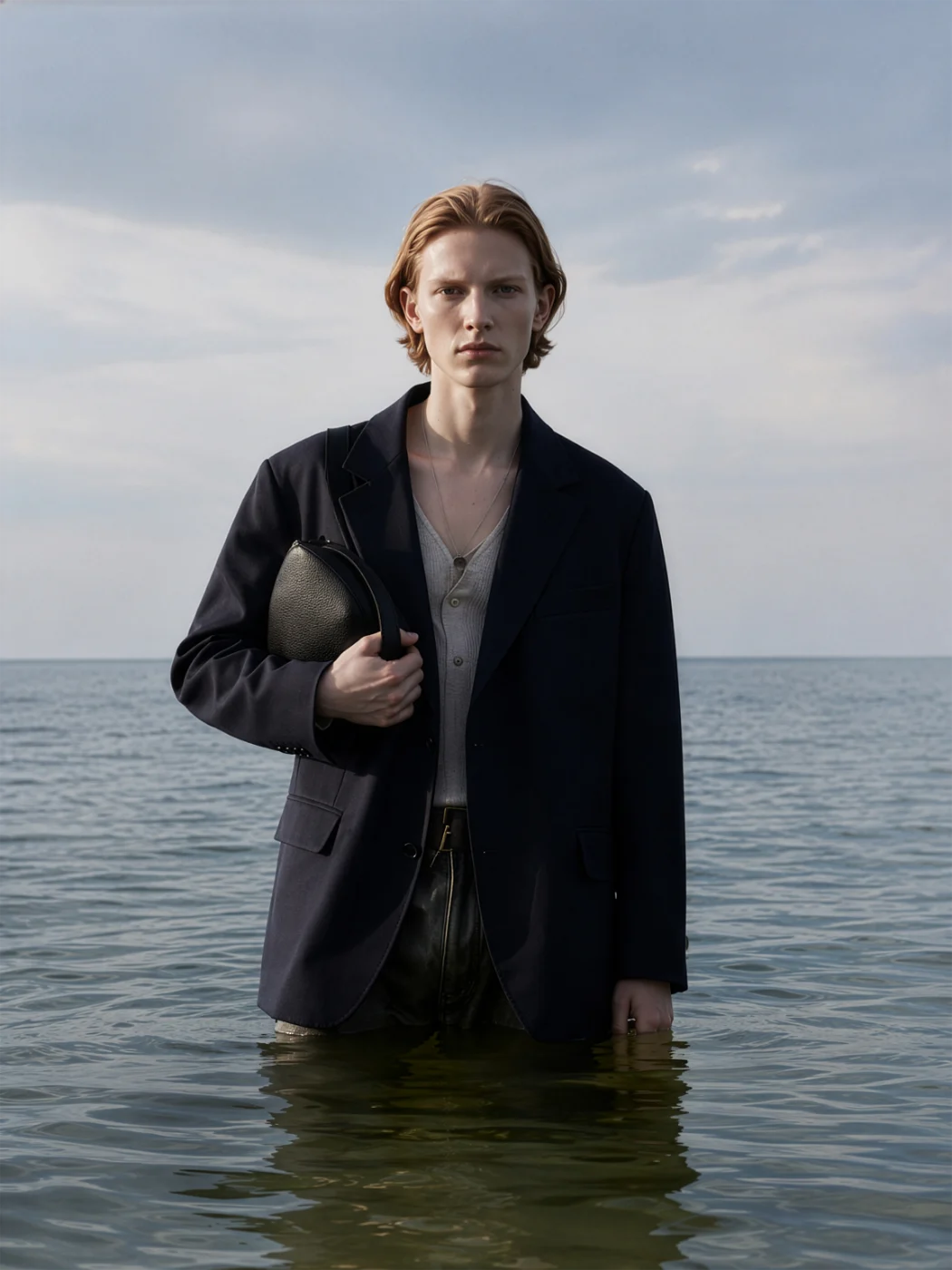
Your garment on a model, in a real place.
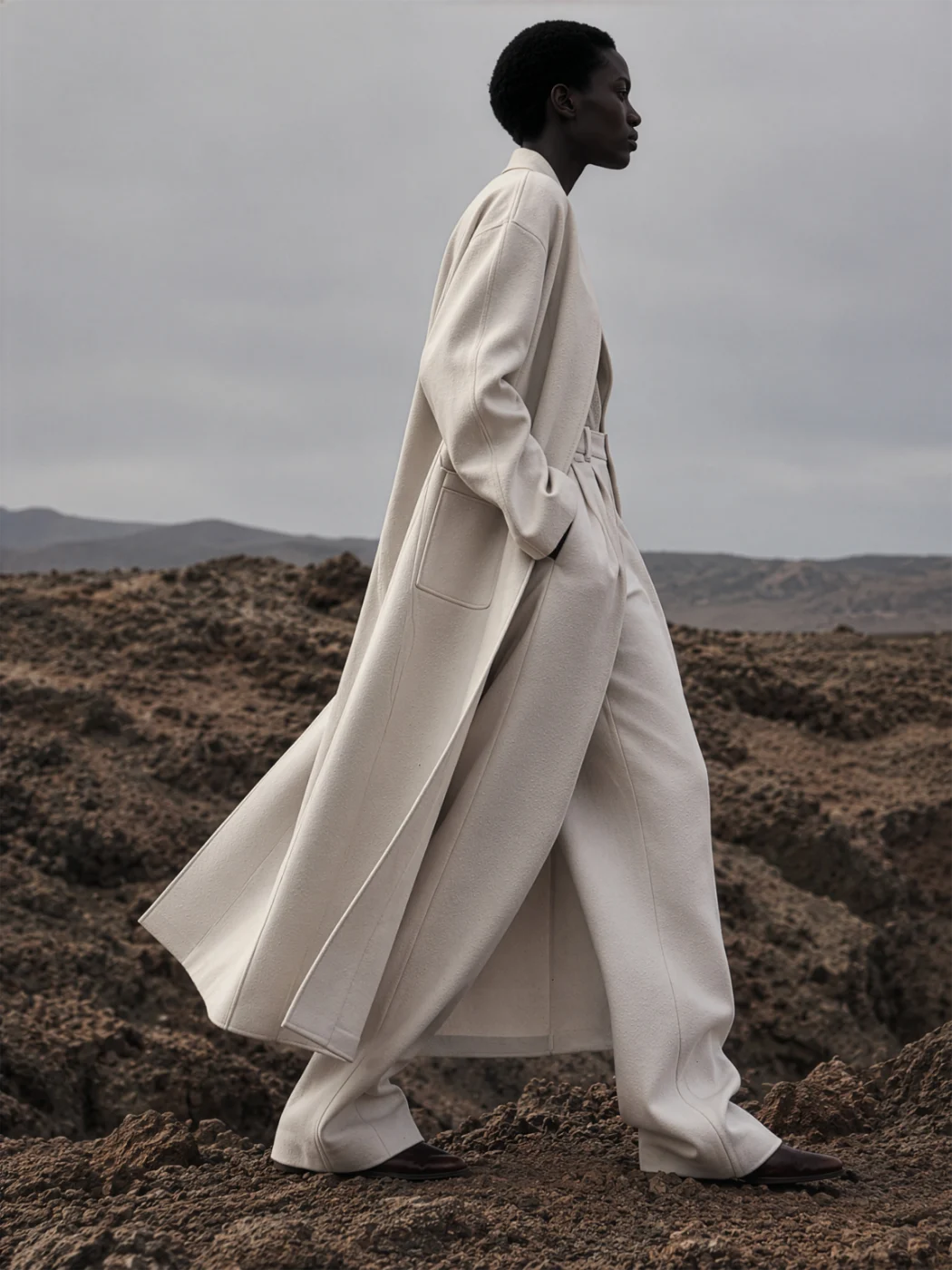
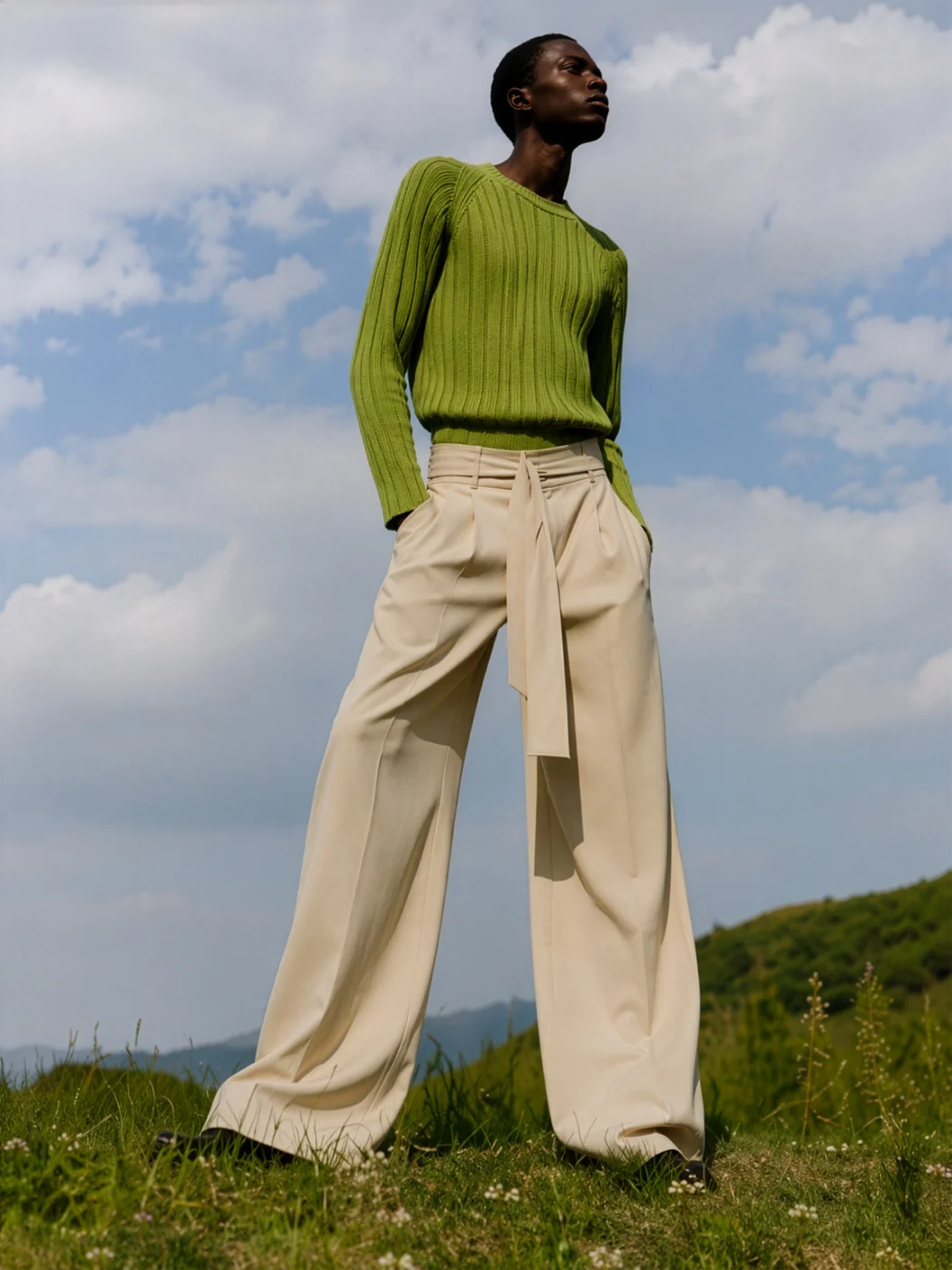
Describe the garment or attach your mockup, a sketch or any reference. The Editorial Generator puts it on a model in a real place, in the art direction you choose: the shot for a lookbook or a campaign, without a photoshoot. The garment stays the same; only the scene changes.
250 free credits every month. No card needed.
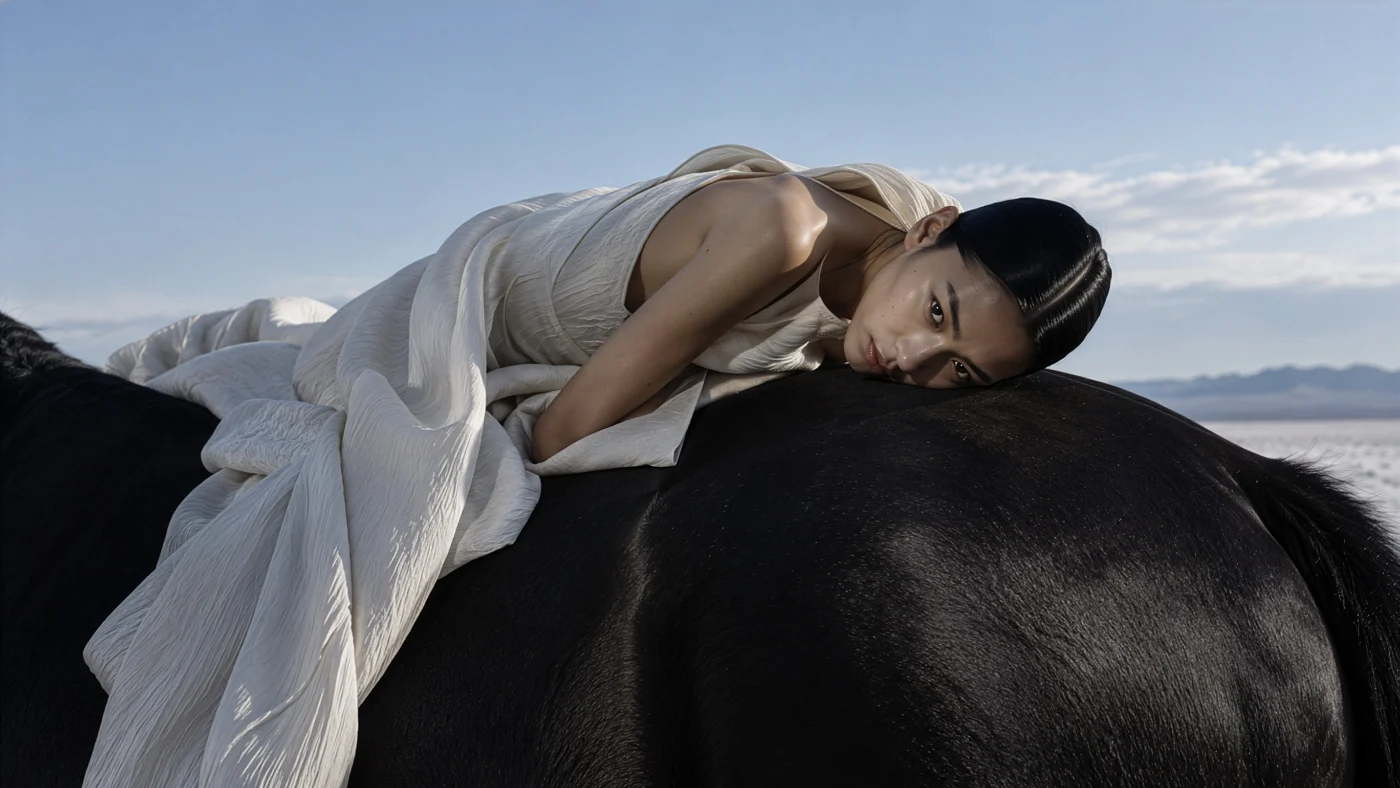
Describe it in the bar, or attach your mockup, a sketch or any reference photo. A few words are enough to start.
Pick who wears it from your avatars, or let us cast one. Choose one of eleven art directions, from luxury to street, and write where the shot happens if you have a place in mind.
The garment comes back on a model in a real place, and it does not change: only the scene around it. Download it, make another take, or reopen it in another generator.
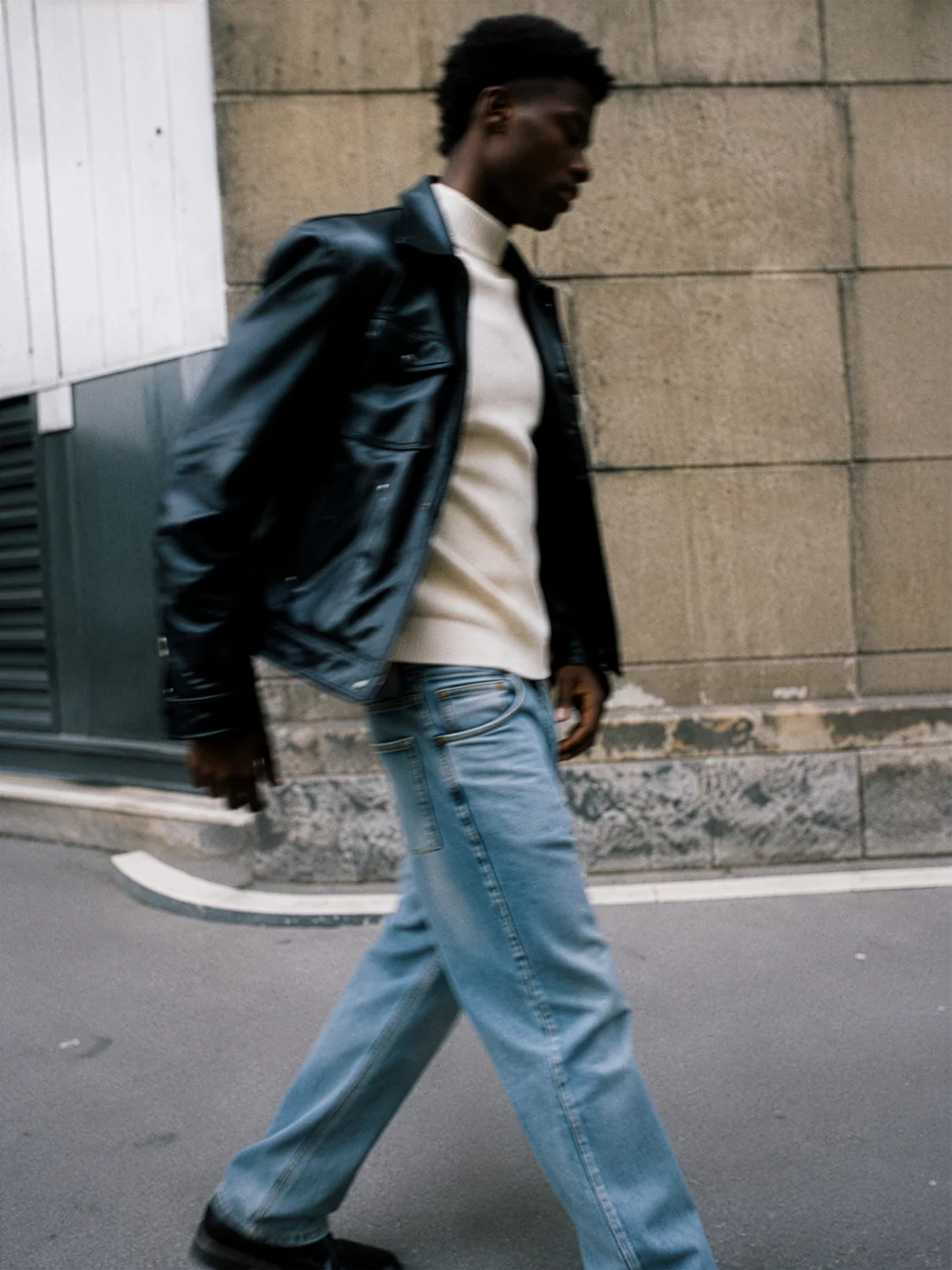
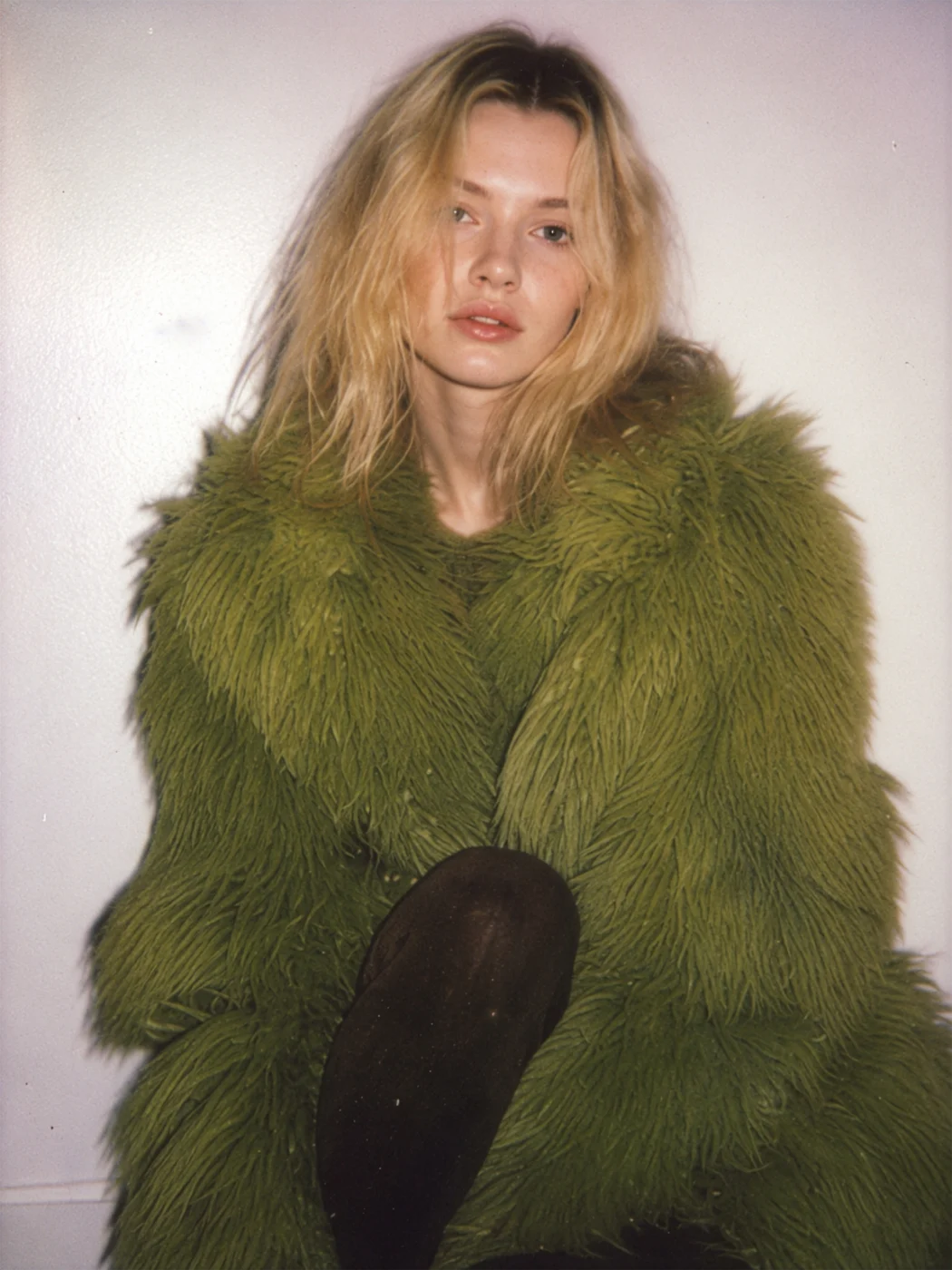
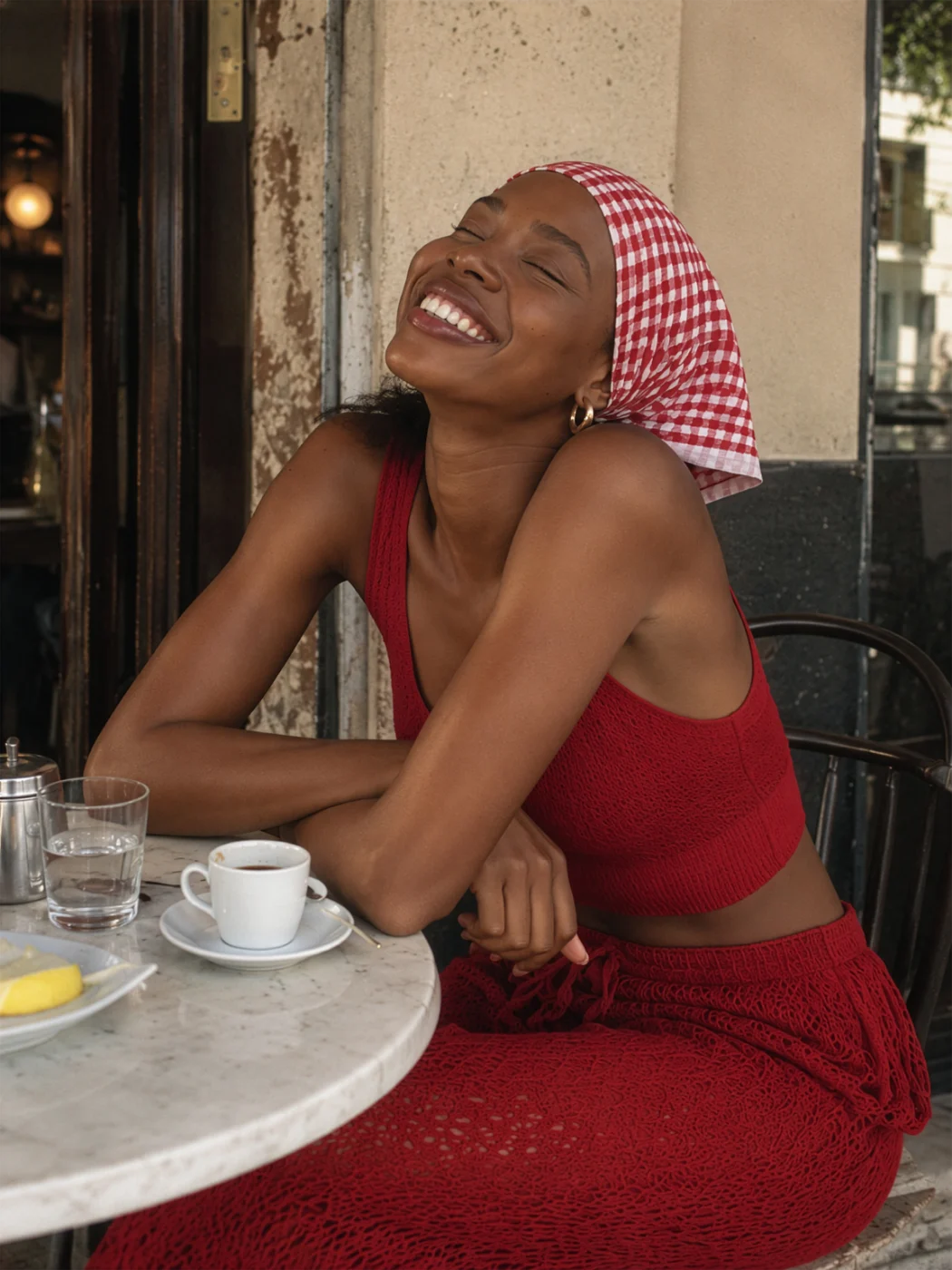
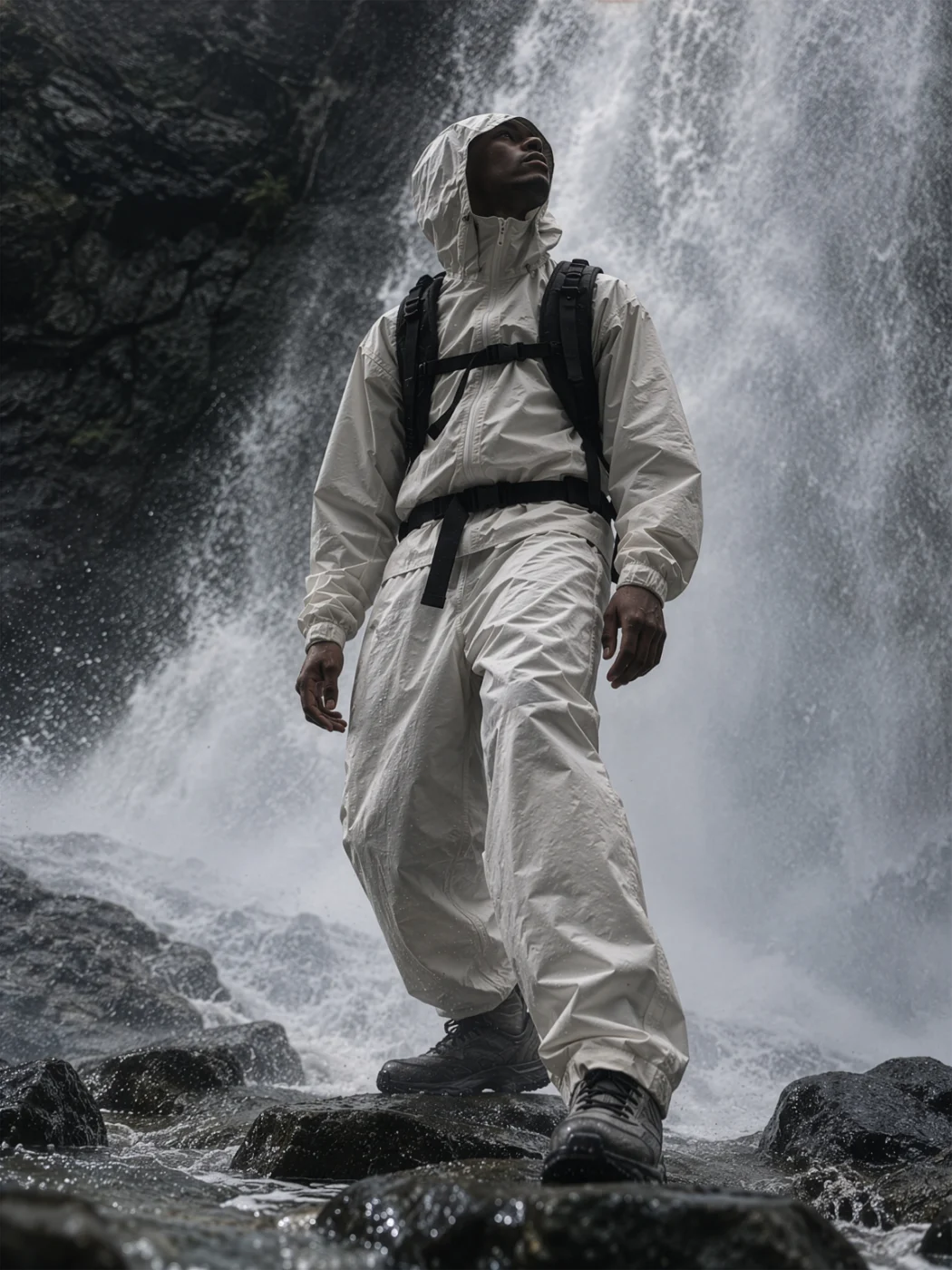
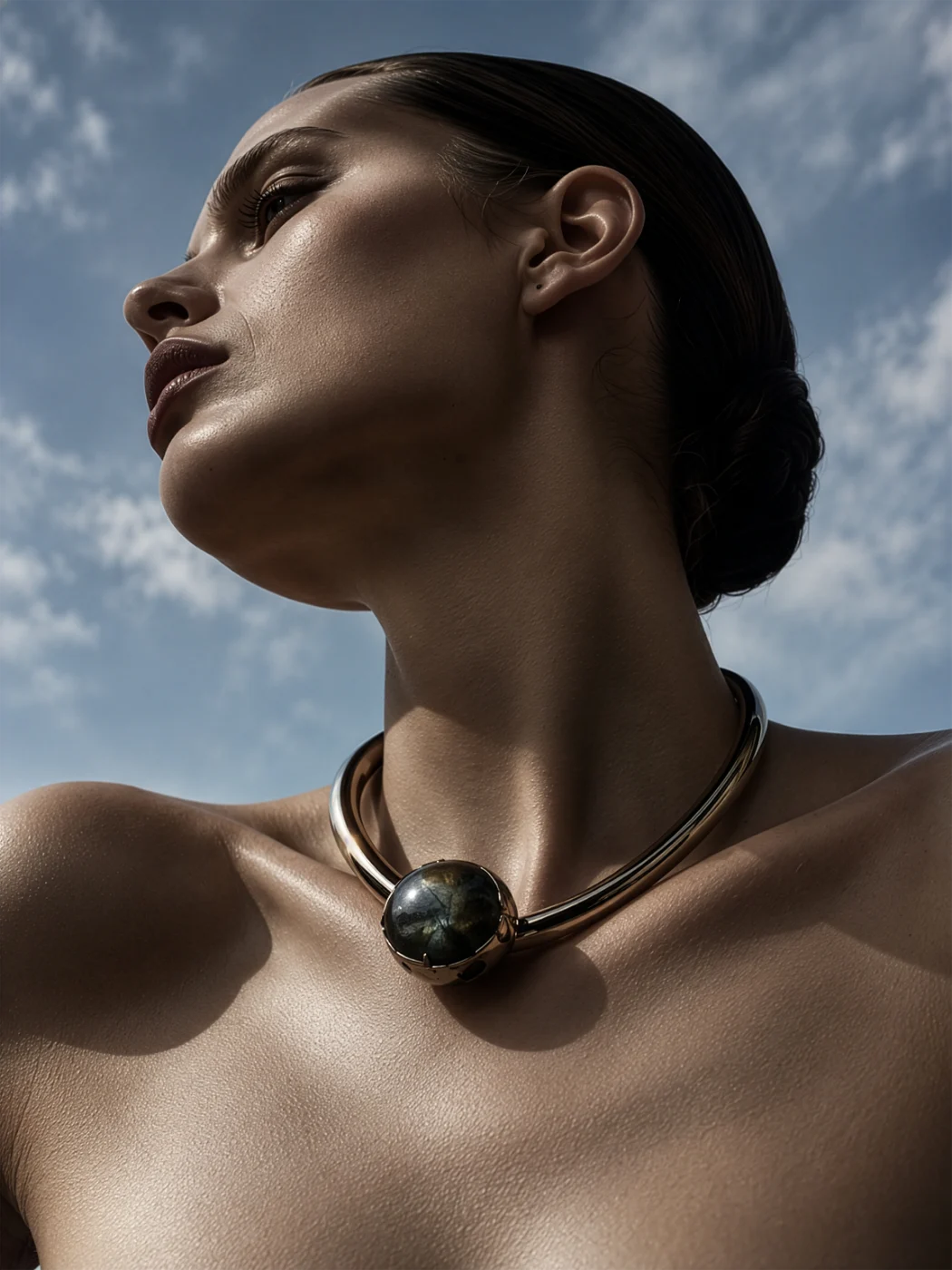
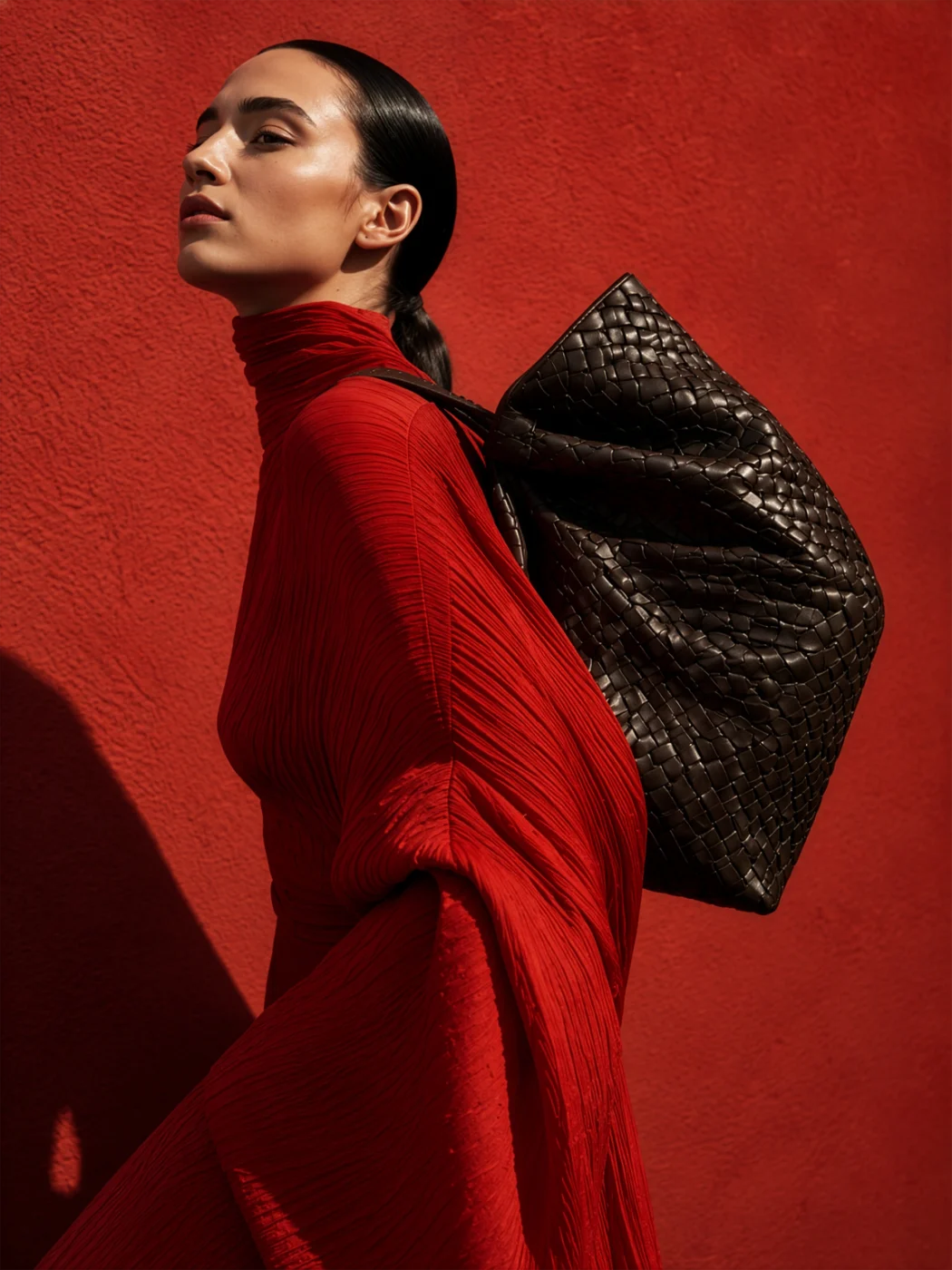
Every image here comes from the FUPstudio Editorials library: campaign references sorted by the same art directions you choose in the generator. Open one to see it there, or shoot yours the same way.
Show the whole collection on a model, in real places, before a single sample is photographed.
Shots for a launch, a pre-order page, a pitch or social media, in the art direction you choose. Commercial use included.
Try the same garment in luxury, street, film or black and white, and see which direction fits the brand.
Take the same garment onto studio white or no background, front and back, ready for the store.
Create the person who wears the collection and keep the same face in every shot.
Turn a sketch or a flat into a photoreal mockup first, then bring it here to shoot it.
A tool that puts a garment on a model in a real place: the shot for a lookbook, a campaign or social media, without organising a photoshoot. In FUPstudio the garment stays the same garment; only the scene around it changes.
A few words in the bar, or a garment you attach: your mockup, a sketch or any reference photo. You can also pick who wears it and write where the shot happens.
Eleven: Luxury, Modern magazine, Black and white magazine, Film camera street, Polaroid film, iPhone, Active and sportswear, Conservative, AI assisted (surreal, yet believable), and two for accessories, one for jewellery and one for bags.
Yes. Besides On model, the garment can be shot as a flat lay or hanging, in the same art direction. With the jewellery and bag directions you can also shoot a still life.
Yes. Create an avatar in the Avatar Generator, or pick one from our casting, and every shot made with it keeps the same person.
Yes. Every account gets 250 free credits every month, no card needed. An editorial at the default quality (High) costs 30 credits. Plans and top-ups add more.
Yes. What you generate can be used in personal and commercial projects, including work for clients. The library files themselves cannot be resold or redistributed as they are. The full rules are in the Terms.
Open the generator, describe the garment or attach your mockup. Every account starts with free credits, no card needed.