Buy your weekday smoothies and get your weekend ones for free. (7 for the price of 5!)
WELLNESSWEEK
From a few words or a photo to a fabric swatch you can dress a garment in.
Describe the material or attach a photo of a real fabric. The Fabric Generator draws it as a flat, square swatch with its card, composition, weight and colours, ready to apply to a garment and to carry into its tech pack.
250 free credits every month. No card needed.
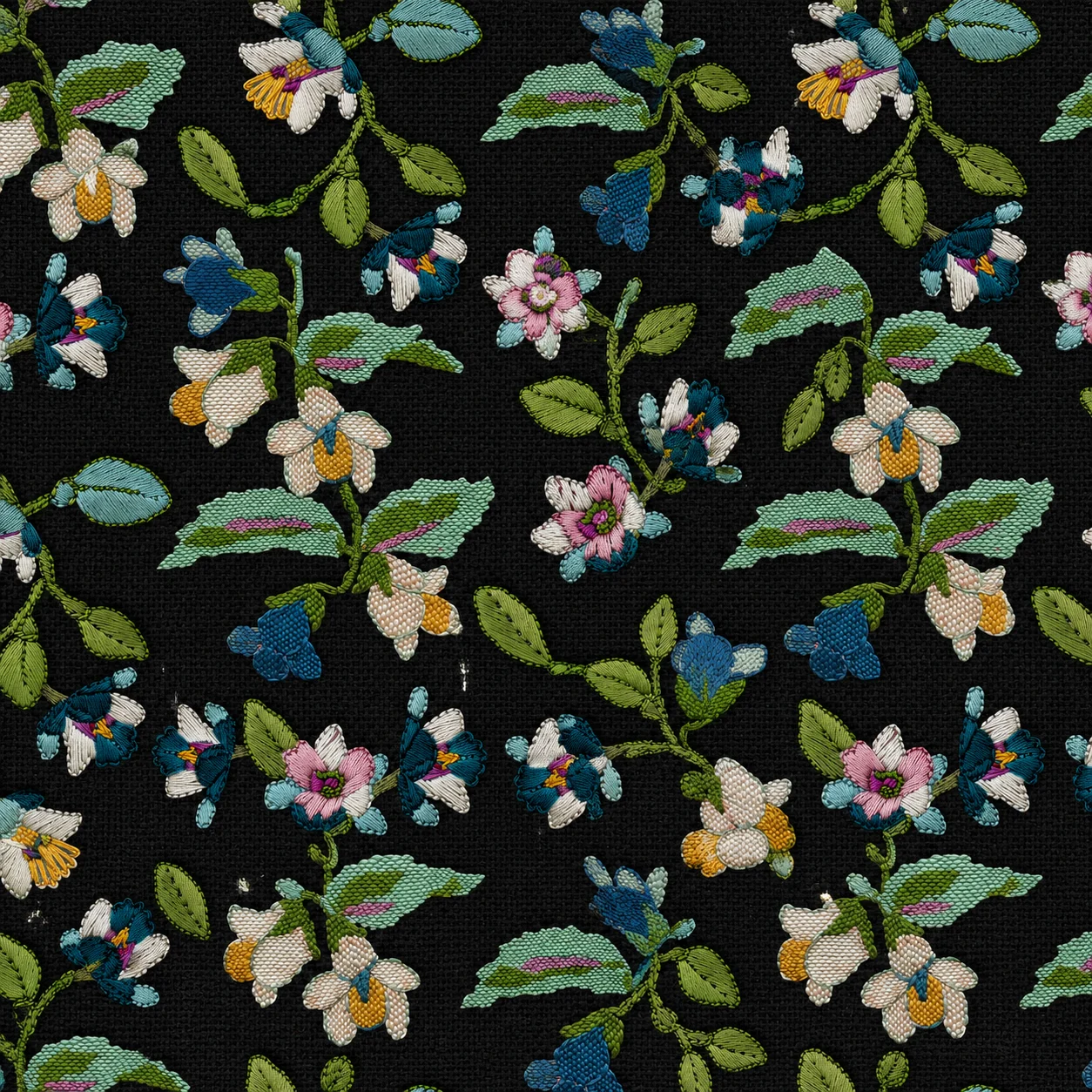
Write the material in the bar: fibre, weave, colour, finish. Or attach a photo of a real fabric and it comes back as a clean swatch.
Choose woven, knit or leather, then the cloth, from denim and tweed to jersey and suede. Add a pattern, a Pantone TCX colour, the composition and the weight.
A square swatch comes back with its card. Apply it to a garment in the Mockup Generator, or download it as a PNG.
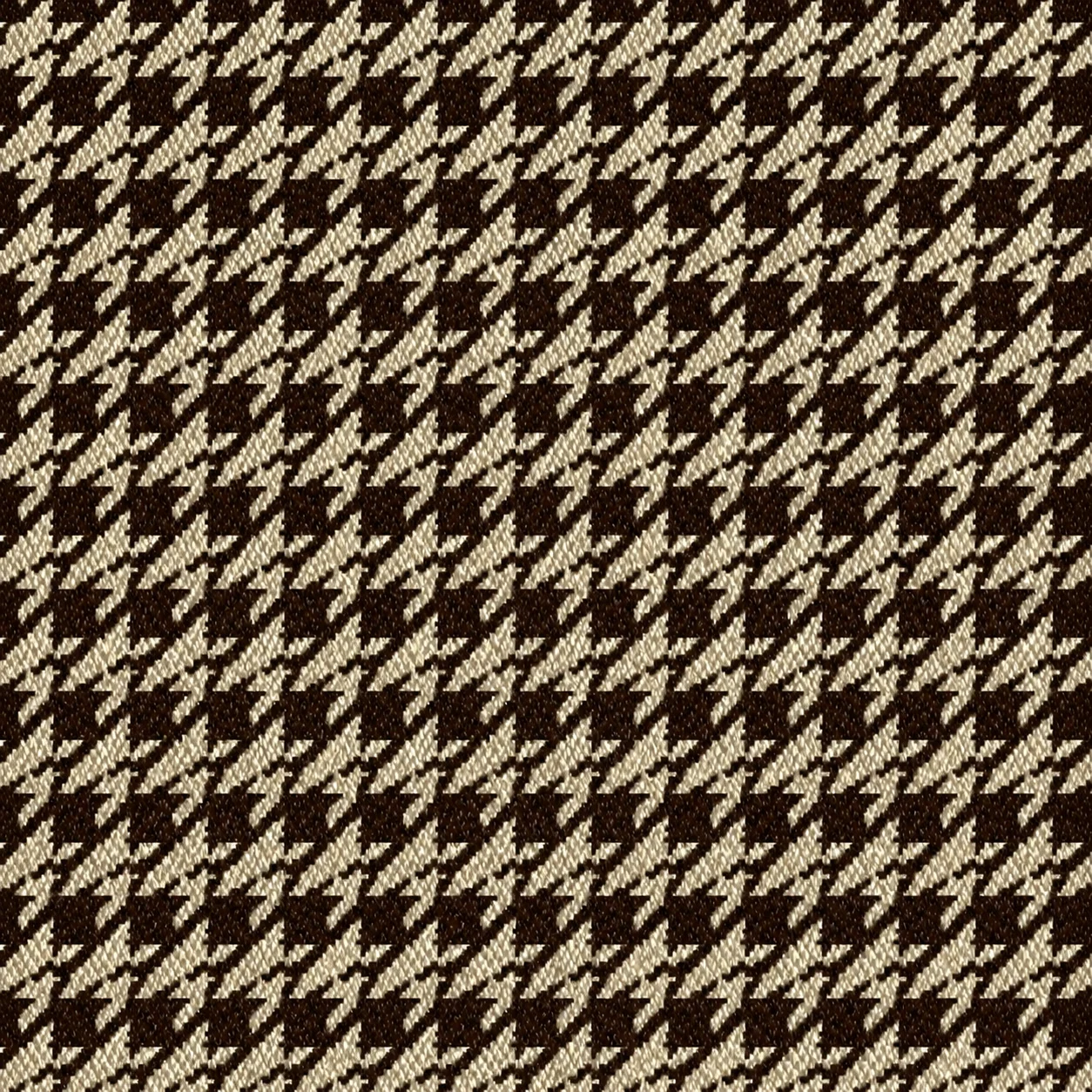
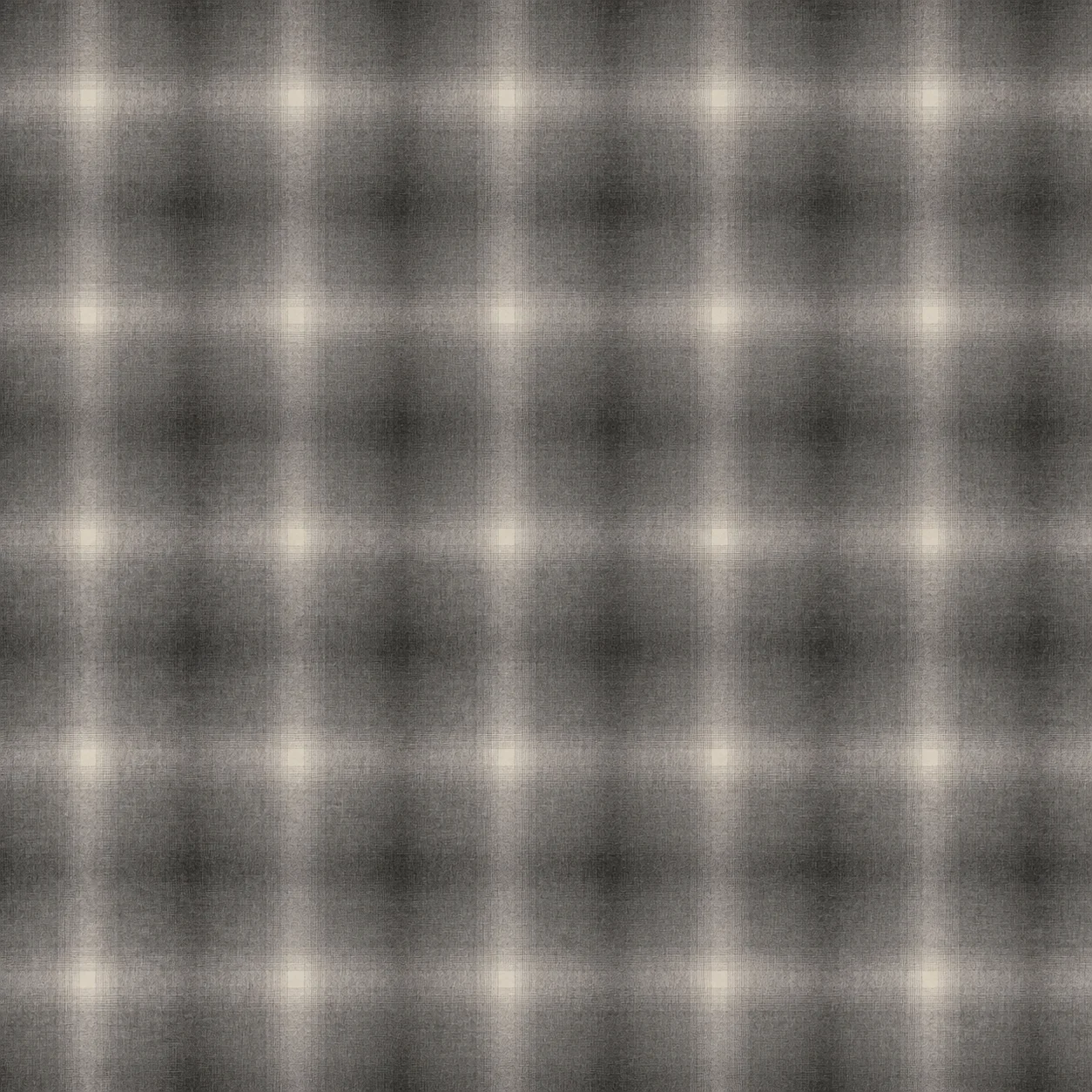
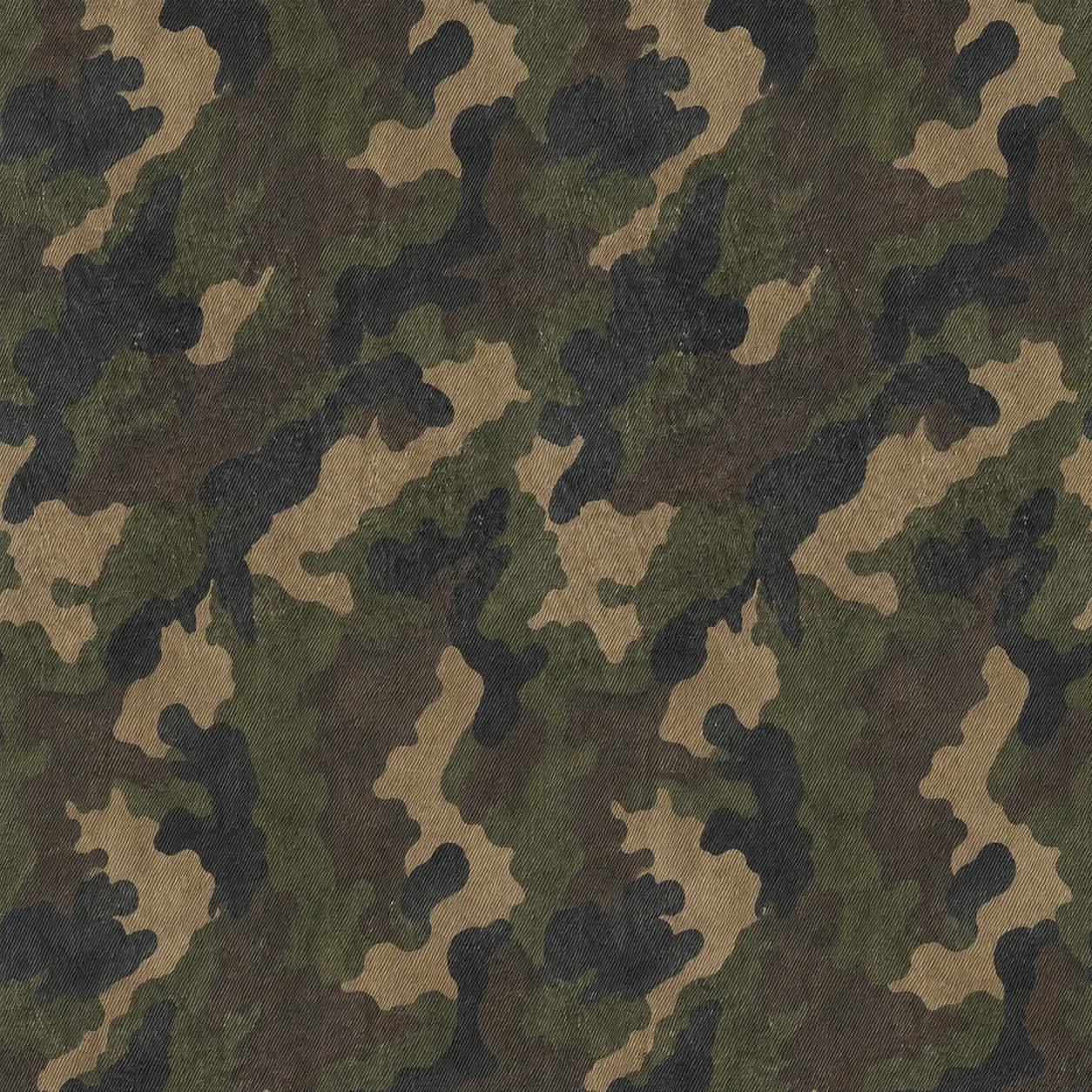
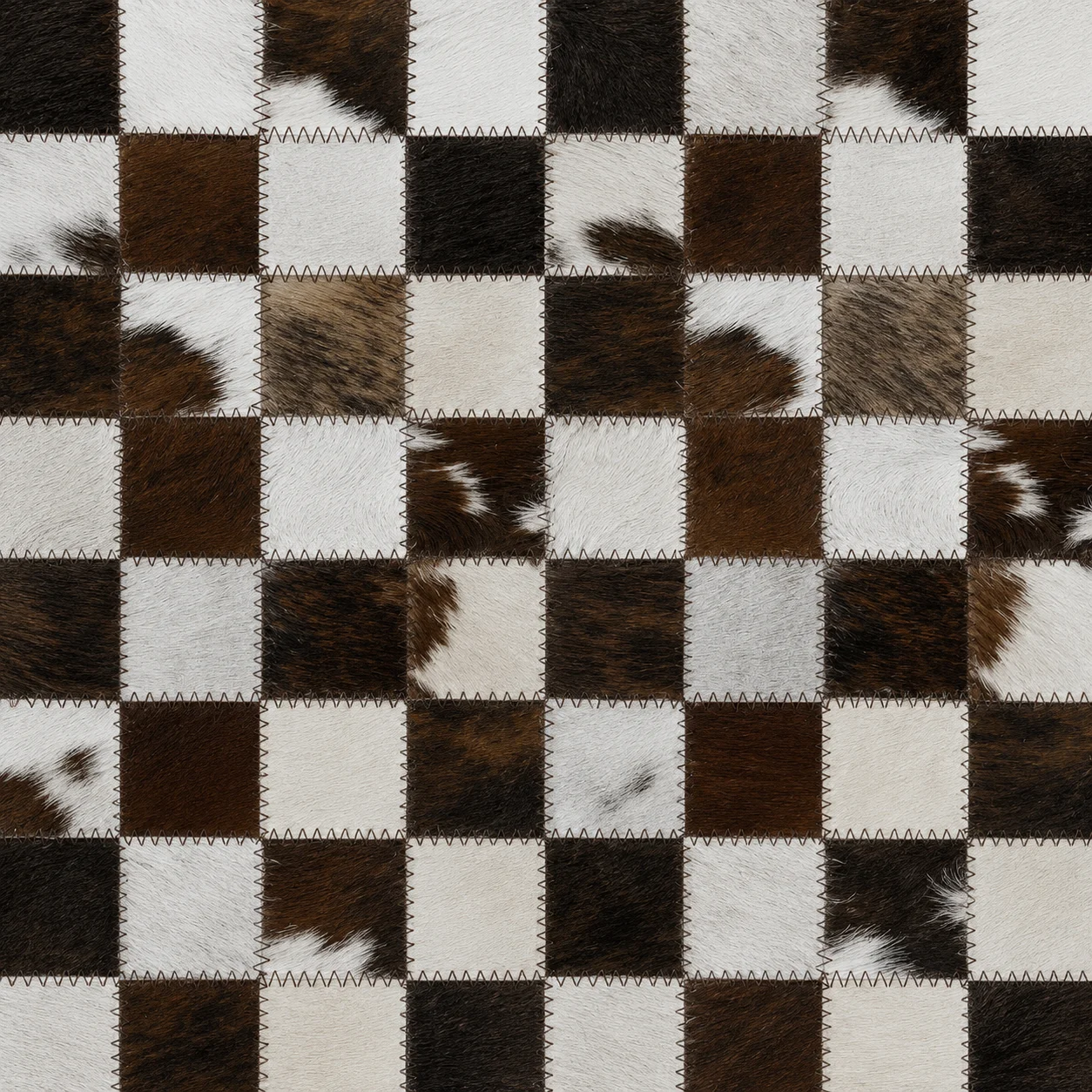
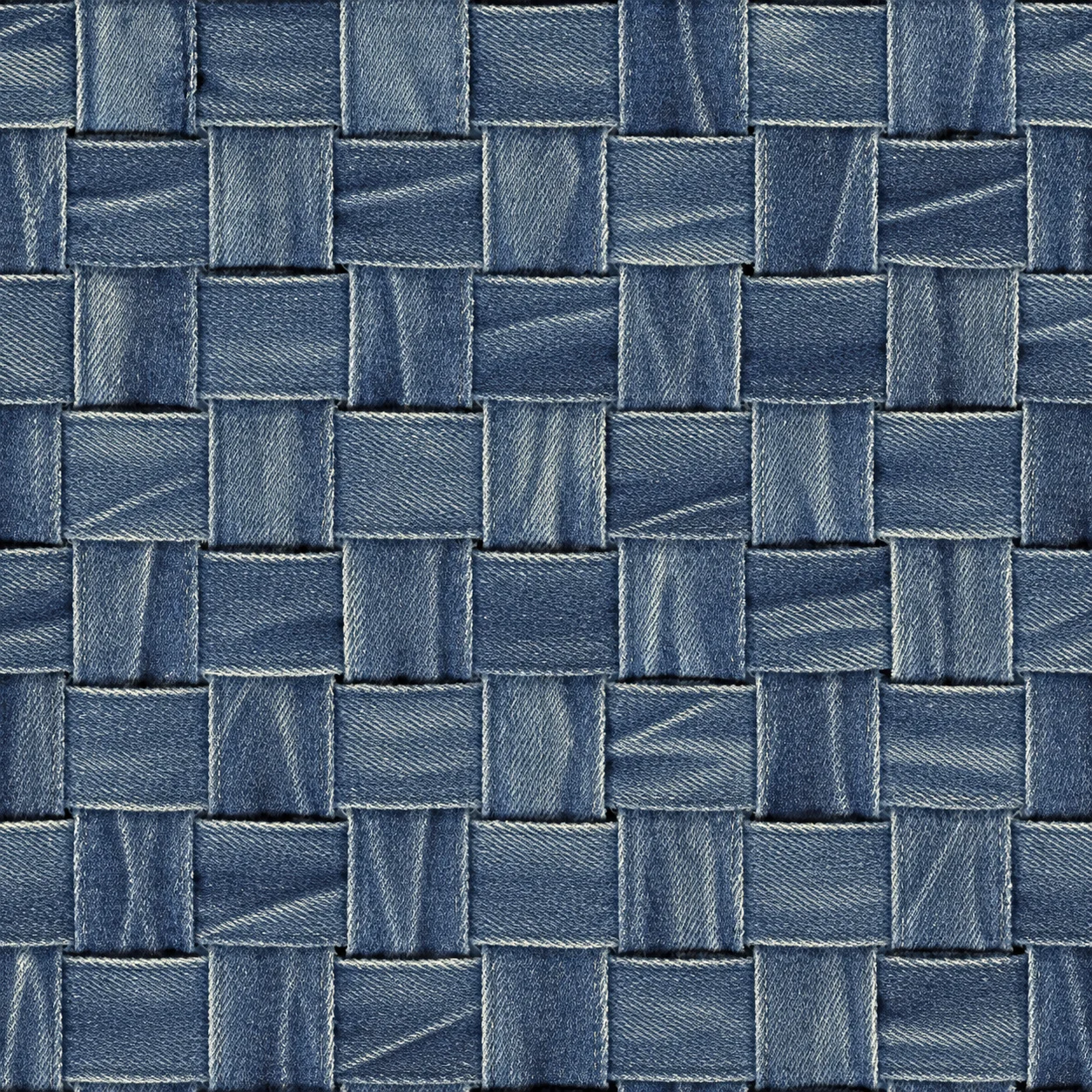
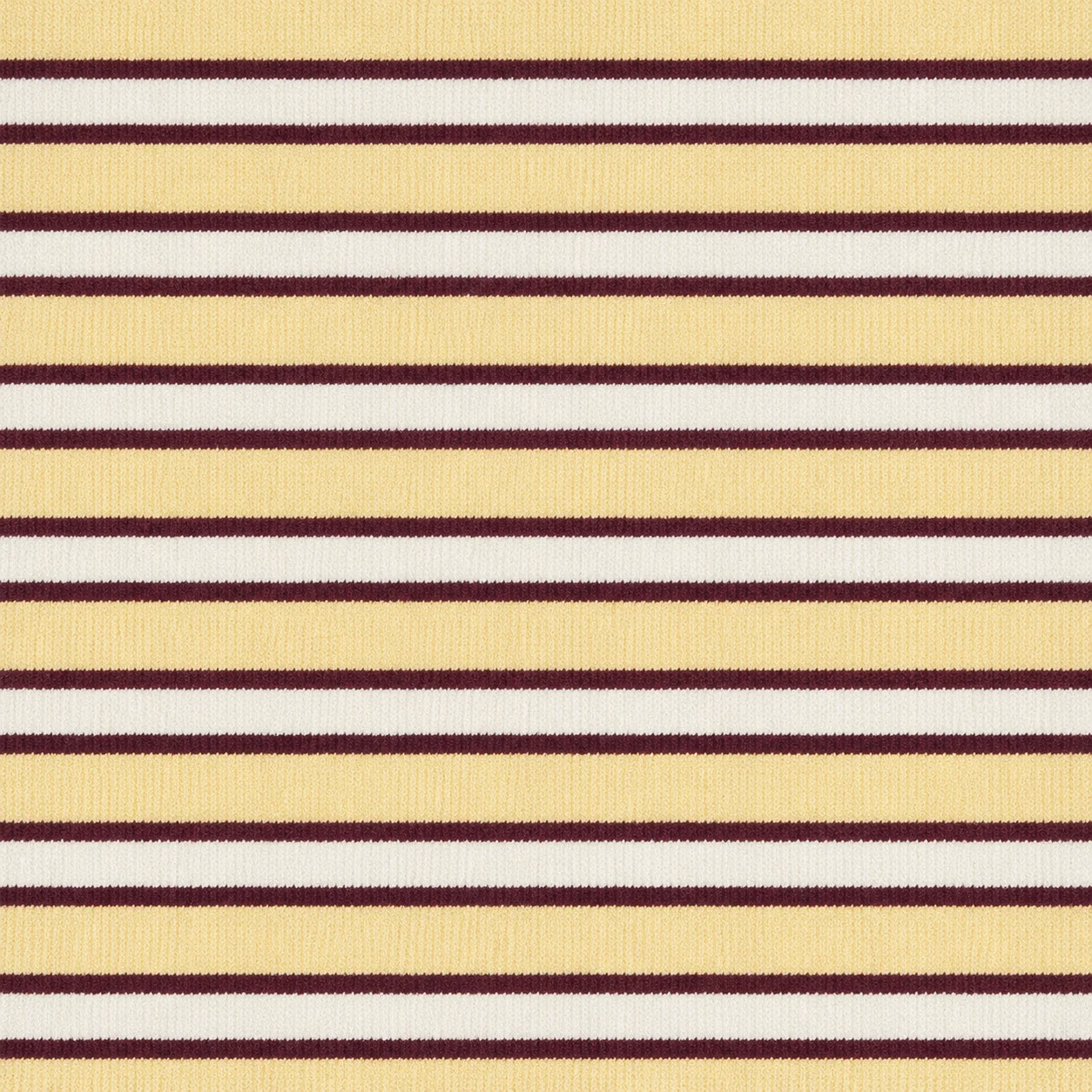
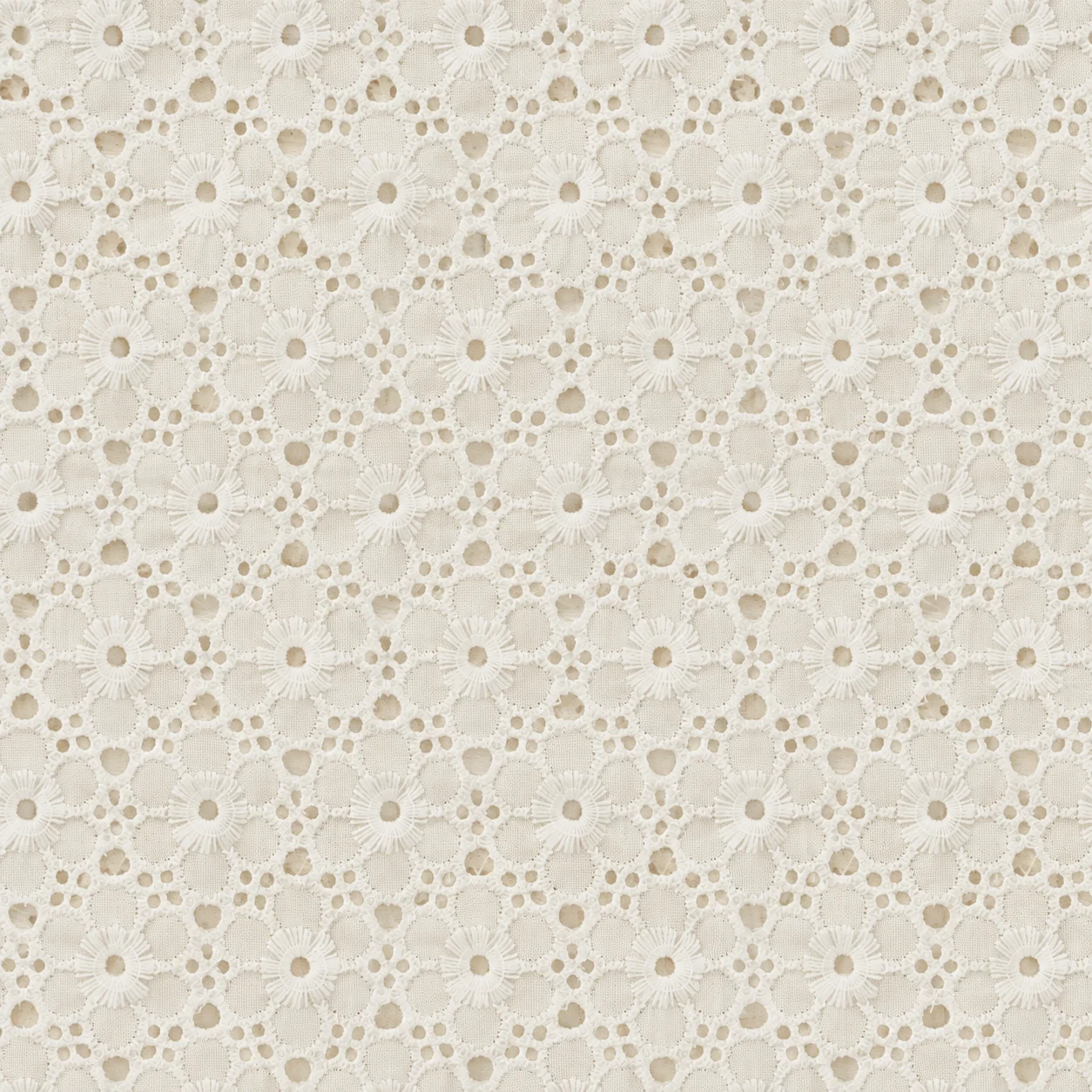
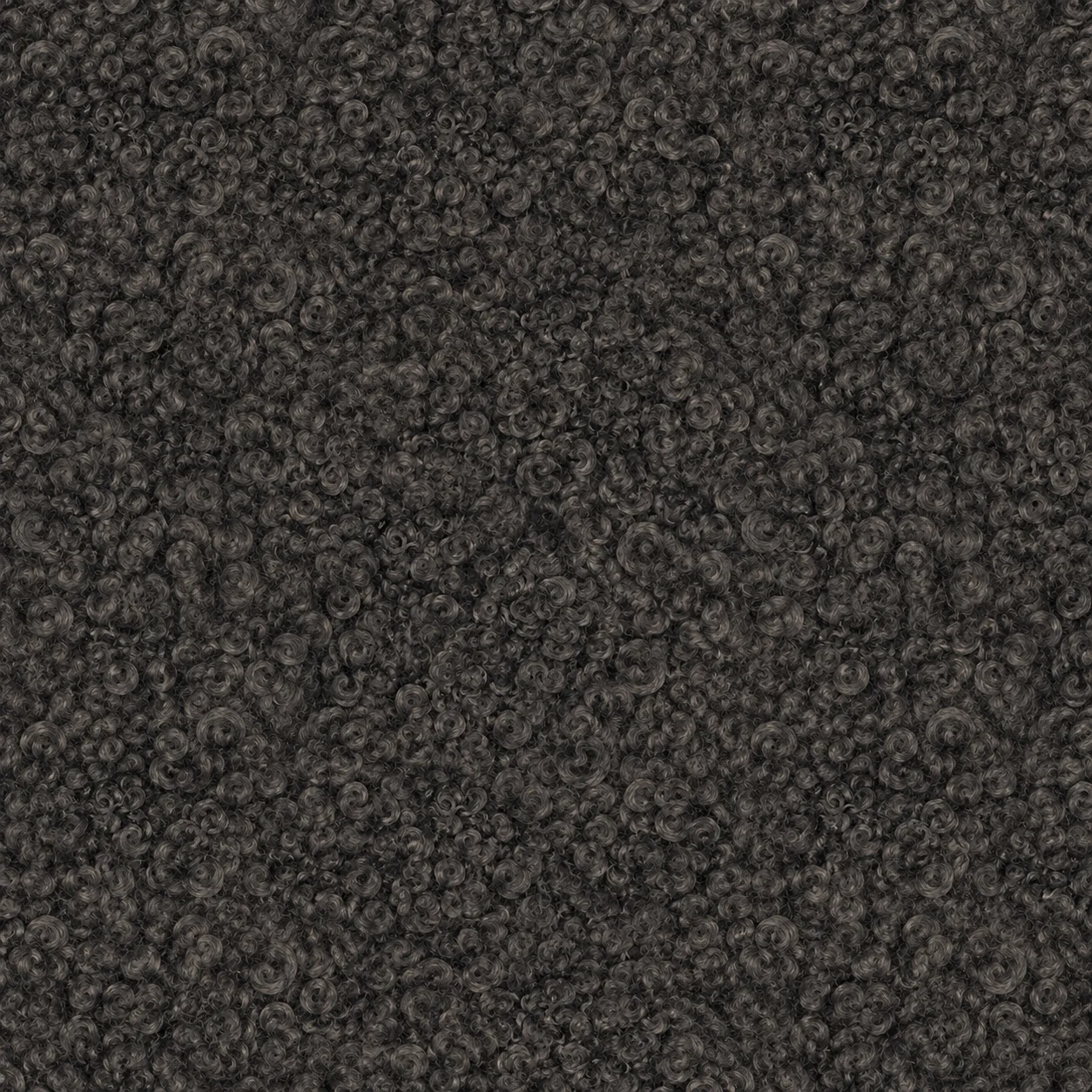
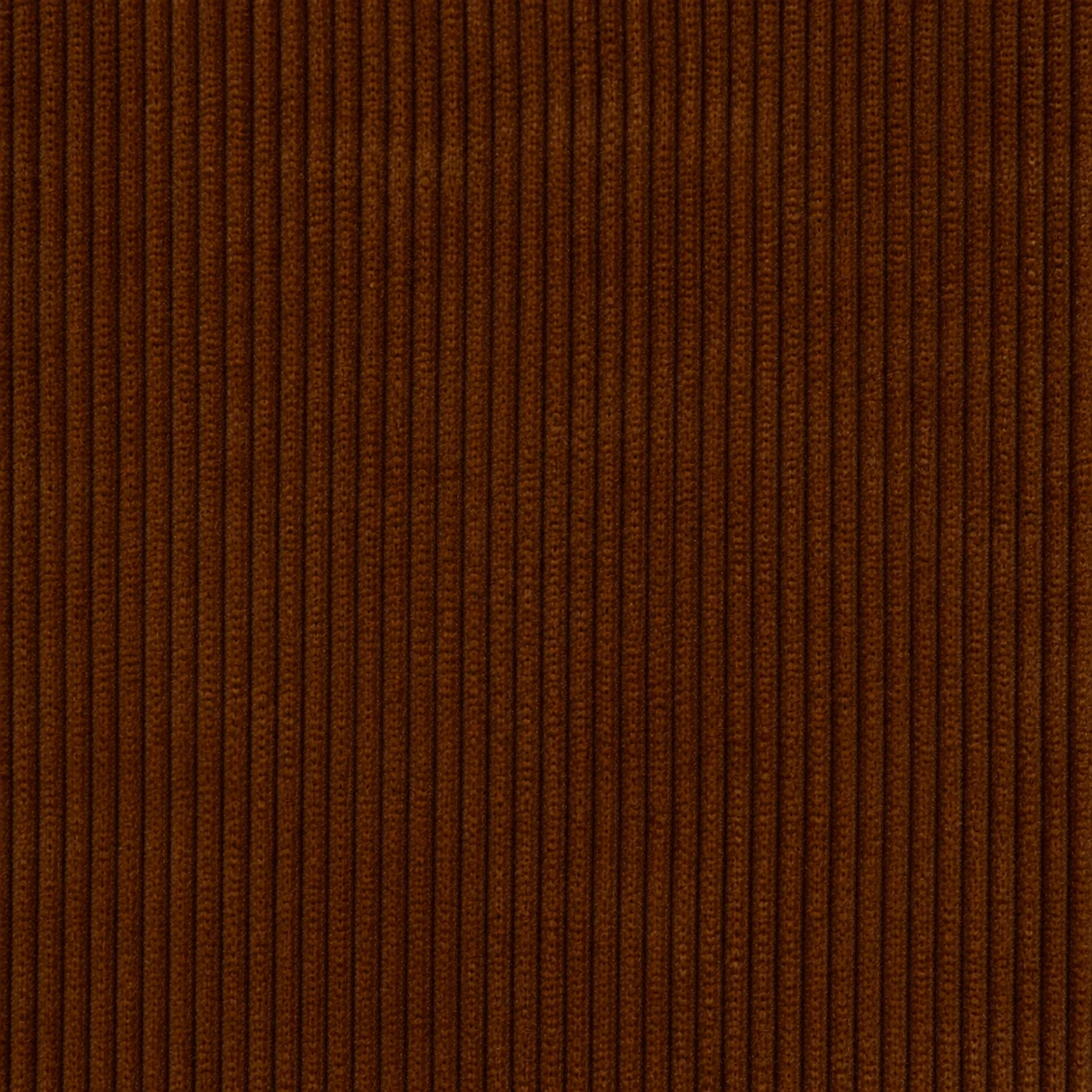
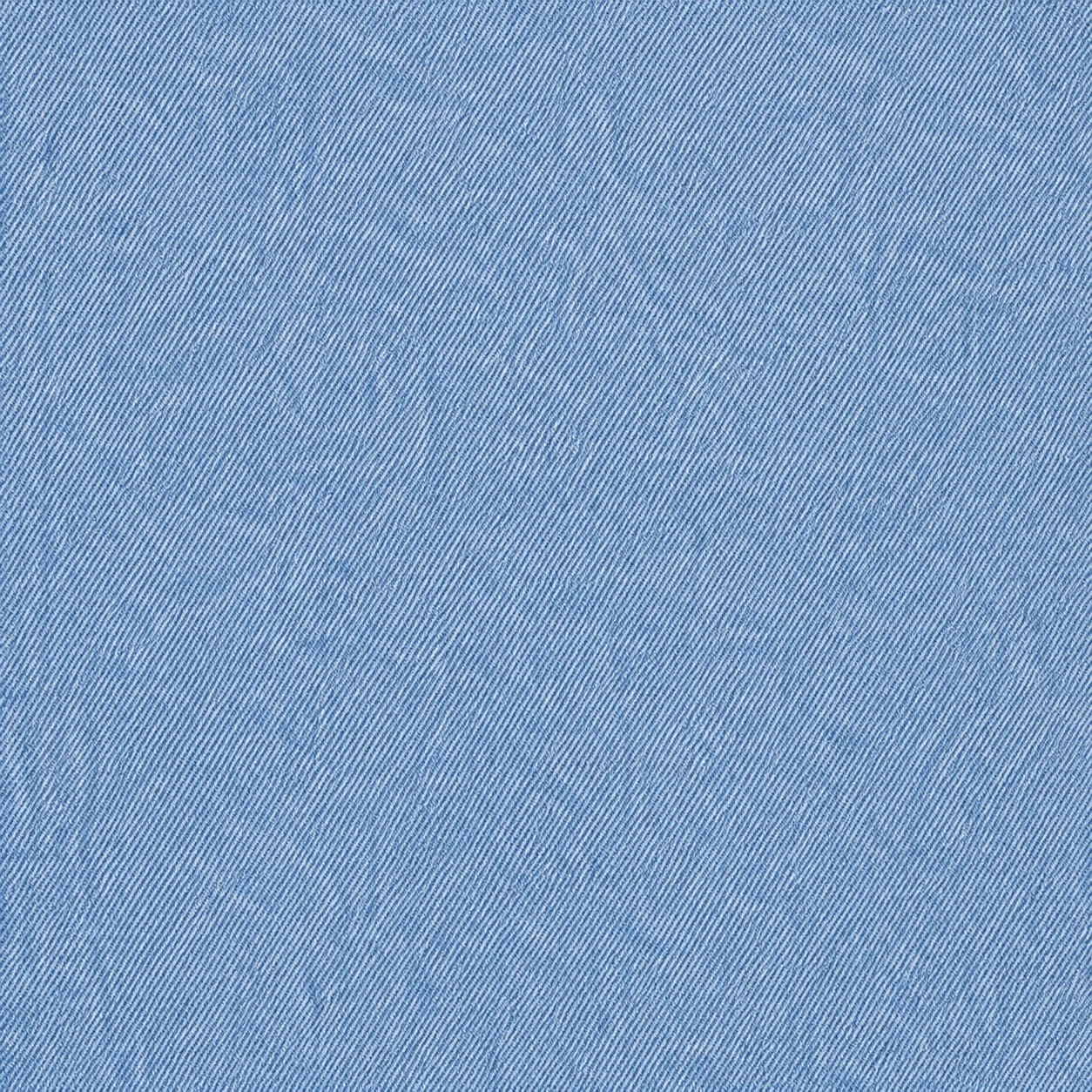
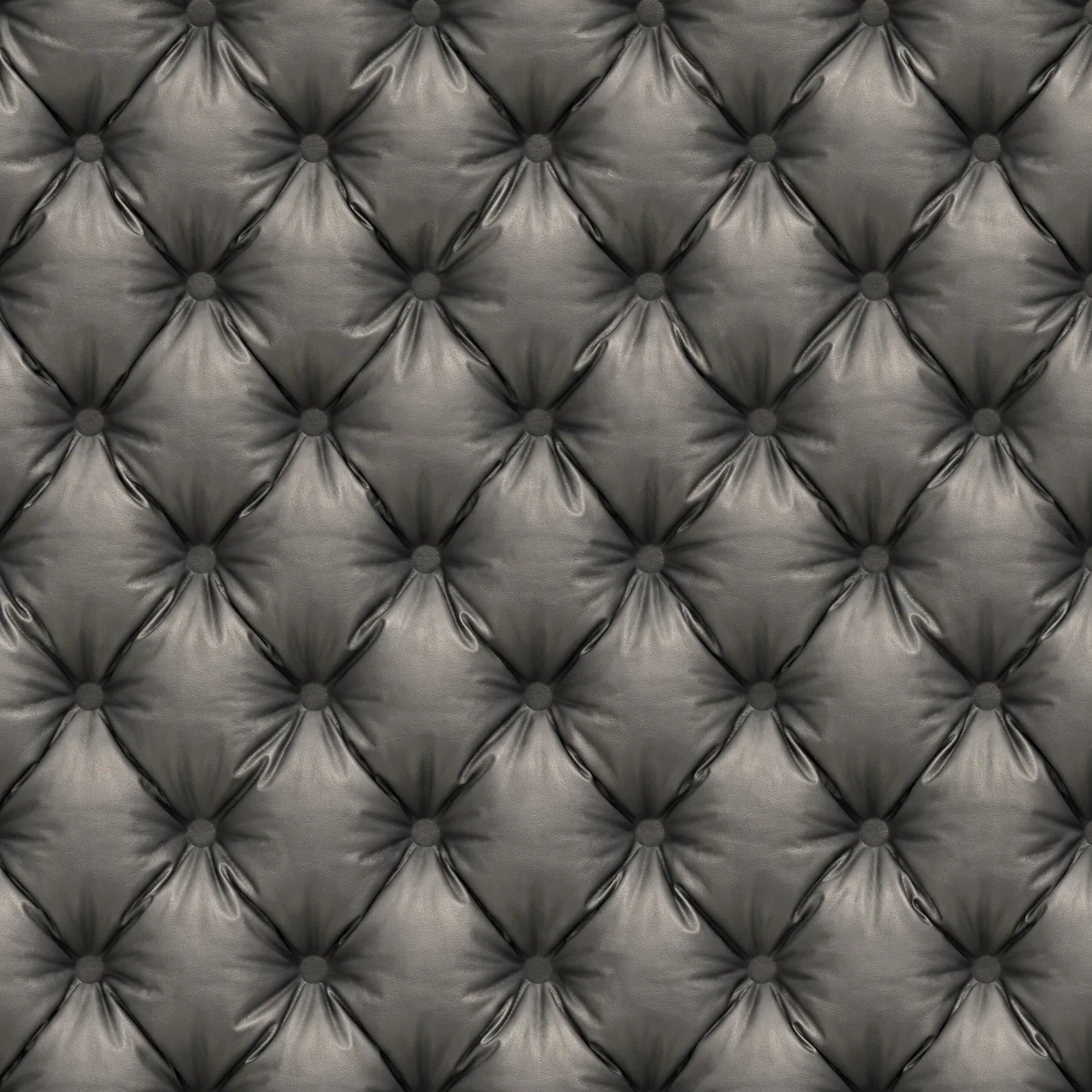
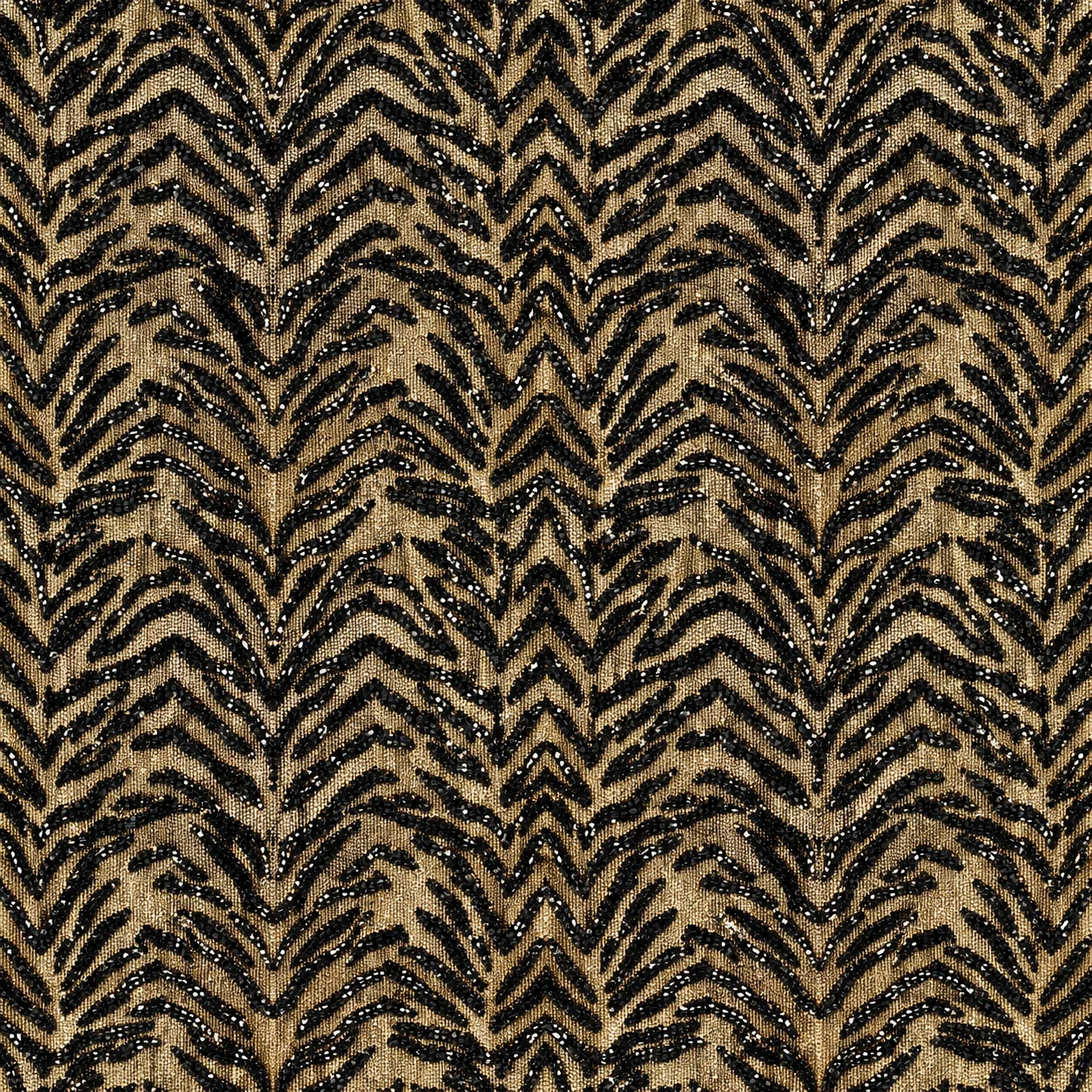
Every swatch here is a real image from the FUPstudio Fabrics library, each with its card: construction, composition and weight. Open one to see it in the app.
Make the swatches for a whole collection, from denim and jersey to tweed and leather. Each one keeps its card: composition, weight and colours.
Attach a photo of a fabric you have on the table and get a clean, flat swatch to reuse on any garment.
Change the colour of a swatch and keep its weave, scale and pattern, then compare the versions.
Apply the swatch to a design and the Mockup Generator shows the garment made in that material, front and back.
Make a garment in the swatch and its tech pack copies the fabric's composition and weight as you set them, ready for a factory to quote.
Need an all-over print rather than a woven pattern? The Graphic Generator makes artwork that repeats edge to edge.
A tool that makes fabric textures from a description or a photo. In FUPstudio each fabric comes back as a flat, square swatch that fills the frame, with its card: construction, cloth, colours, composition and weight. You apply it to a garment, and its card follows the garment into the tech pack.
A few words in the bar (fibre, weave, colour, finish), or a photo of a real fabric or any reference. In the panel you choose woven, knit or leather and the cloth, from canvas, denim, tweed and corduroy to jersey, rib, fleece, suede and shearling. Then add a pattern (stripes, check, gingham, houndstooth or herringbone), a Pantone TCX colour, the composition and the weight. A finish, such as stone washed or brushed, goes in the prompt.
Each fabric is drawn as a flat swatch that fills the whole frame, made to be used as a material: applied to a garment, it dresses the whole piece. For a print that has to tile perfectly edge to edge, use Seamless repeat in the Graphic Generator: there the tile is made seamless while it is generated.
Yes. Every account gets 250 free credits every month, no card needed. The Fabric Generator starts at Fast, 10 credits a swatch, so the free credits make up to 25 swatches a month. High costs 30 credits. Plans and top-ups add more.
Fast (10 credits, 1024 px) and High (30 credits, 1536 px) are open to every account. Max (80 credits, 2048 px) comes with the Starter plan and Ultra (120 credits, 2560 px) with Studio. Every swatch is square.
Yes. What you generate can be used in personal and commercial projects, including work for clients. The library files themselves cannot be resold or redistributed as they are. The full rules are in the Terms.
Every swatch is saved in My Area with its card. It also shows up under Change fabric across the app, so you can dress any garment in it. From My Area you can download it as a PNG.
Open the generator, describe the material or attach a photo of a fabric. Every account starts with free credits, no card needed.