Buy your weekday smoothies and get your weekend ones for free. (7 for the price of 5!)
WELLNESSWEEK
From a sketch, a flat or a few words to a photoreal garment.
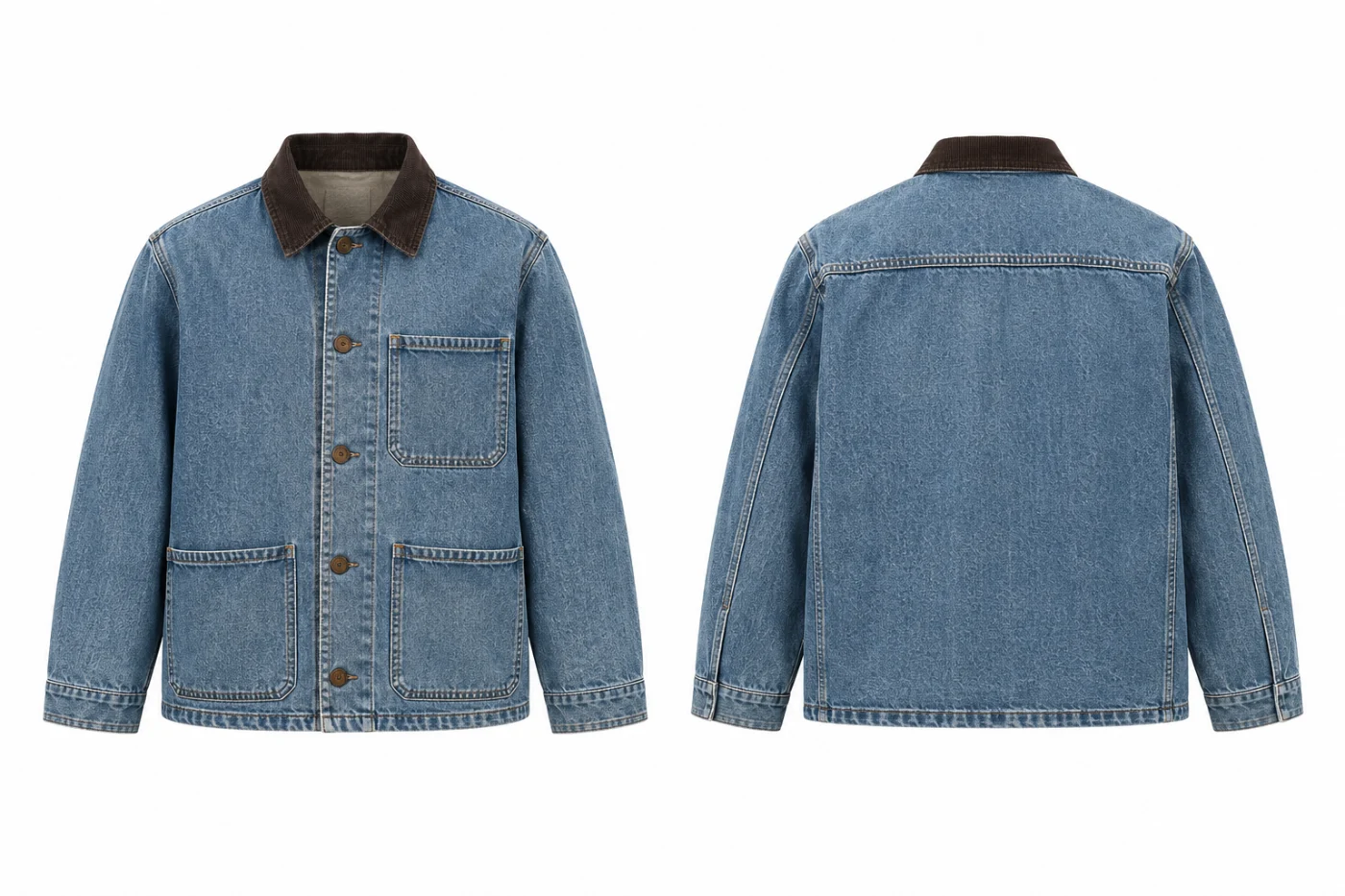
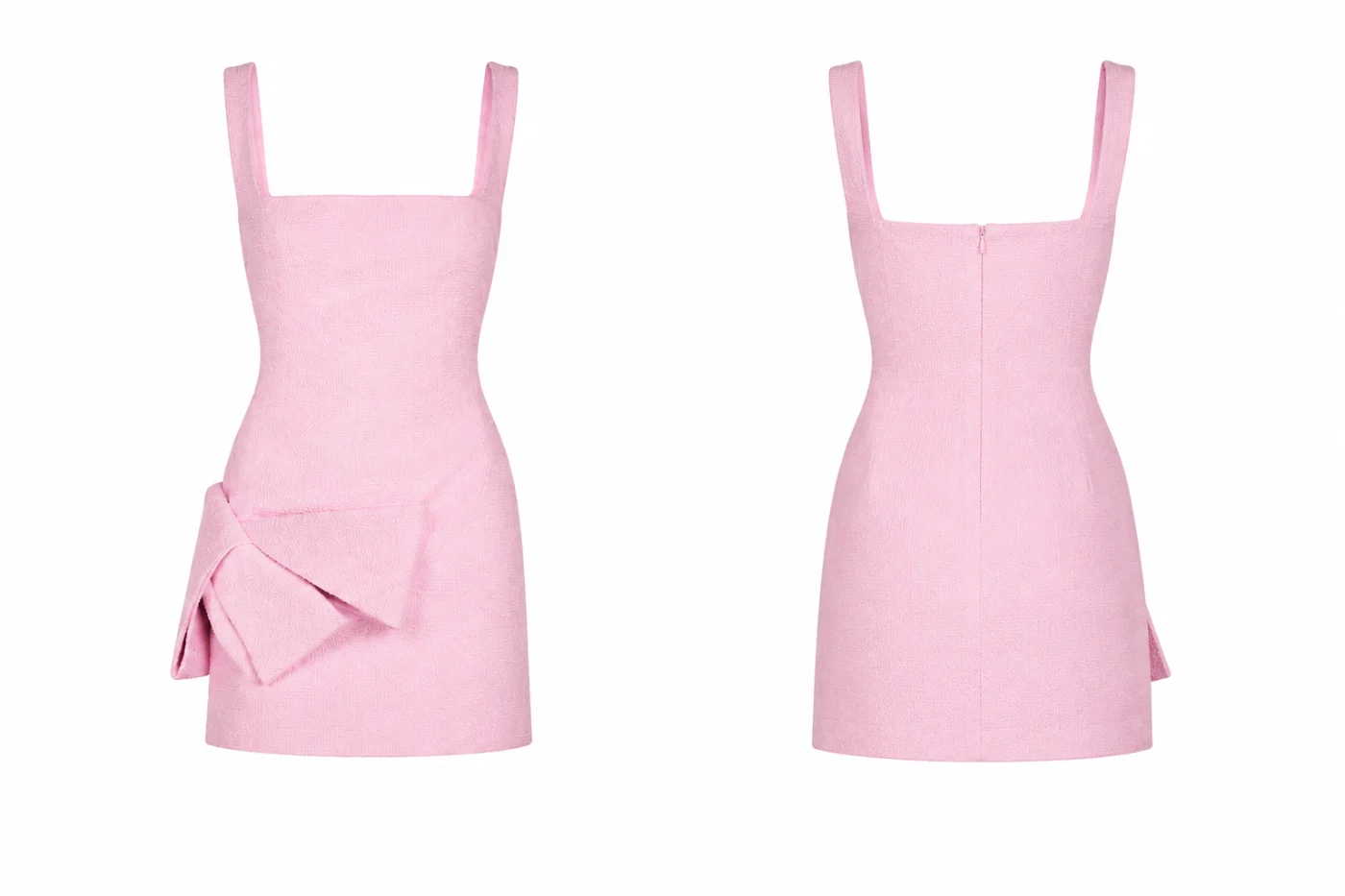
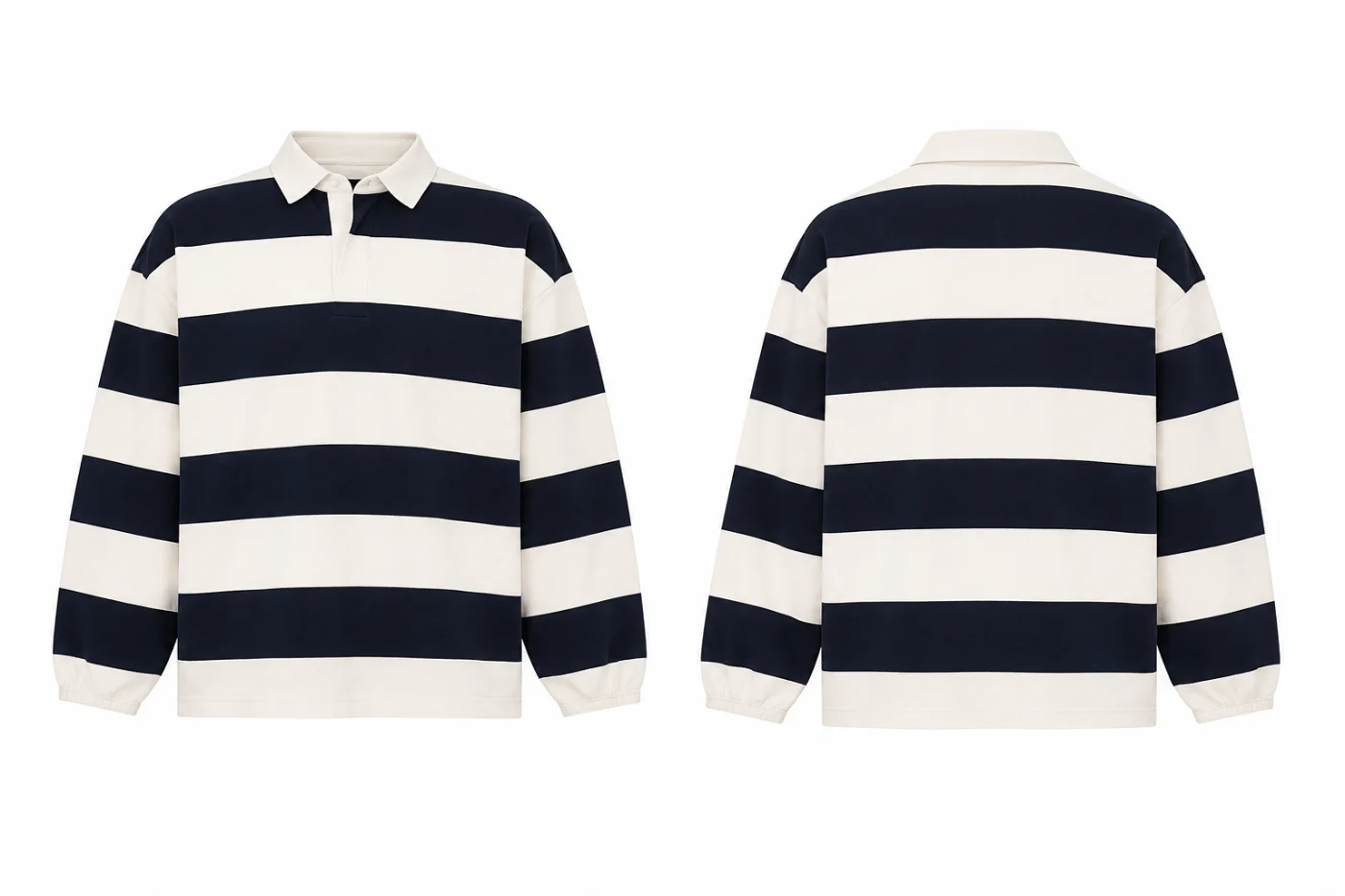
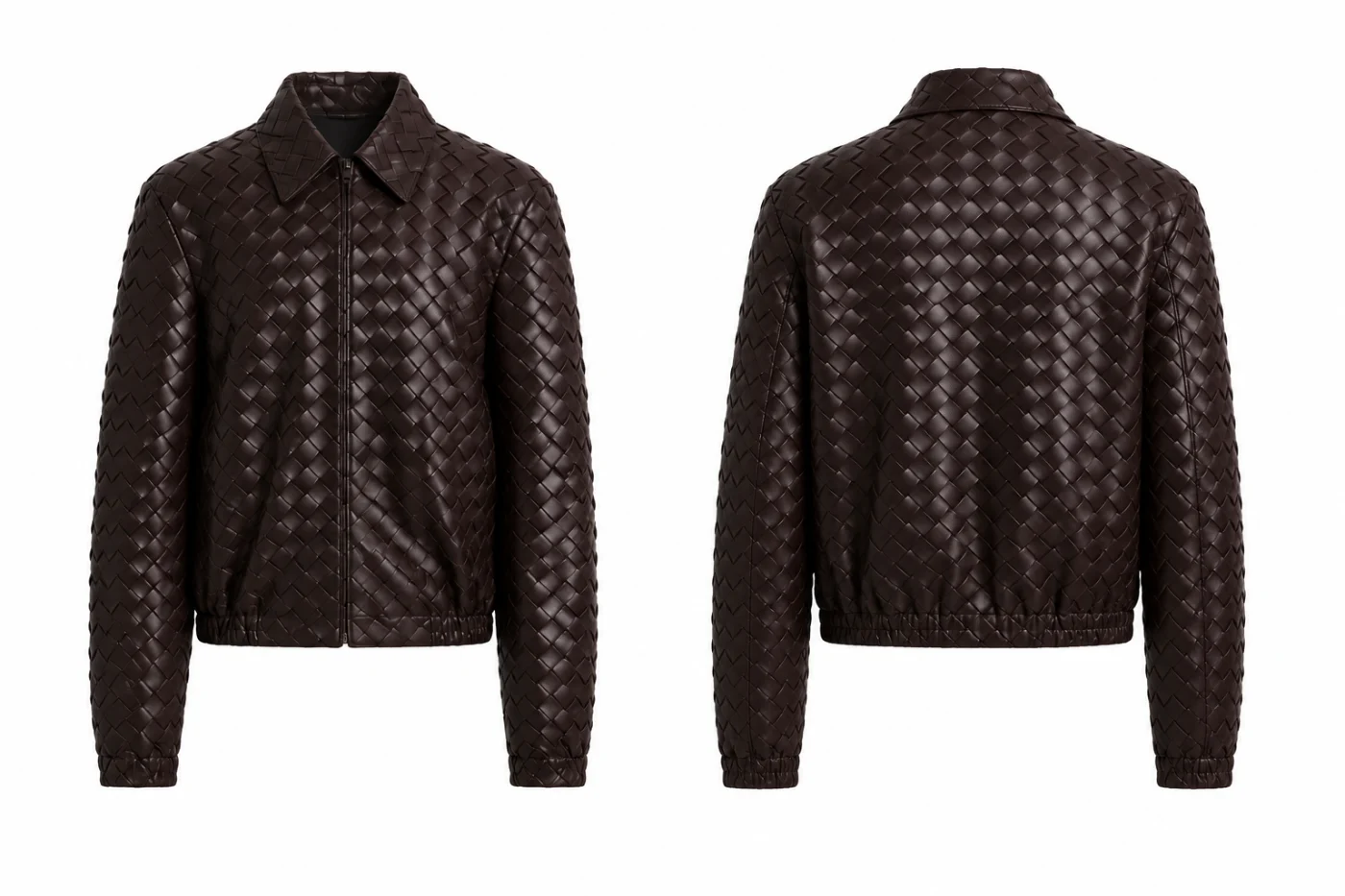
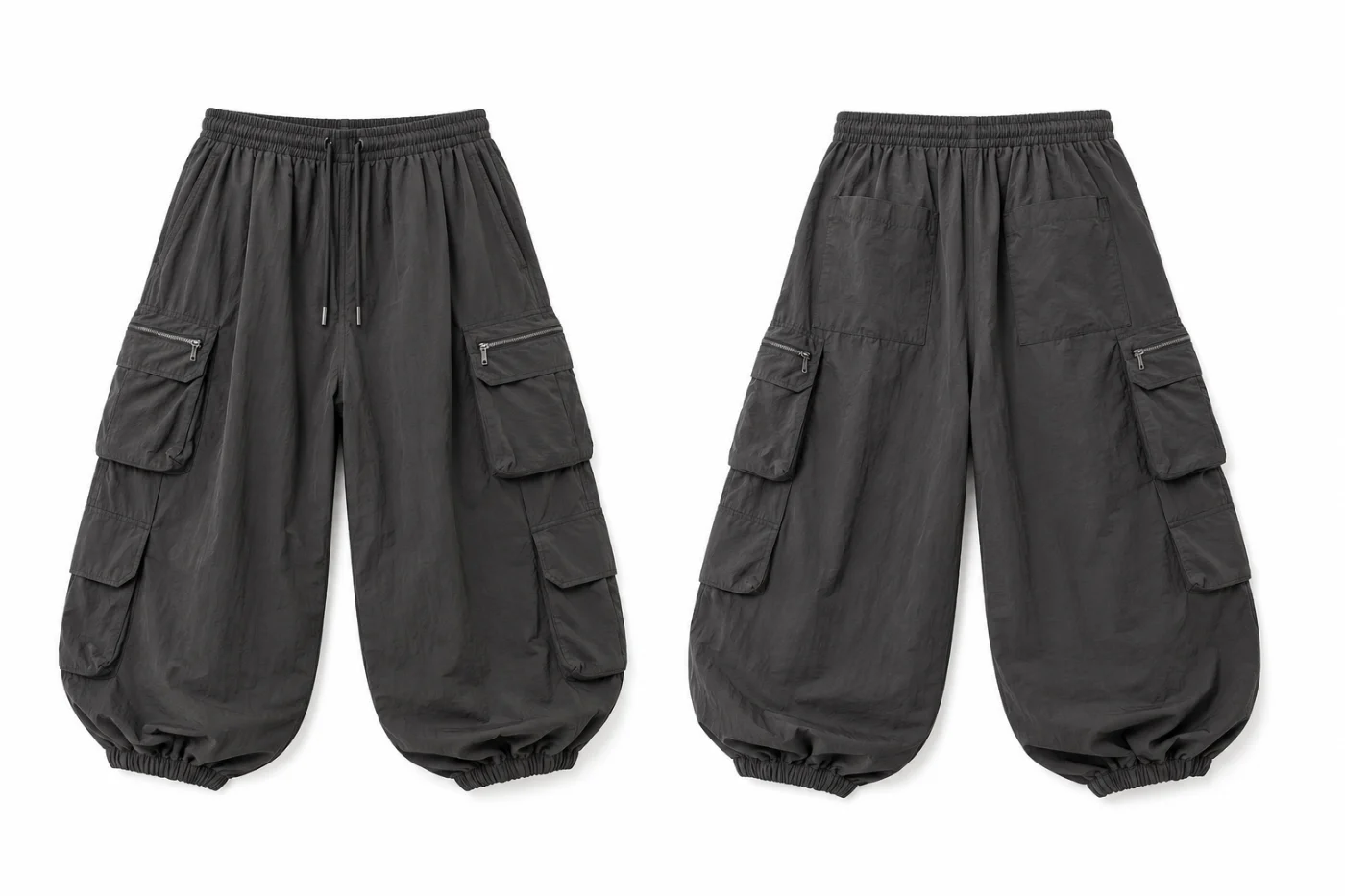
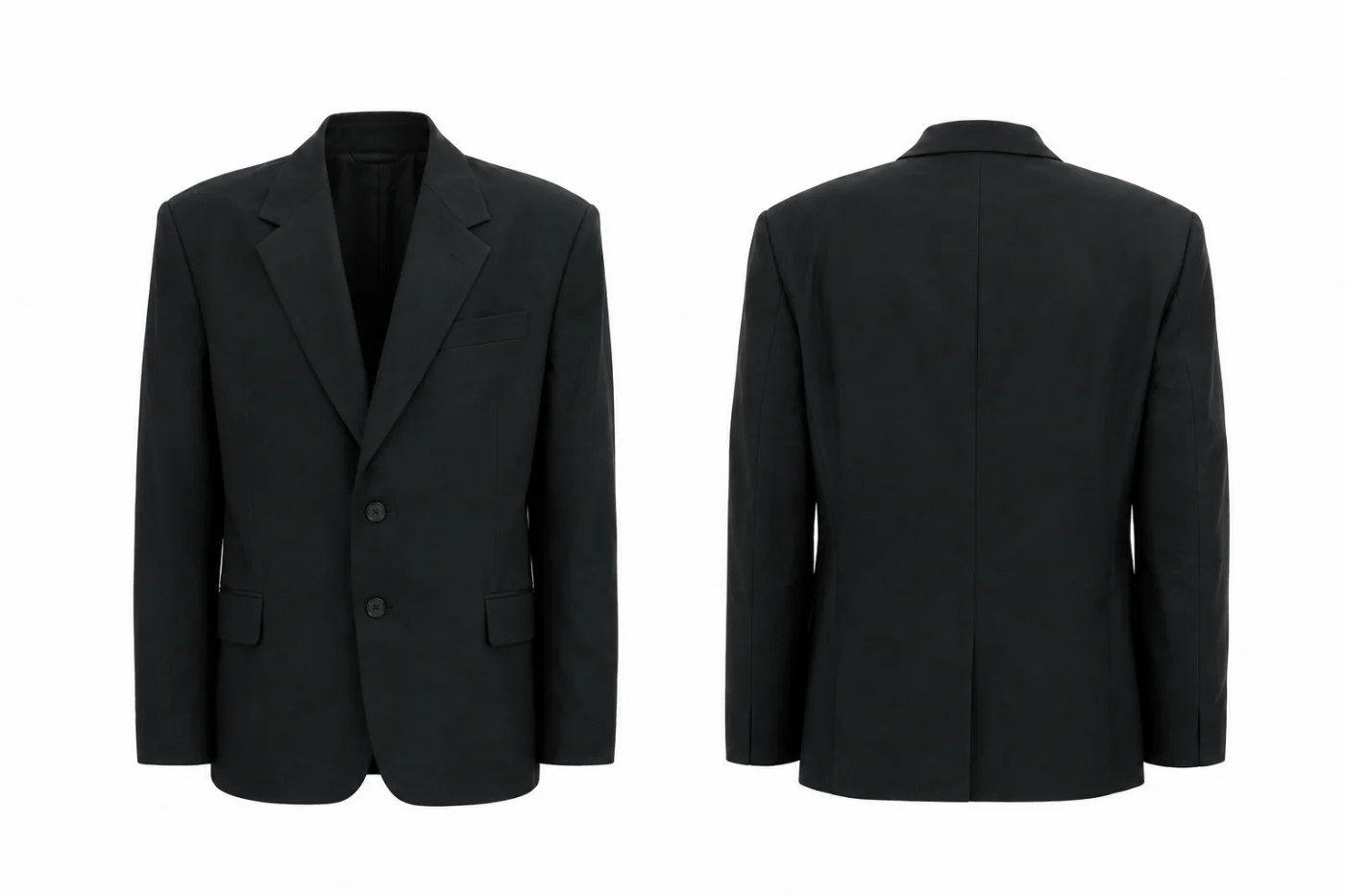
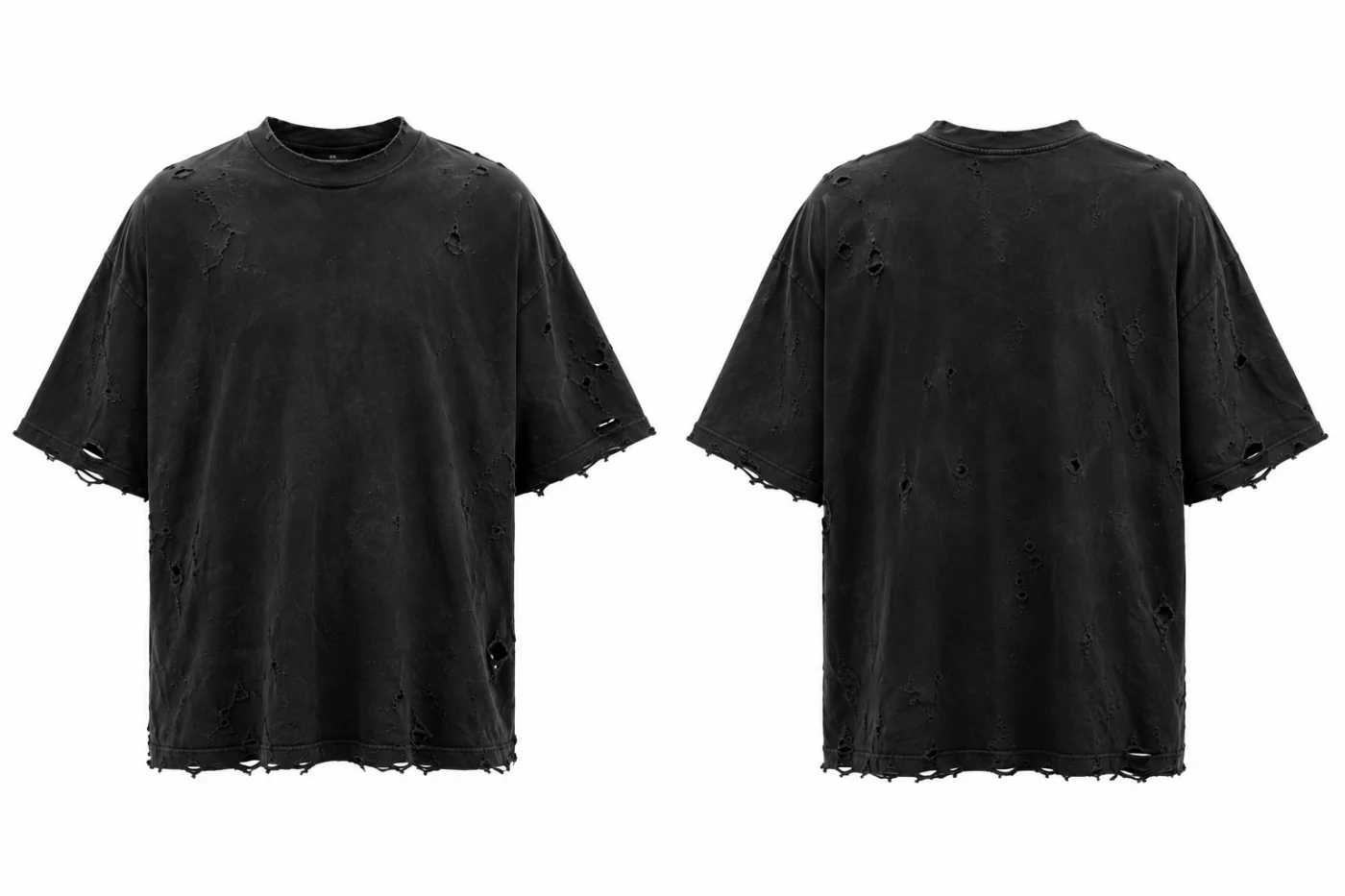
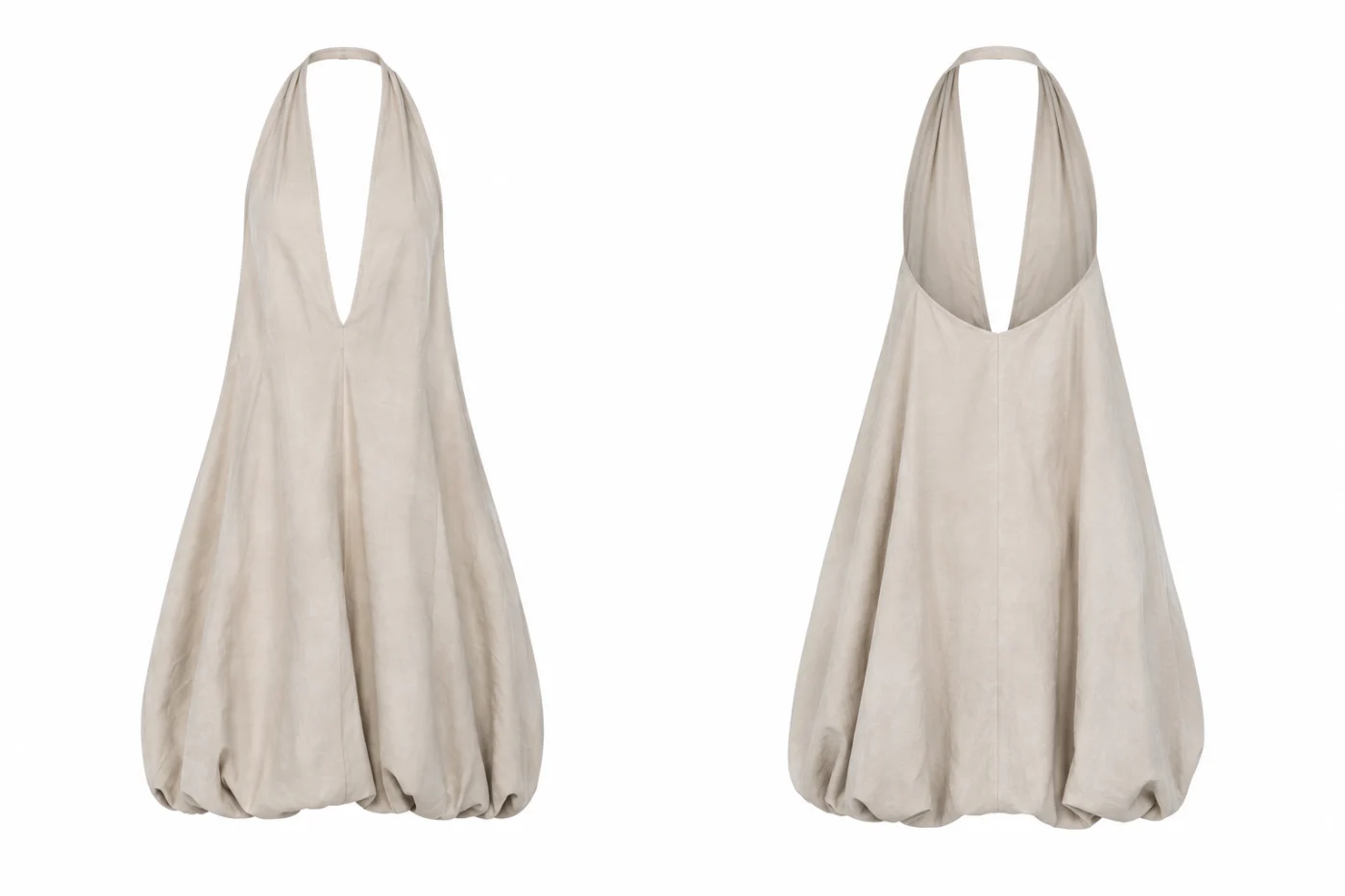
Describe the garment or attach a drawing, a CAD or any reference image. The Mockup Generator shows it on a ghost mannequin, front and back, in the fabric and colour you choose, ready for the tech pack and the shoot.
250 free credits every month. No card needed.
Write the garment in the bar, or attach a sketch, a CAD or any reference image. A few words are enough to start.
Attach a fabric swatch and the garment is dressed in that material; add a print the same way. Ask for the view, the colour or the fit in the prompt.
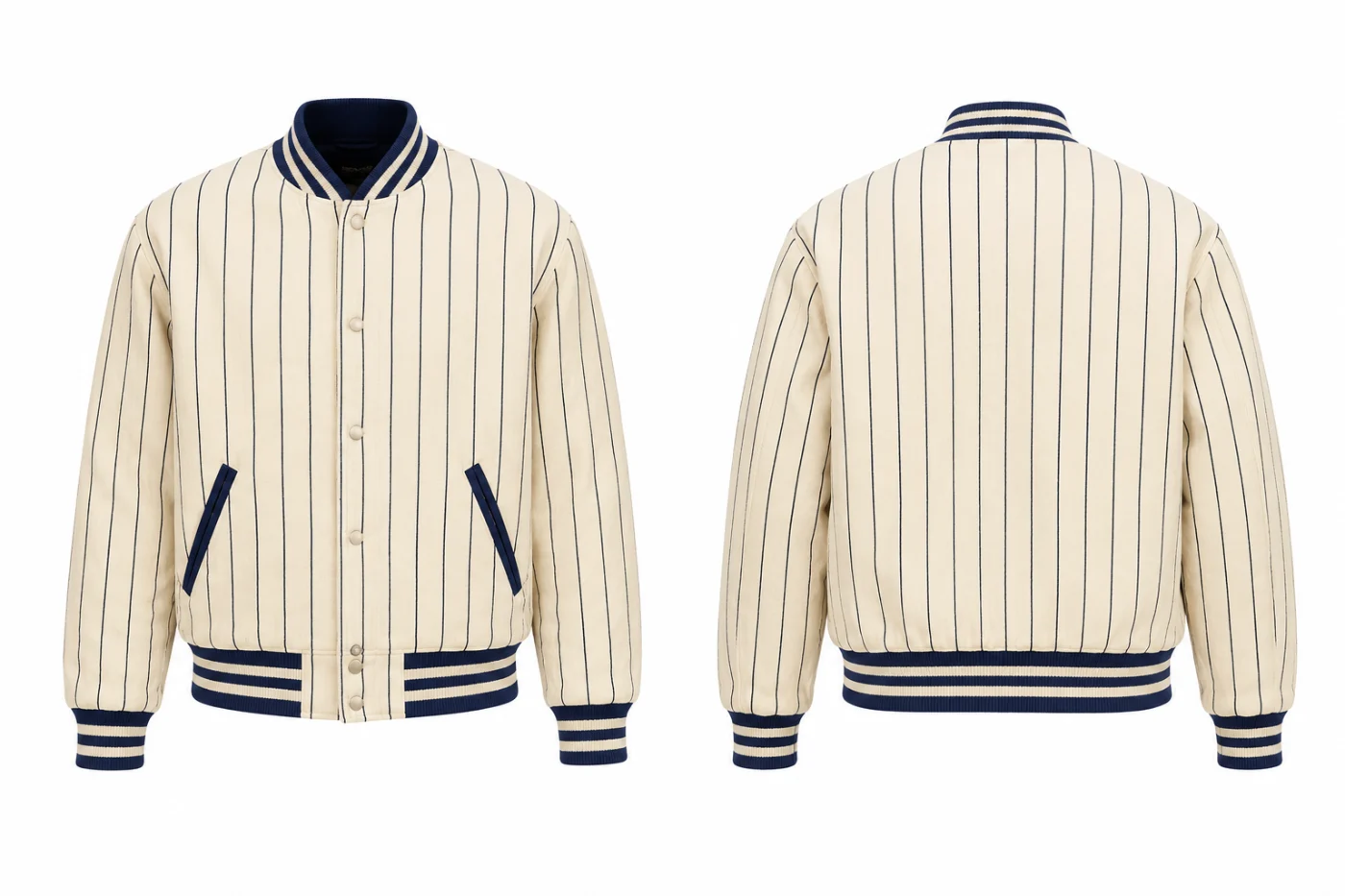
The garment comes back on a ghost mannequin, front and back, on white, grey or black, or as a transparent PNG. Download it, or take it into the tech pack and the shoot.
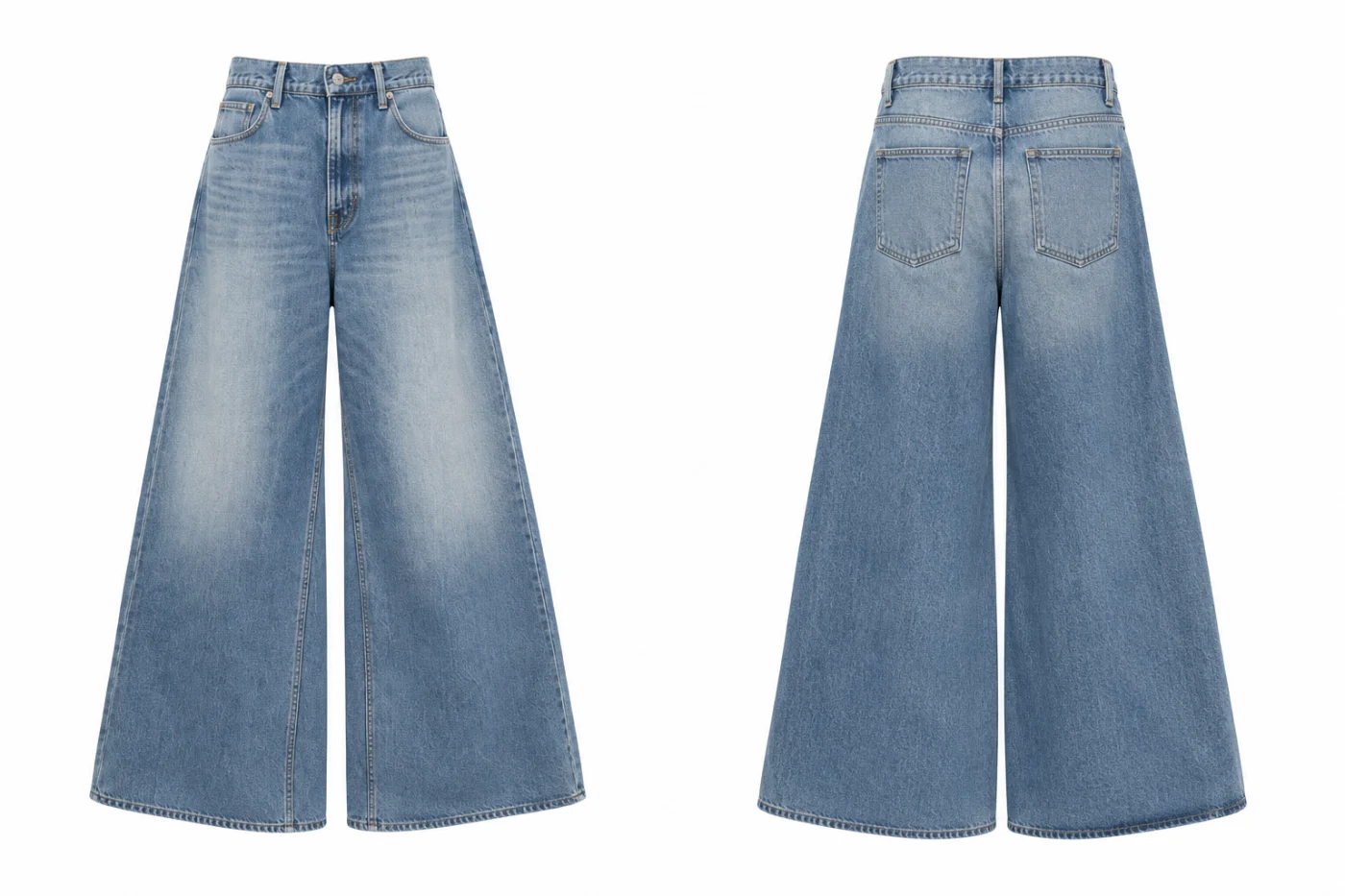
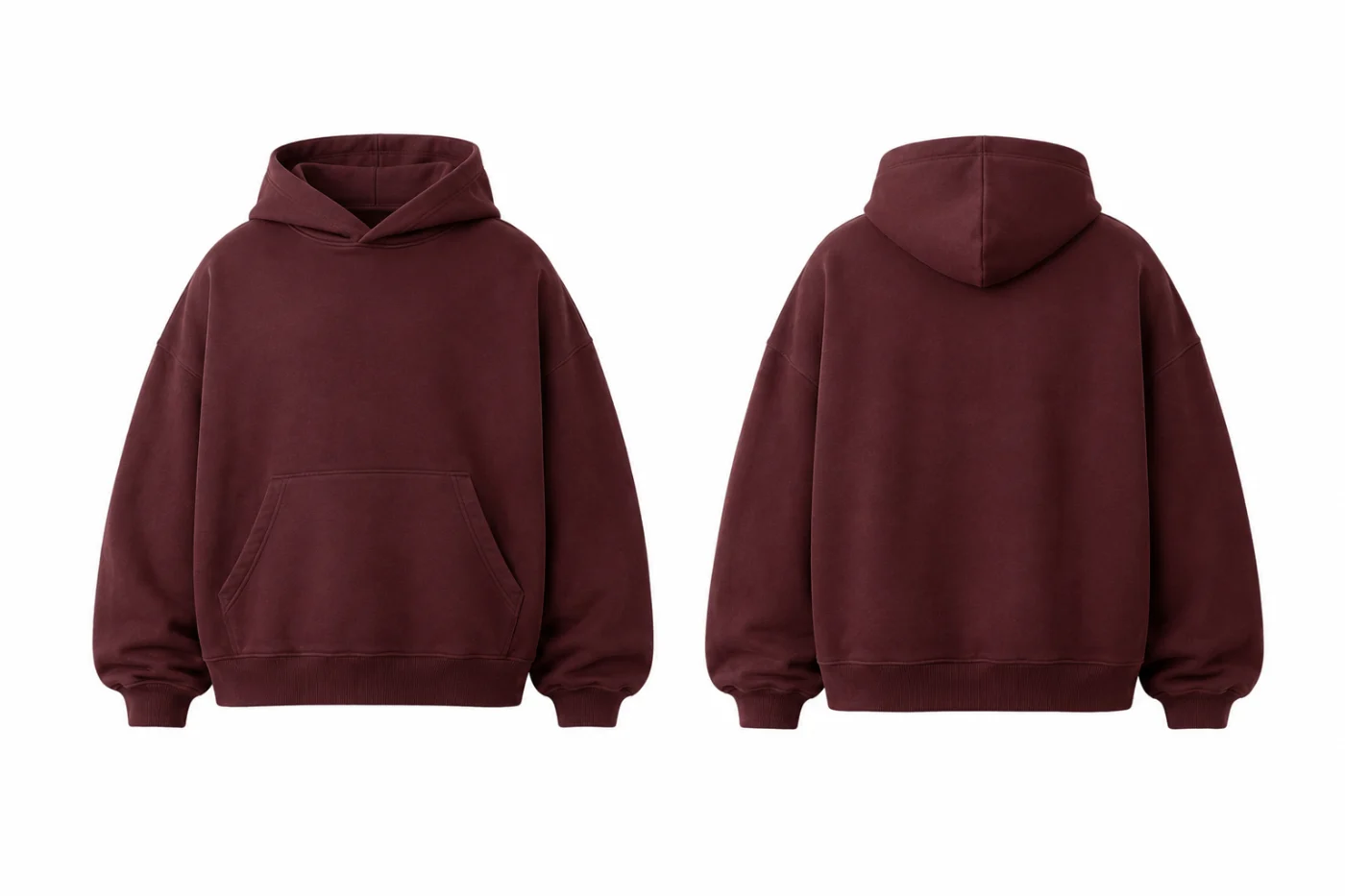
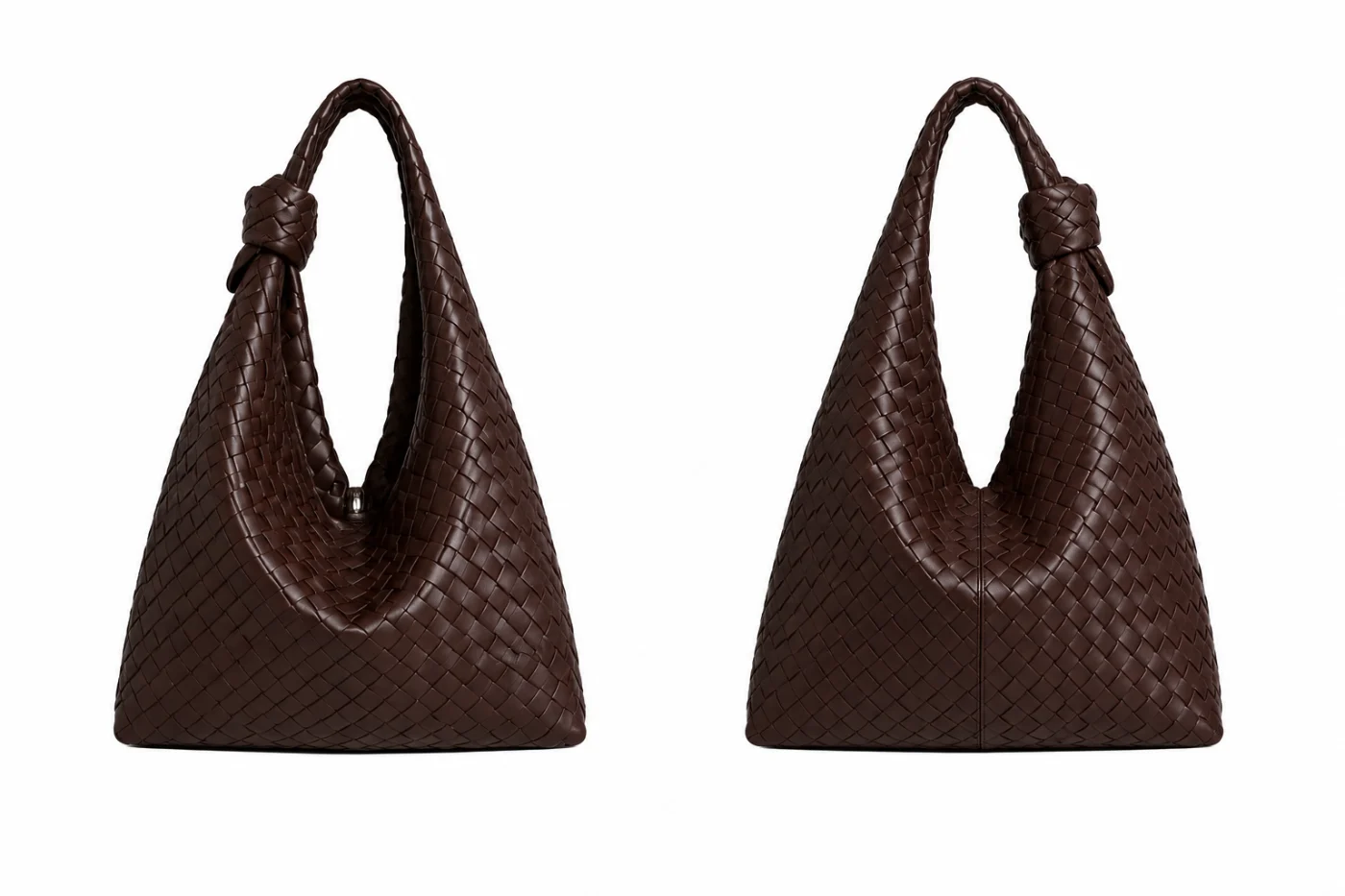
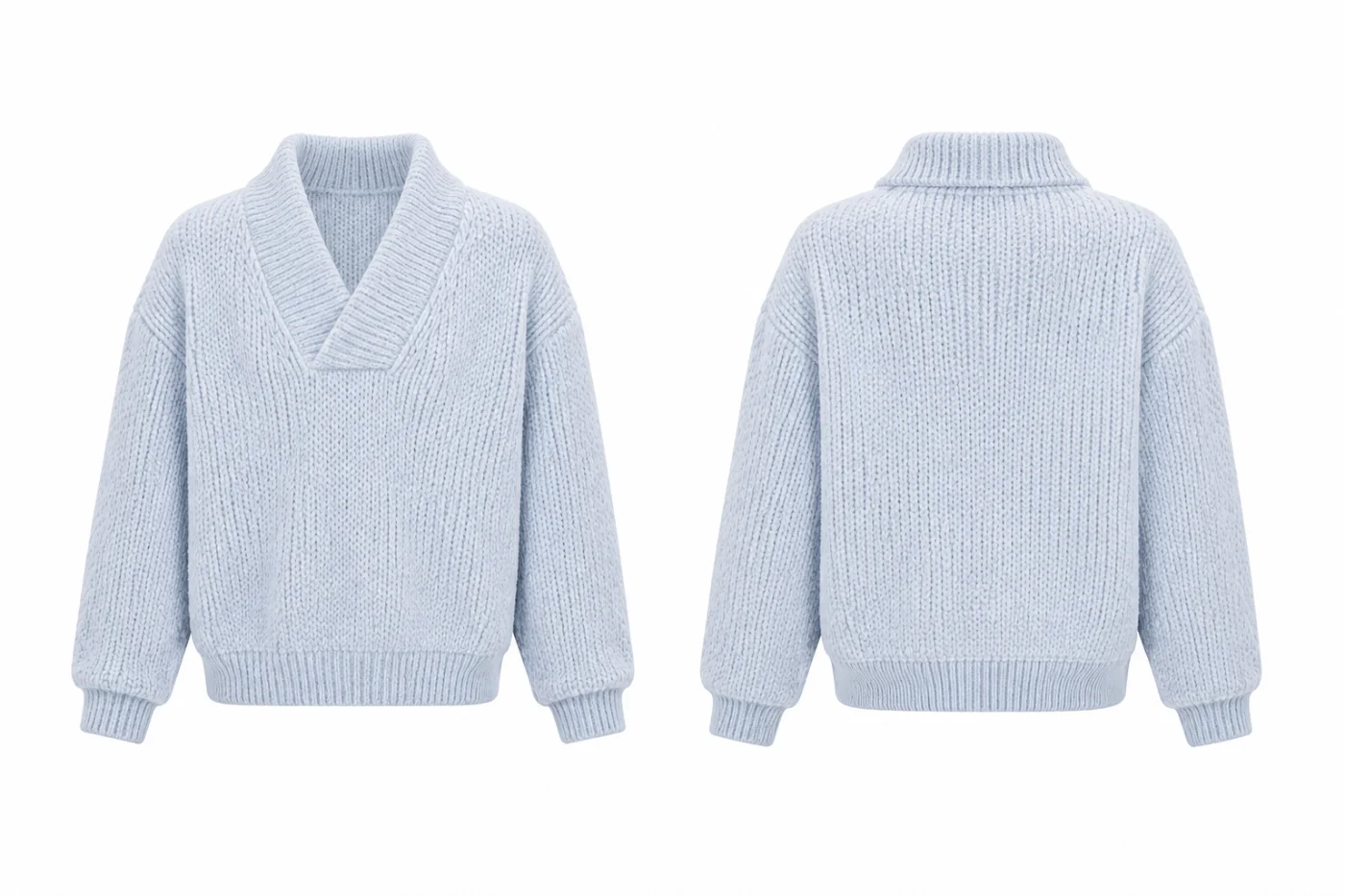
Every image here is a real result made in the app. They live in the FUPstudio Mockups library: open one to see it there.
Turn sketches into photoreal garments and review the whole lineup before you pay for a single sample.
Clean product images on white, grey or black, or with no background, for a line sheet, a pitch or a pre-order page. Commercial use included.
Attach a swatch or a print, or ask for another colour, and compare versions of the same garment.
From the mockup the app compiles measurements, materials and construction notes: the document a factory quotes from.
Take the same garment into an editorial or a catalog shot, and it stays the same garment.
Draw the garment in the CAD Generator, add texture, graphics and colour, then turn it into a realistic mockup here.
A tool that turns a description, a sketch or a technical flat into a photoreal image of the garment. In FUPstudio the result is the garment on a ghost mannequin, front and back, ready for a line sheet, a tech pack or a shoot.
A few words in the bar, a hand sketch, a CAD or technical flat, or any reference photo. You can also attach a fabric swatch and a print, and ask for the view, the colour or the fit in the prompt.
Yes. Every account gets 250 free credits every month, no card needed. A mockup at the default quality (High) costs 30 credits. Plans and top-ups add more.
Yes. What you generate can be used in personal and commercial projects, including work for clients. The library files themselves cannot be resold or redistributed as they are. The full rules are in the Terms.
White, grey or black, or no background for a transparent PNG ready to place on your own layout.
Every generation is saved in My Area with its card: name, code, date, garment, fabric, colours and prompt. From there you can download it, share it, create a tech pack or reopen it in another generator.
Yes. The app runs in a modern browser on computer, tablet and phone. Nothing to install.
Open the generator, describe the garment or attach a sketch. Every account starts with free credits, no card needed.