Buy your weekday smoothies and get your weekend ones for free. (7 for the price of 5!)
WELLNESSWEEK
Prints, graphics and logos for clothing, from a few words or a sketch.
Describe the artwork or attach a drawing or a reference. The Graphic Generator draws it clean on white or on a colour you choose, as a placed print, a logo or a seamless all-over repeat, ready to go on a garment.
250 free credits every month. No card needed.
Write the artwork in the bar: subject, style, colours. Or attach a drawing, a photo of a print or a sketch of your logo, and it is redrawn clean.
Artwork or Logo, then a style: hand-drawn, vector, graffiti, typographic, painterly, photographic, halftone or 3D. Turn on Seamless repeat for an all-over print.
The artwork comes back on white or on the colour you chose. Change its colours, download it, or apply it to a garment in the Mockup Generator.
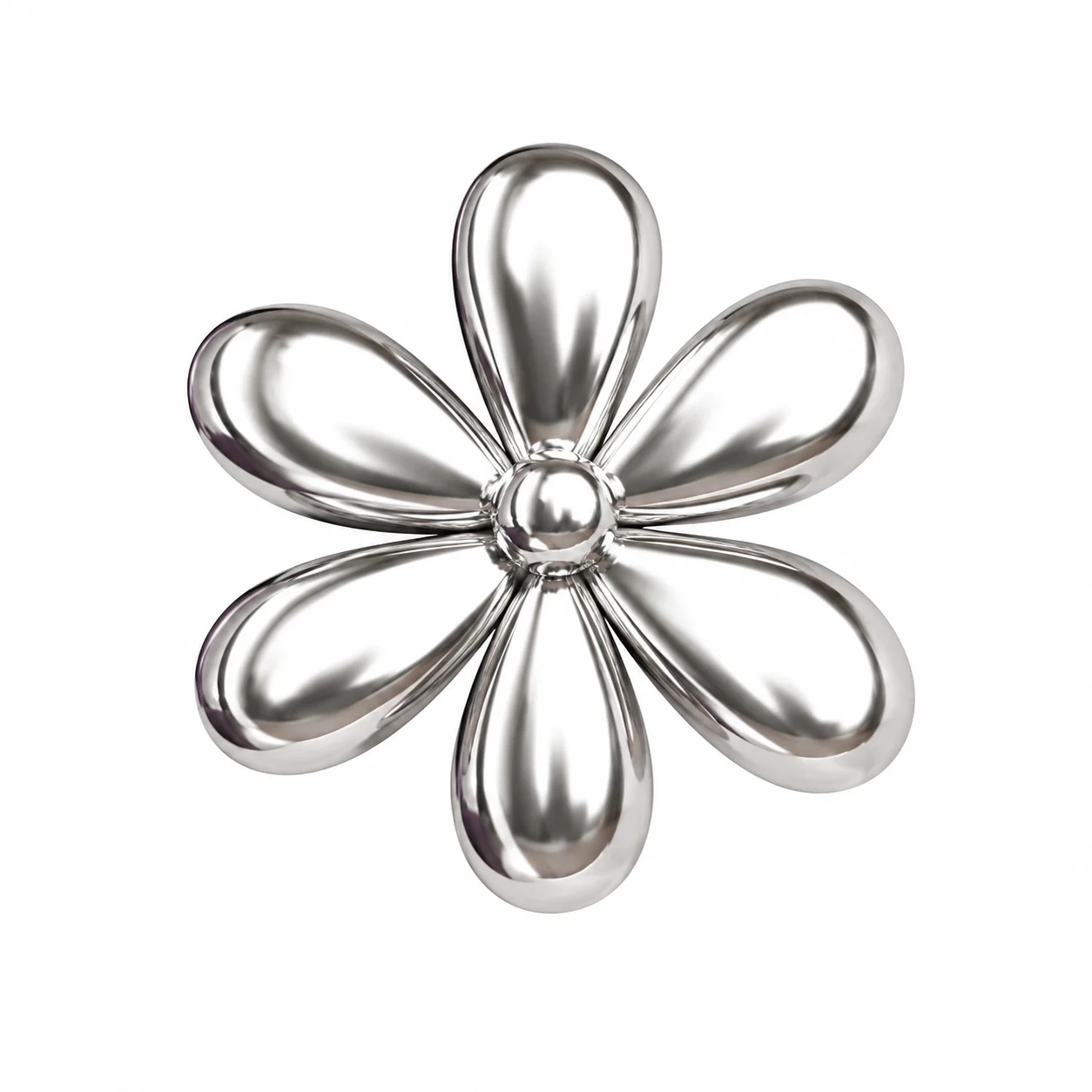
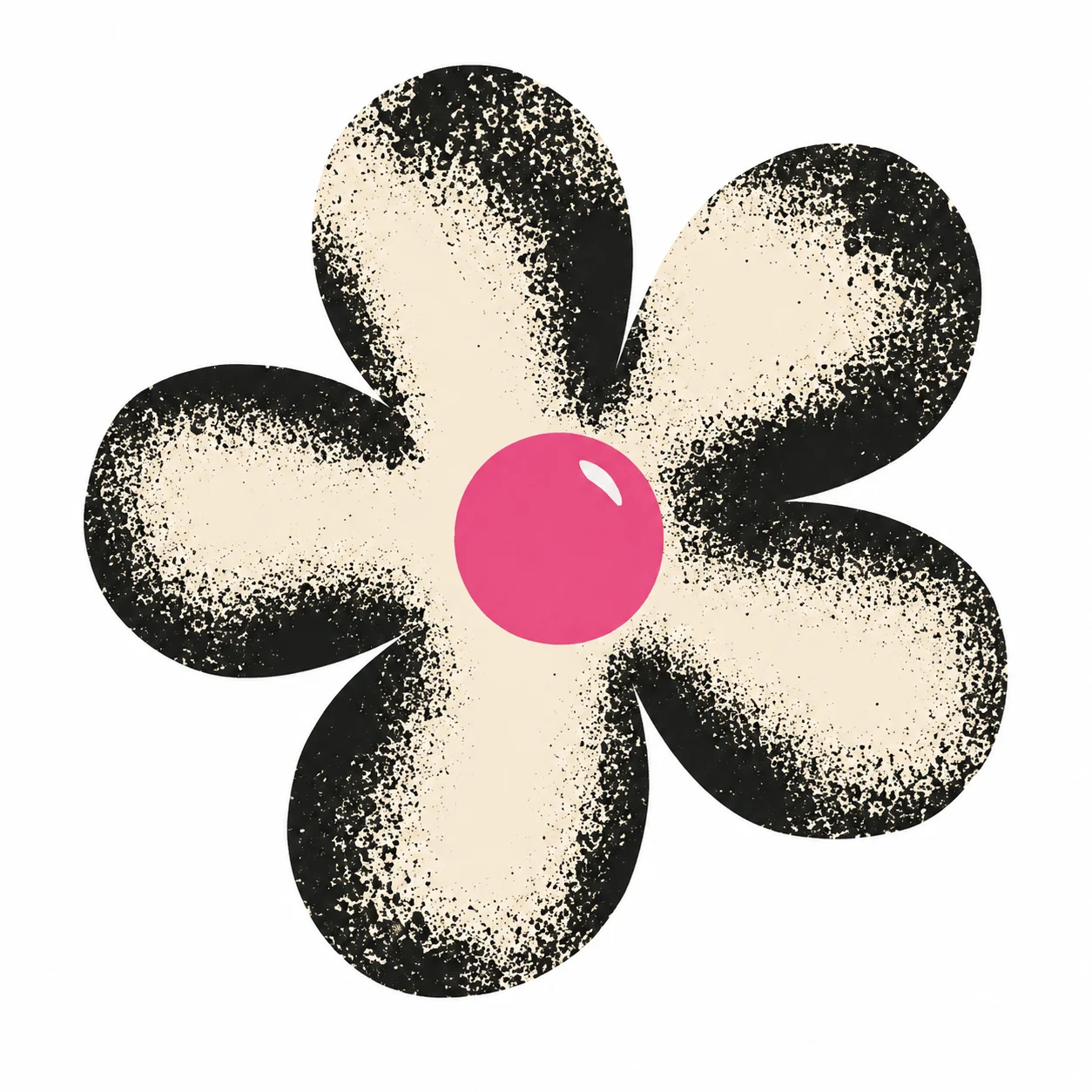
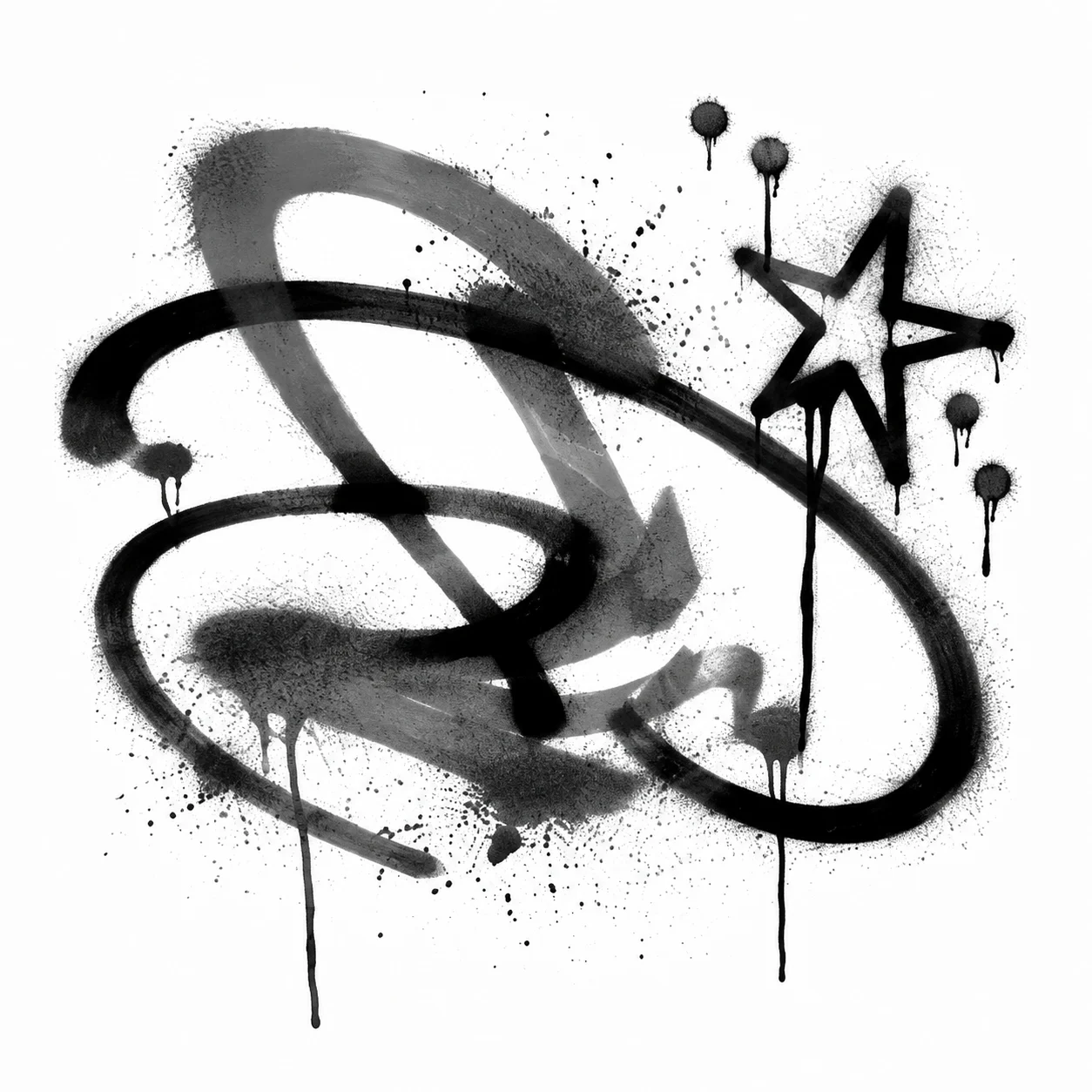
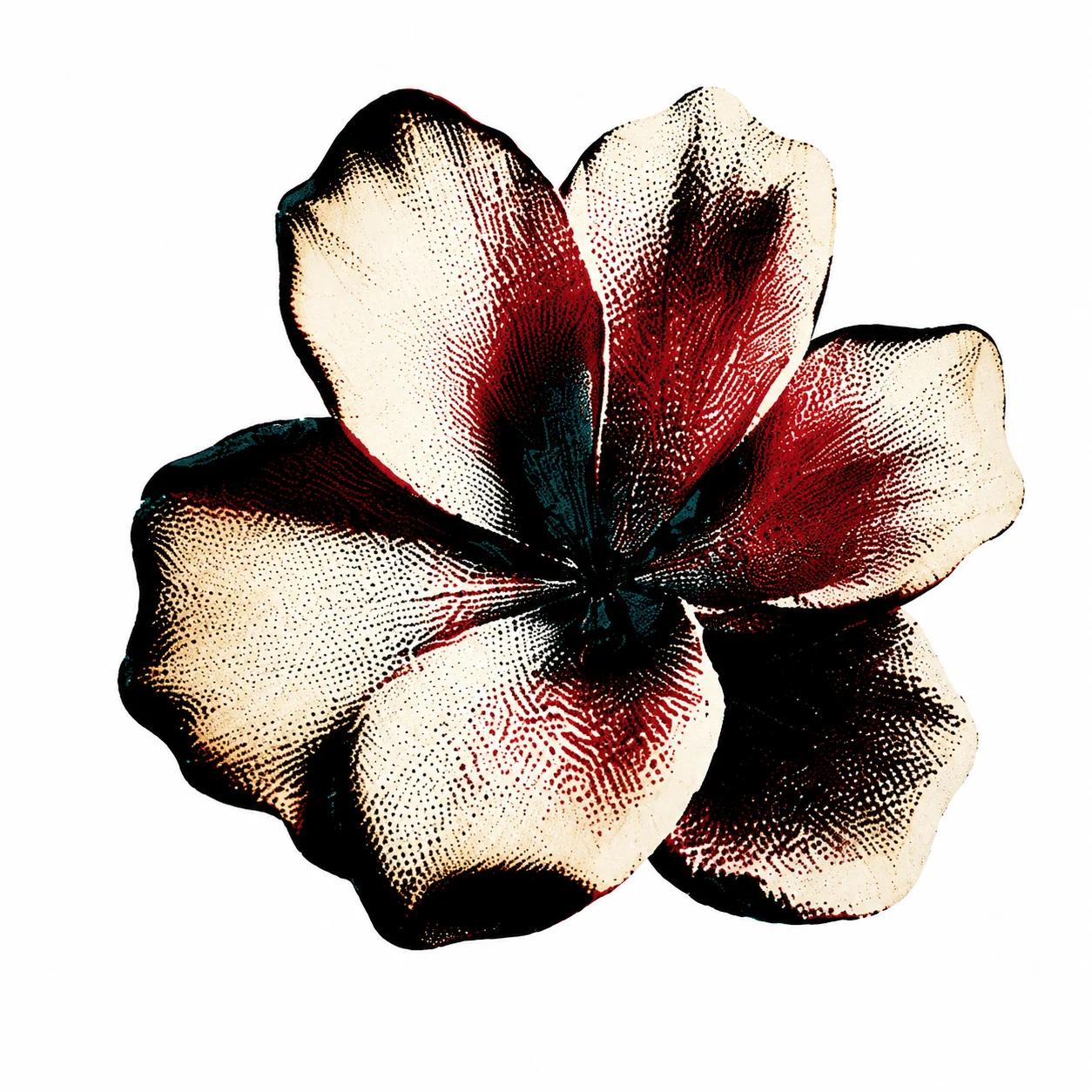
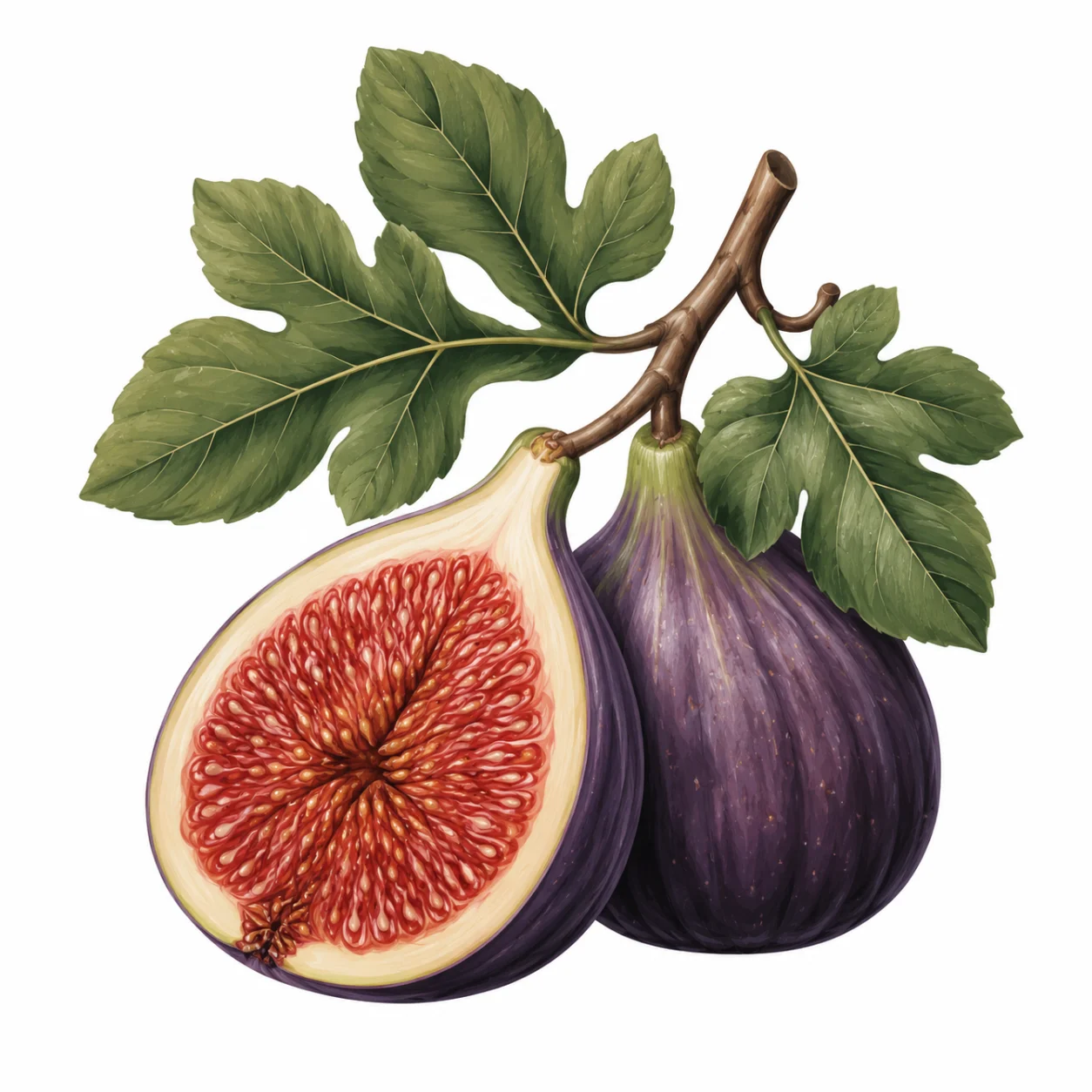
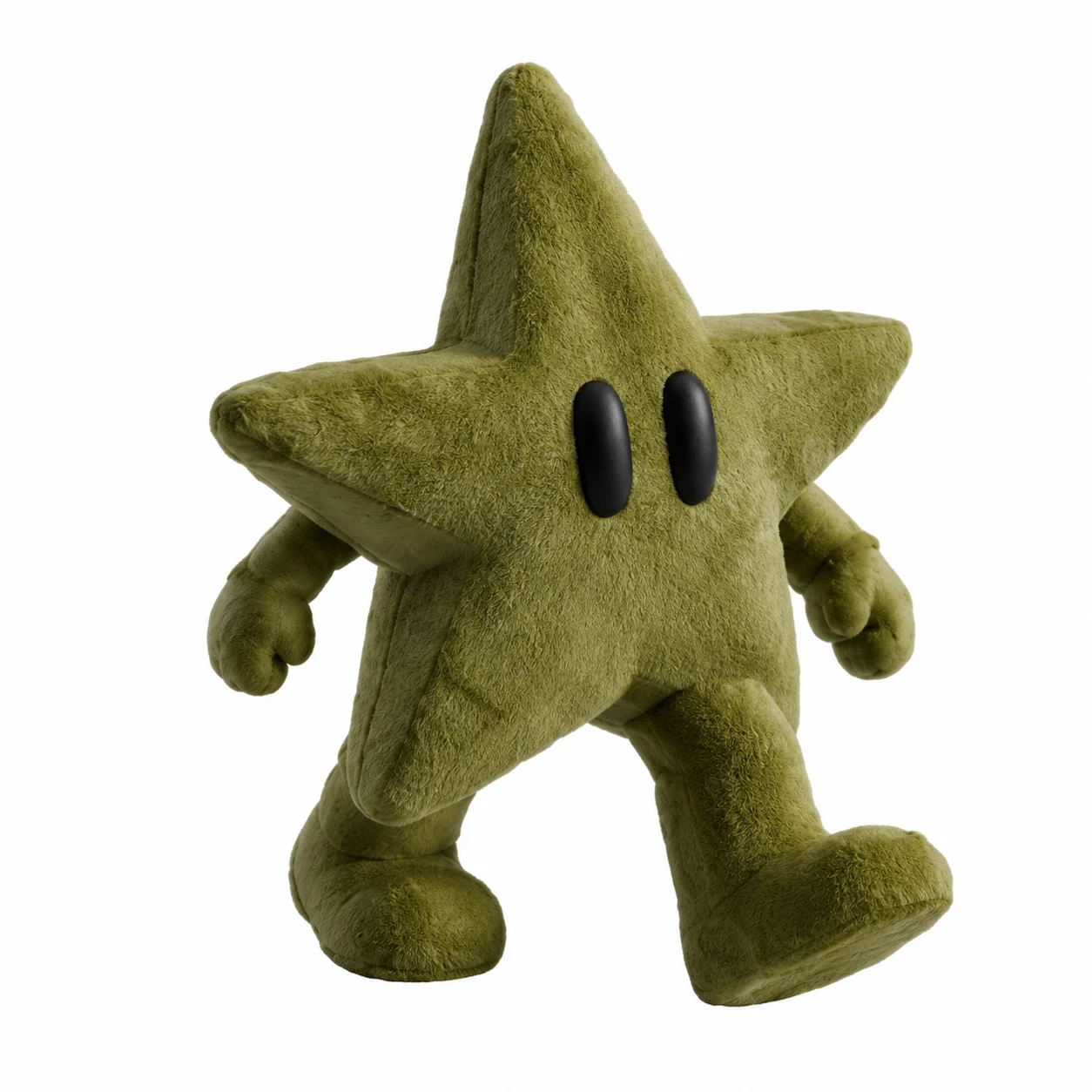
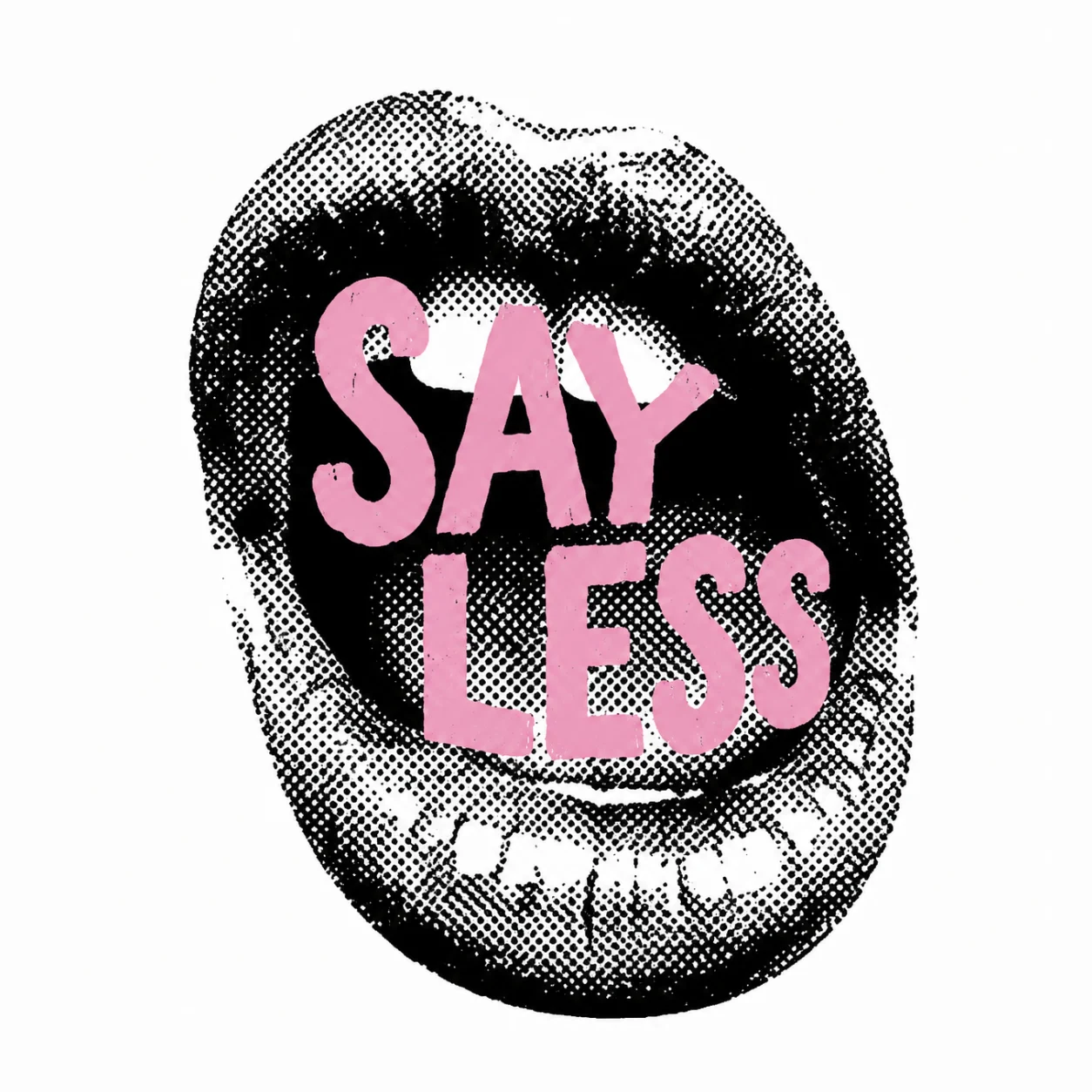
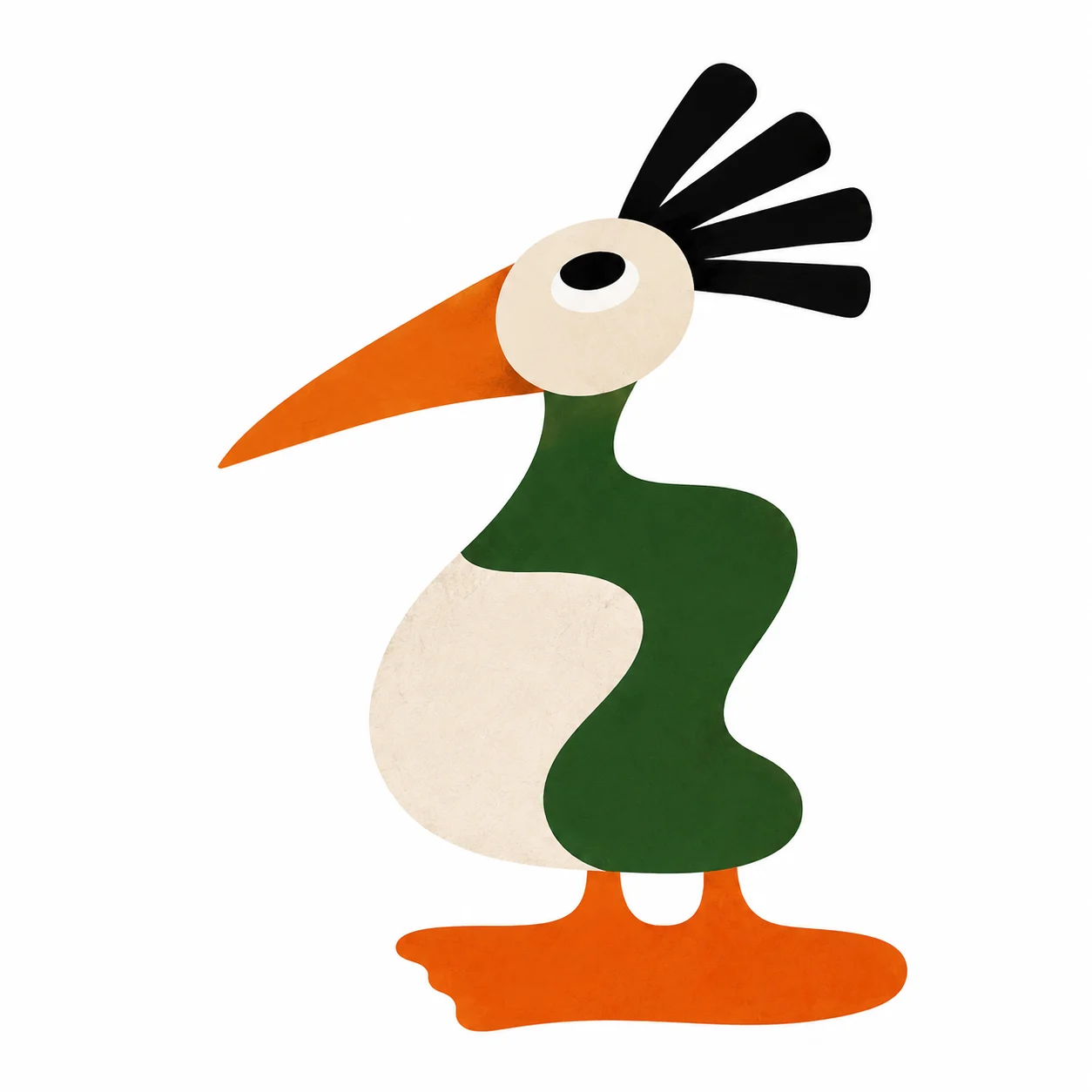
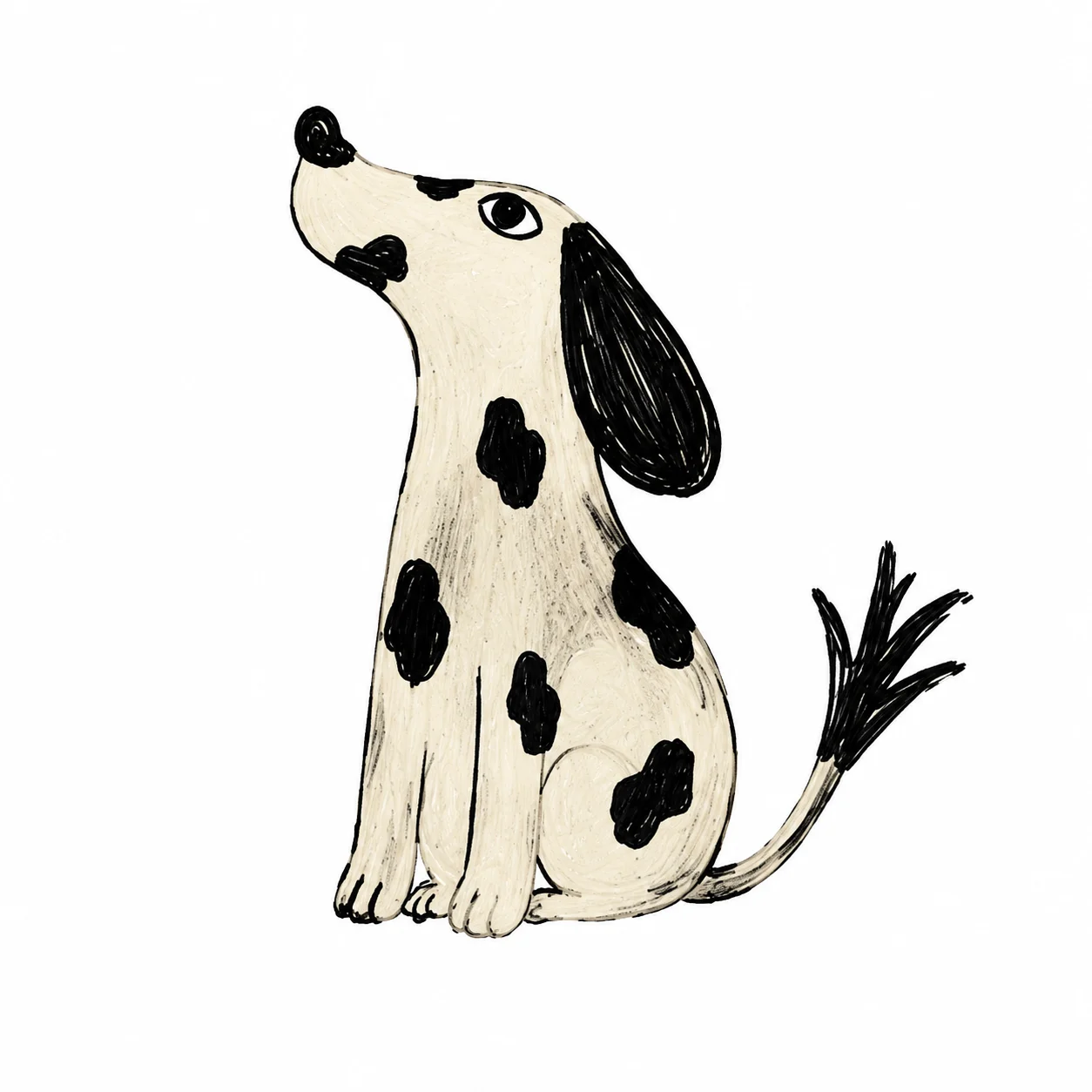
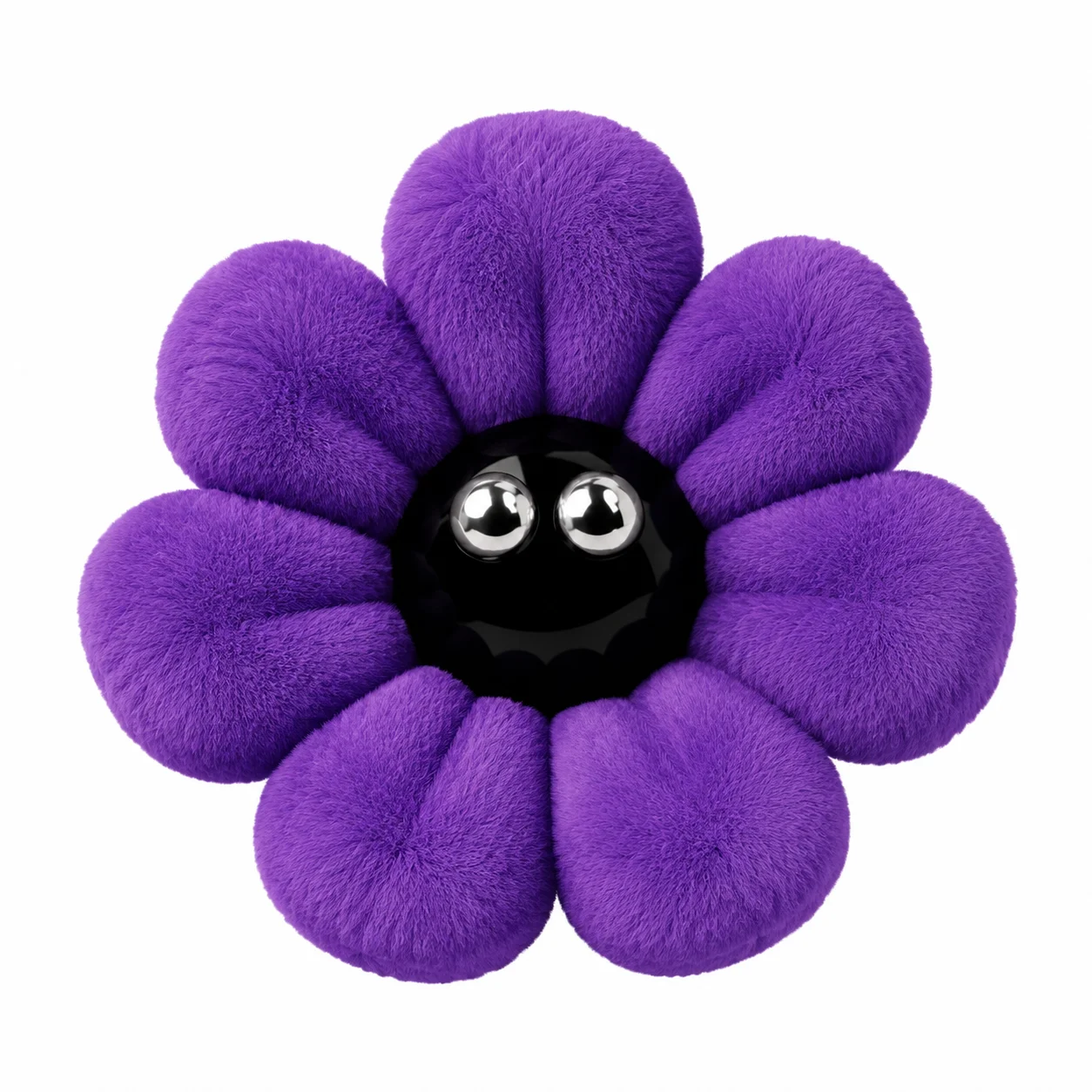
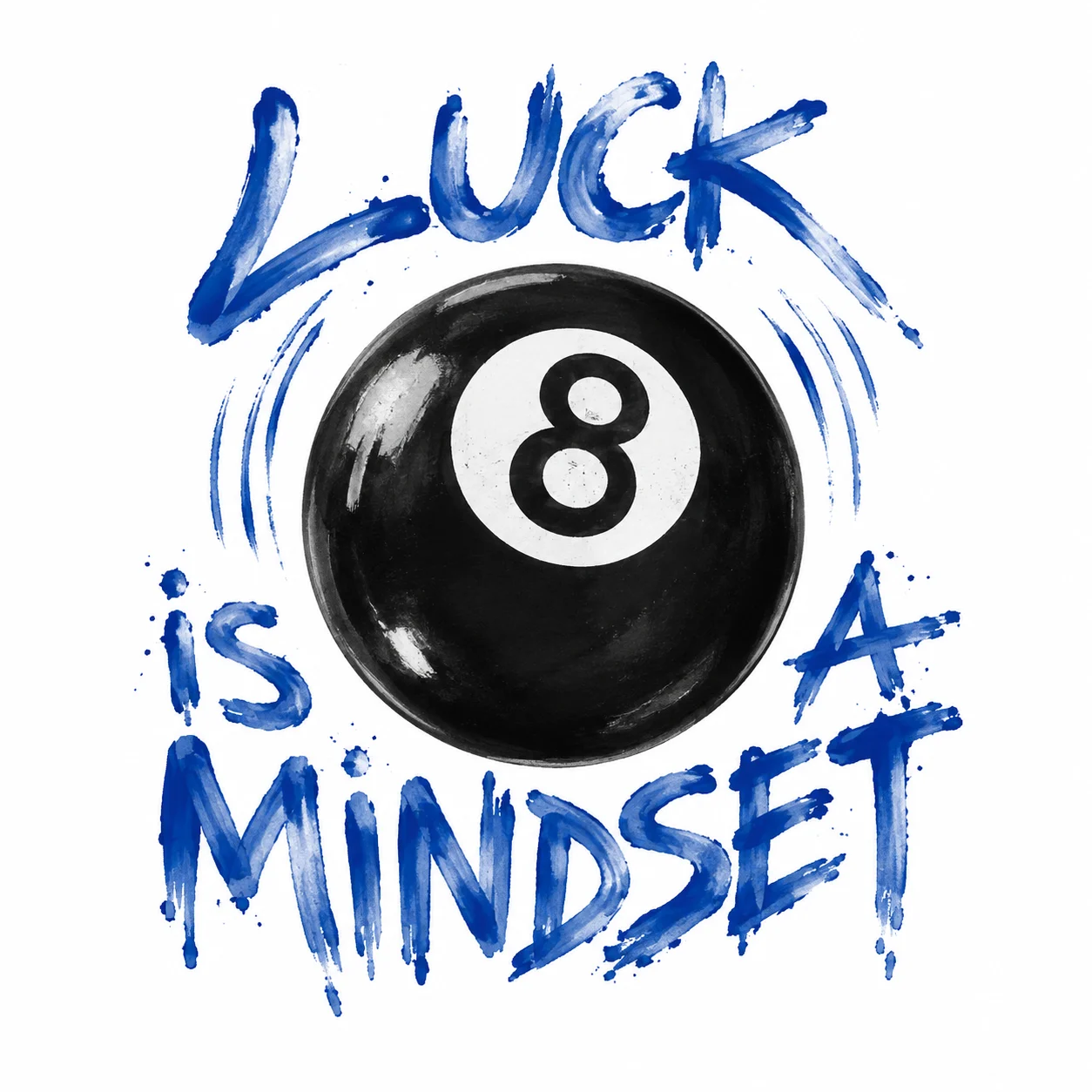
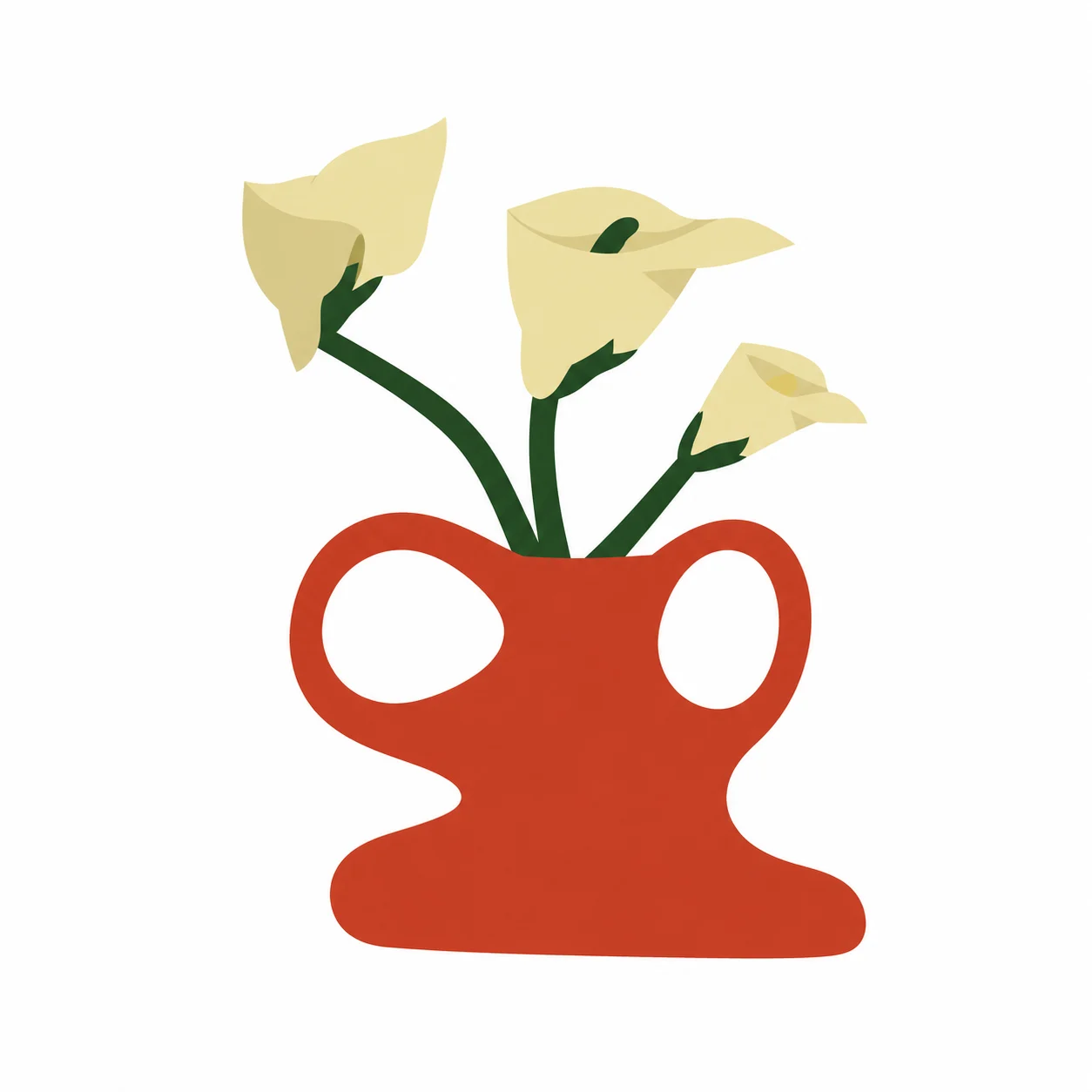
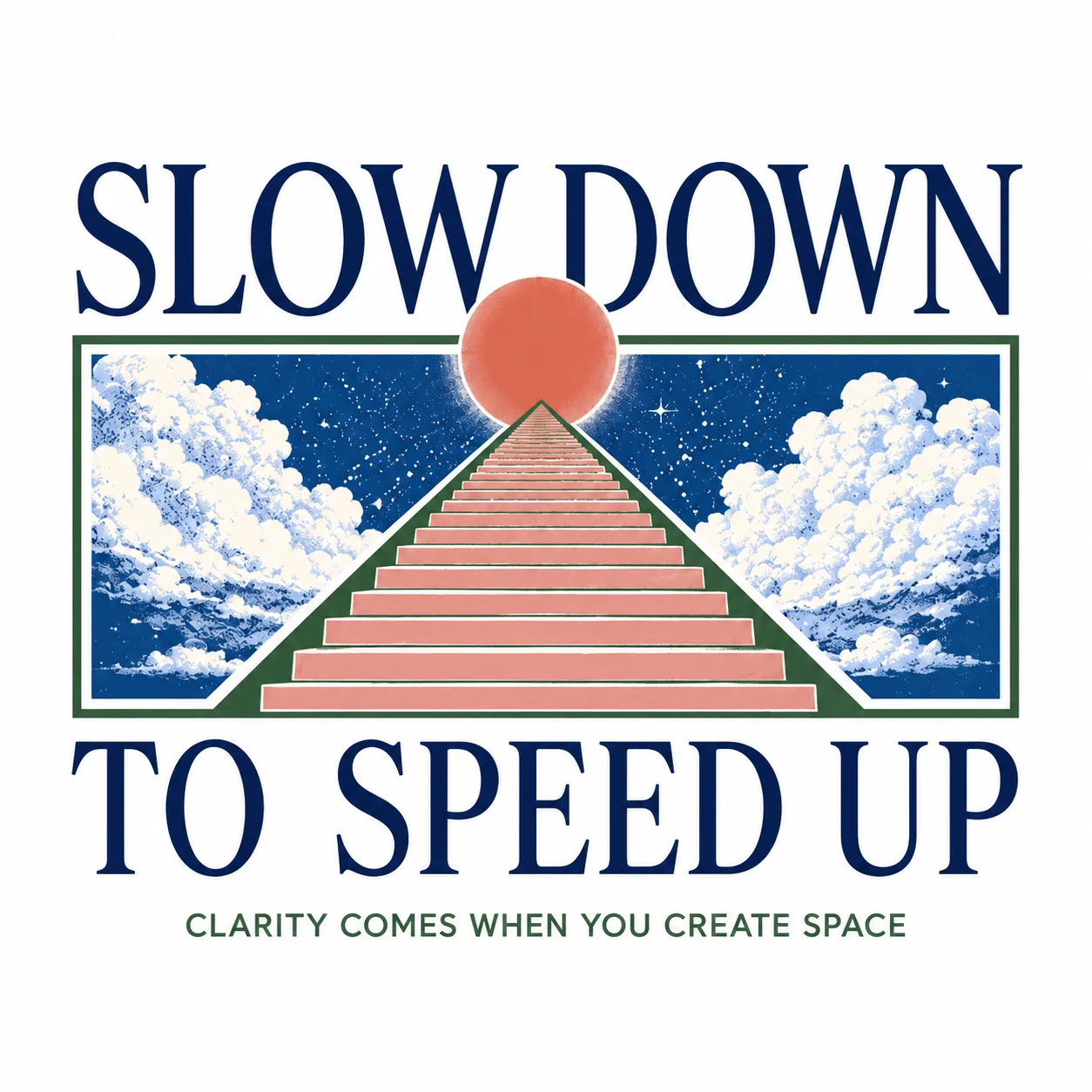
Every artwork here is a real image from the FUPstudio Graphics library, covering every style you can pick in the generator. Open one to see it in the app.
Chest prints, back prints, small placements: make a set of graphics in one style for a capsule, and keep the ones that work.
Turn on Seamless repeat and the artwork becomes a square tile that repeats edge to edge, for an all-over print on the whole garment.
Wordmark, emblem, monogram or a minimal mark: clean, high contrast and made of few flat colours, for a woven label or an embroidery.
Apply the artwork to a design and the Mockup Generator shows it printed on the garment, front and back.
Take the printed garment from the mockup into an editorial shot, on a model and in a scene.
The cloth under the print comes from the Fabric Generator: woven, knit and leather swatches with their composition and weight.
A tool that makes artwork for clothing from a description or a reference: prints, graphics and logos. In FUPstudio the artwork comes back isolated on white or on a solid colour you choose, ready to place on a garment, or as a seamless tile for an all-over print.
A few words in the bar (subject, style, colours), or a drawing, a photo of existing artwork or a sketch of your mark, which is redrawn clean. Choose Artwork or Logo, then a style: hand-drawn, vector, graffiti, typographic, painterly, photographic, halftone or 3D for artwork; wordmark, emblem, monogram or minimal for a logo.
Turn on Seamless repeat under Artwork and the graphic comes back as a square tile whose edges meet, so it repeats edge to edge for all-over print. Starting from a prompt, the tile is made seamless while it is generated. On Max and Ultra it is drawn at 1536 px and enlarged with the seams kept intact.
Yes. Every account gets 250 free credits every month, no card needed. The Graphic Generator starts at Fast, 10 credits an artwork, so the free credits make up to 25 graphics a month. High costs 30 credits. Fast and High are open to every account; Max (80 credits, 2048 px) comes with the Starter plan and Ultra (120 credits, 2560 px) with Studio.
Yes, from the Starter plan: Remove background costs 10 credits and leaves a placed artwork or a logo alone on transparency, ready to download as a PNG. On every plan you can also pick a solid background colour before you generate.
Yes. What you generate can be used in personal and commercial projects, including work for clients. The library files themselves cannot be resold or redistributed as they are. The full rules are in the Terms.
Every artwork is saved in My Area with its card and its code, and you can download it from there as a PNG. Artwork you make can also be placed on a garment in the Mockup Generator.
Open the generator, describe the artwork or attach a sketch. Every account starts with free credits, no card needed.