Buy your weekday smoothies and get your weekend ones for free. (7 for the price of 5!)
WELLNESSWEEK
From a sketch, a photo or a few words to a clean technical flat.
Describe the garment or attach a sketch, a photo or a mockup. The CAD Generator draws it as a technical flat, front and back on one sheet, ready to download as a PNG or an Illustrator .ai file and to take into the mockup and the tech pack.
250 free credits every month. No card needed.
Write the garment in the bar, or attach a sketch, a photo or a mockup to draw it from. A few words are enough to start.
Say it in the prompt: the front and the back, a detail, a different fit. Pick Studio white, or no background for a transparent PNG.
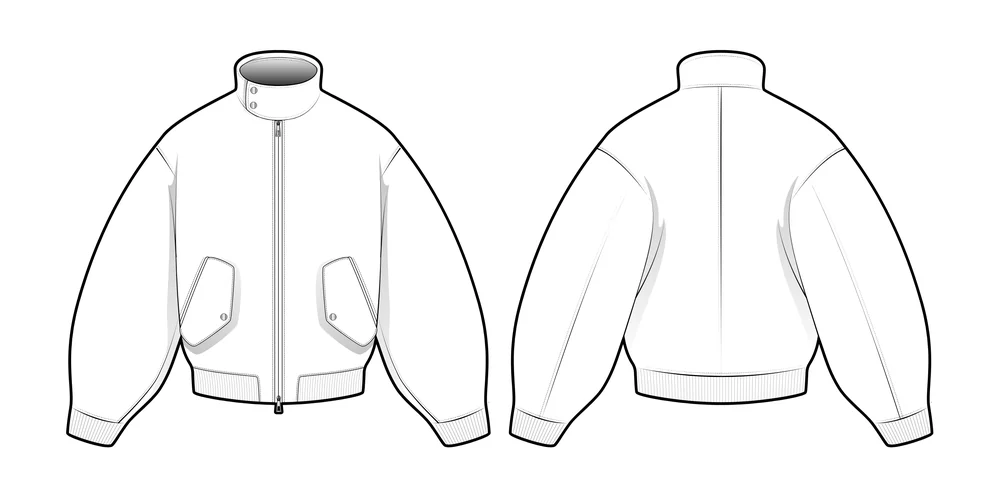
The flat comes back front and back on one sheet. Download it as a PNG or as an .ai for Illustrator (beta), or take it into the mockup and the tech pack.
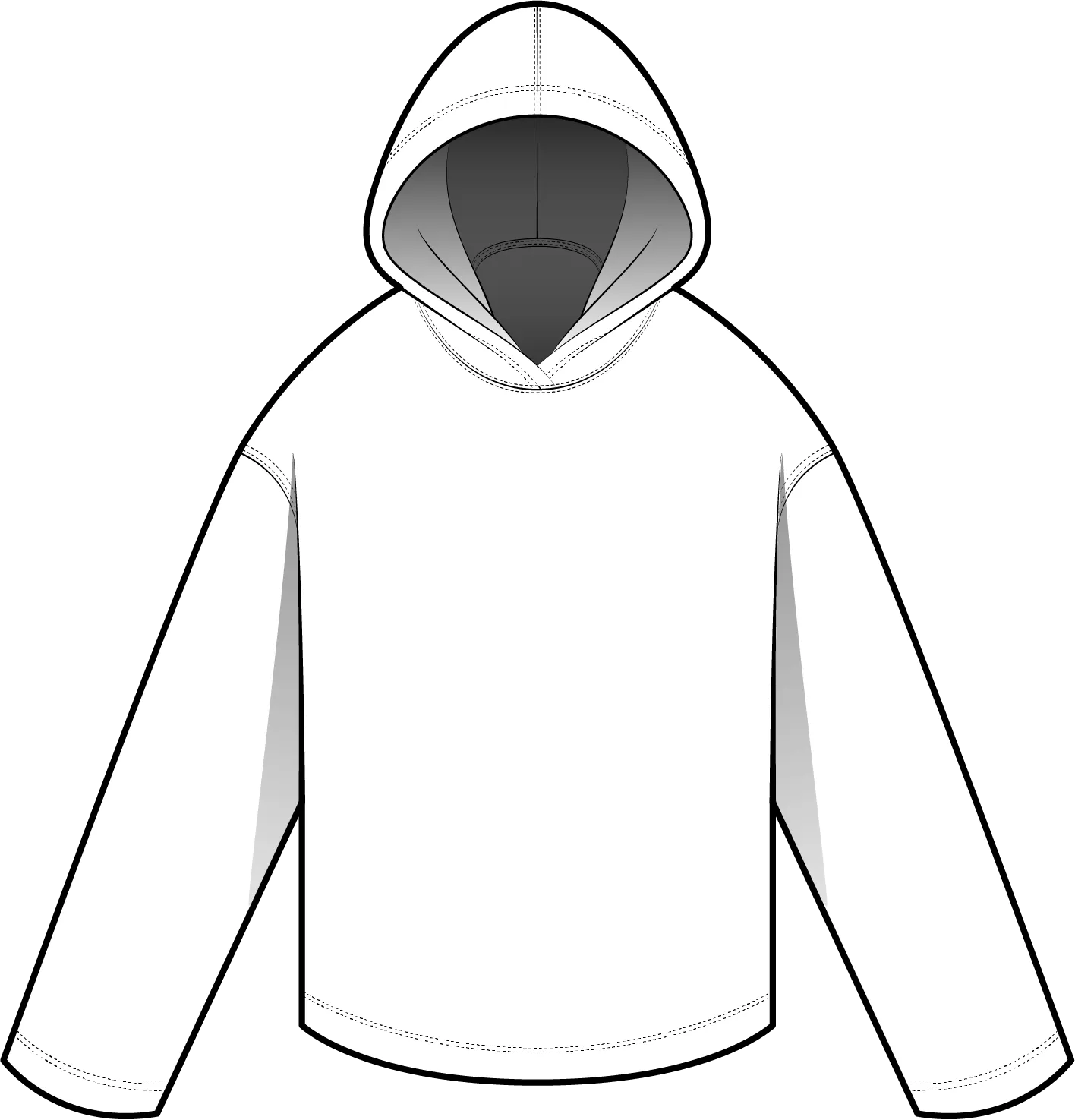
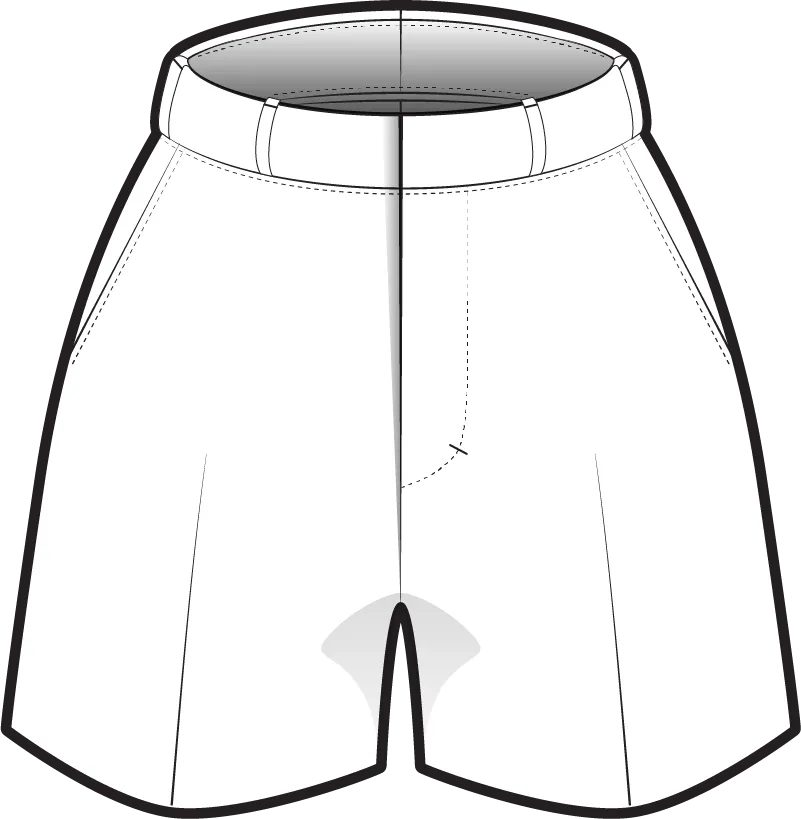
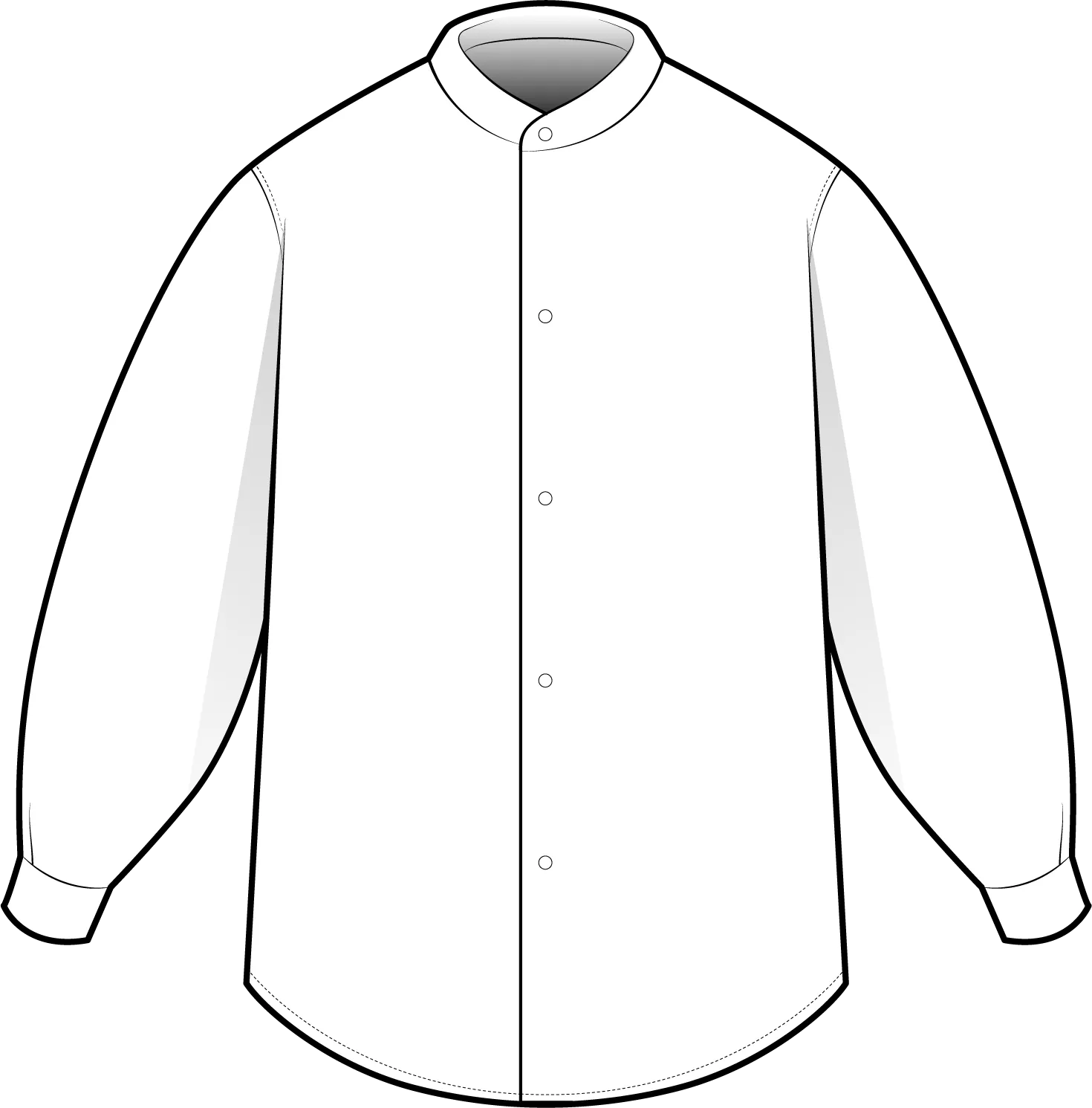
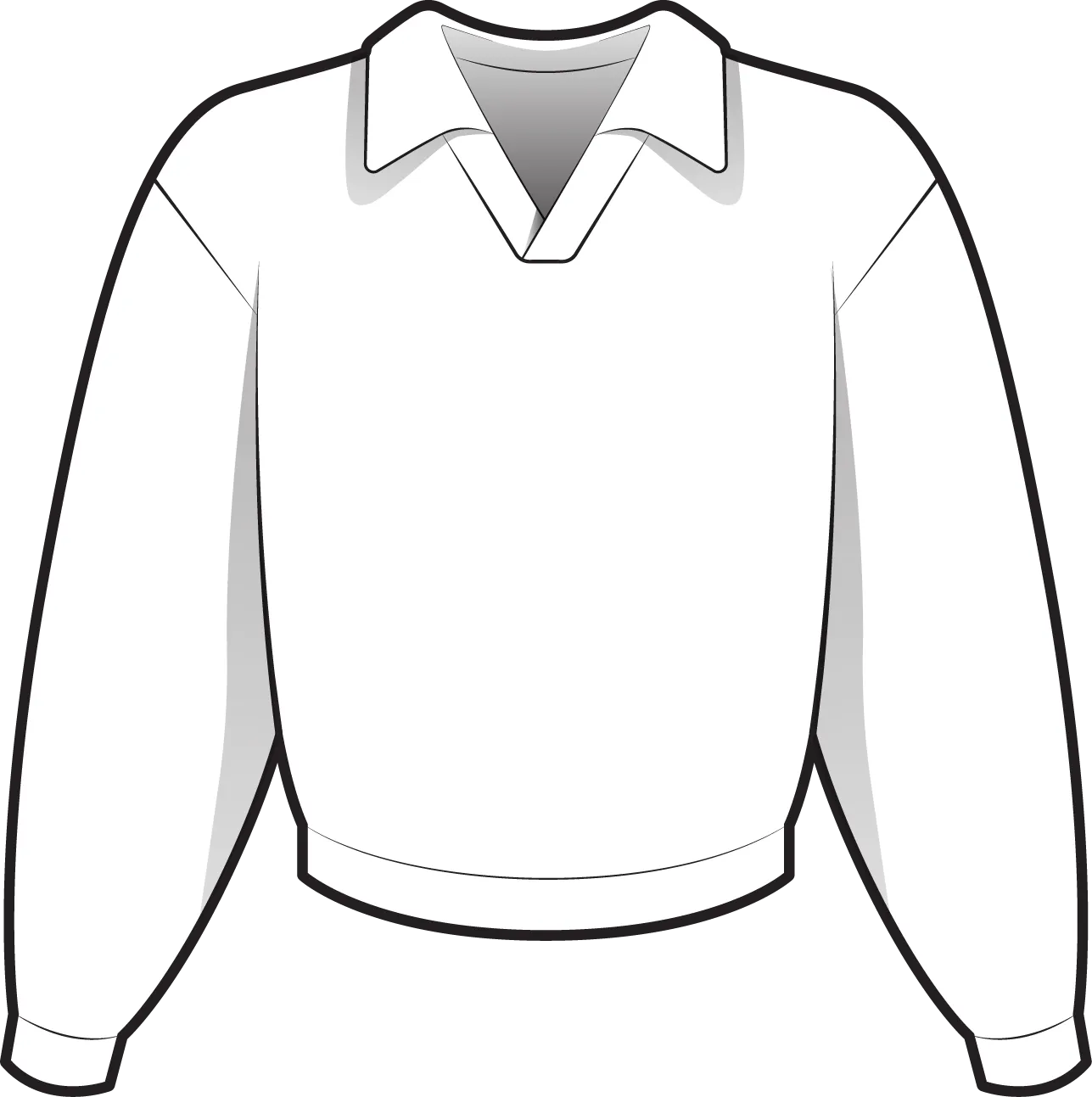
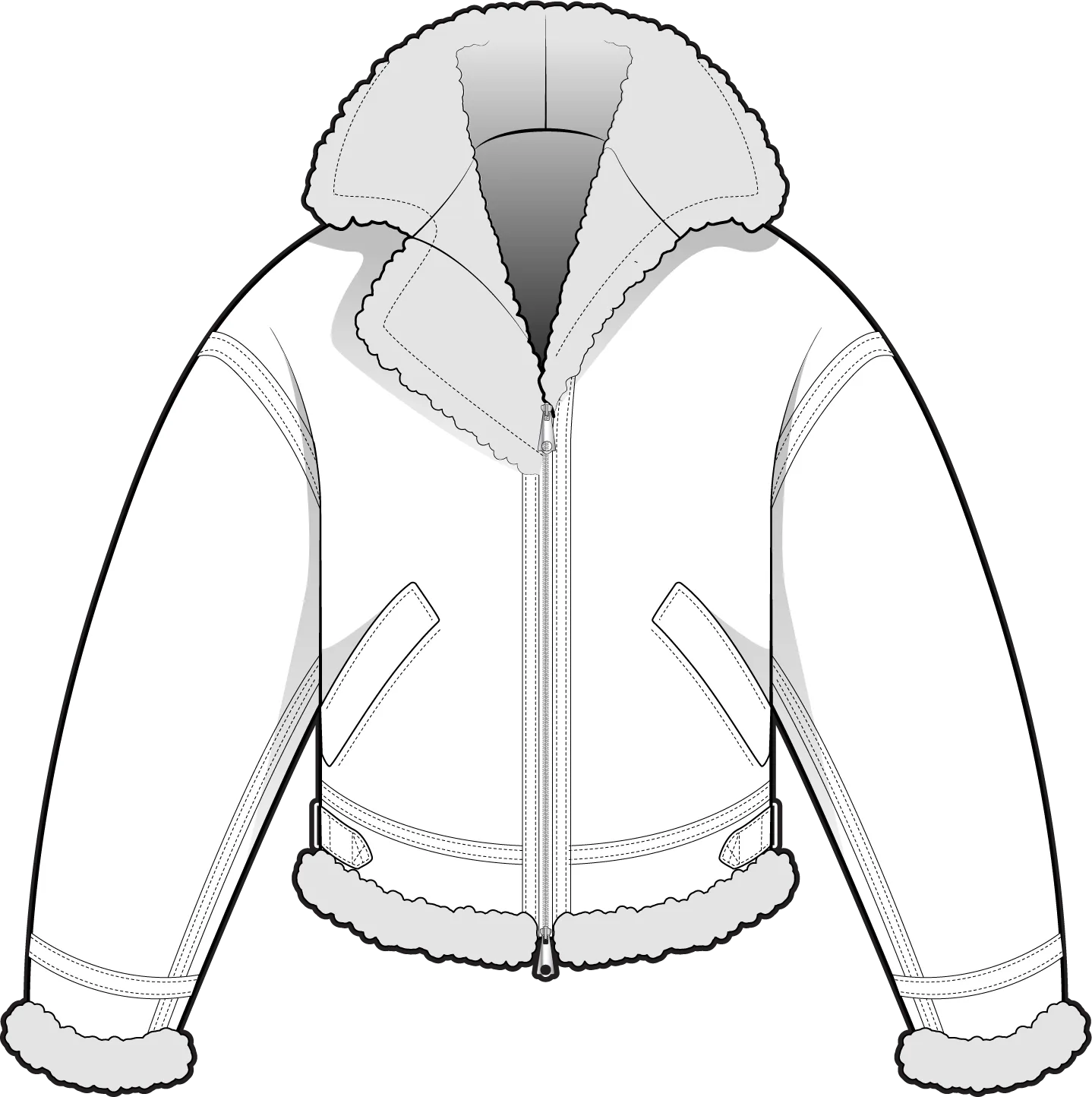
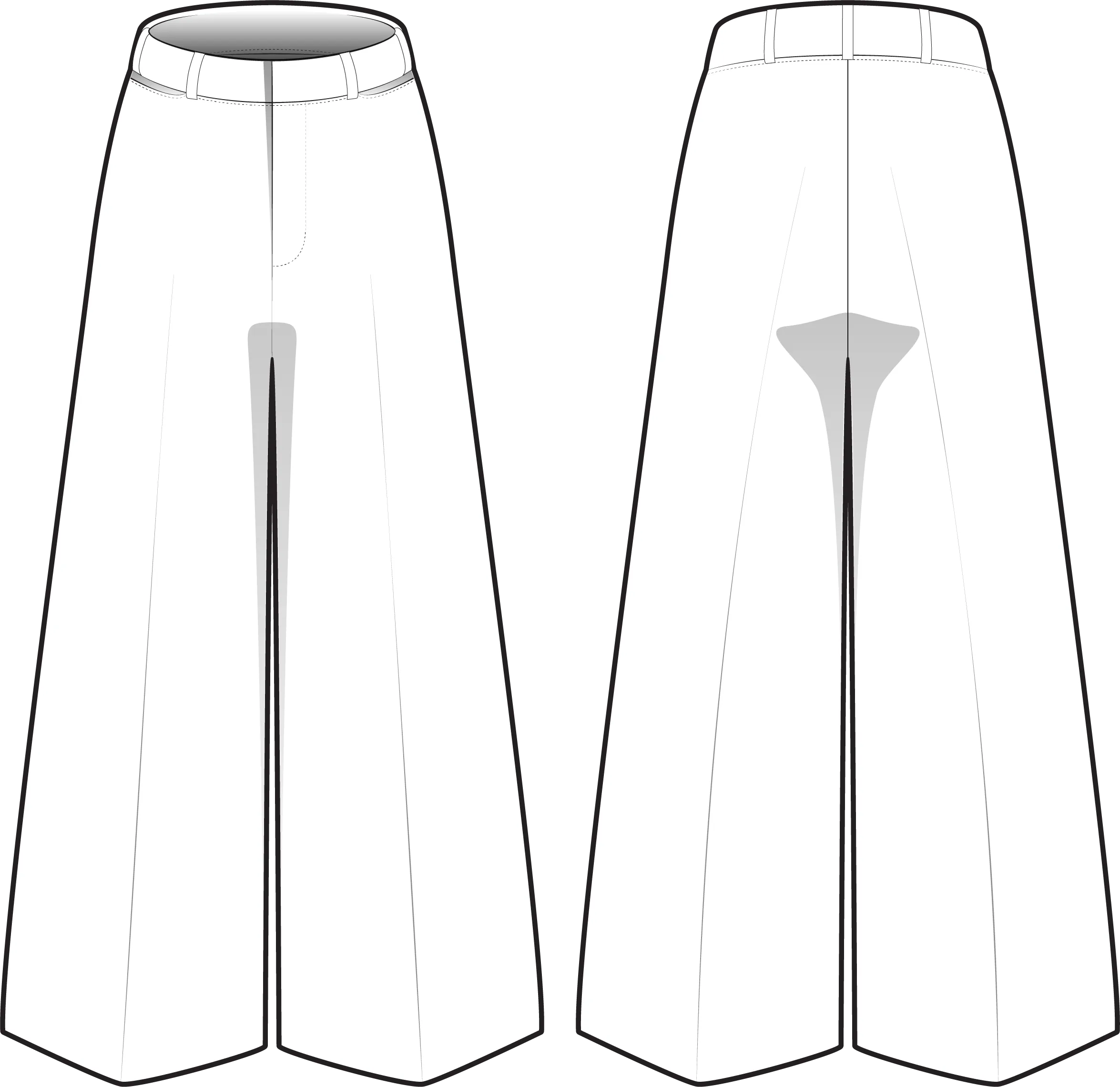
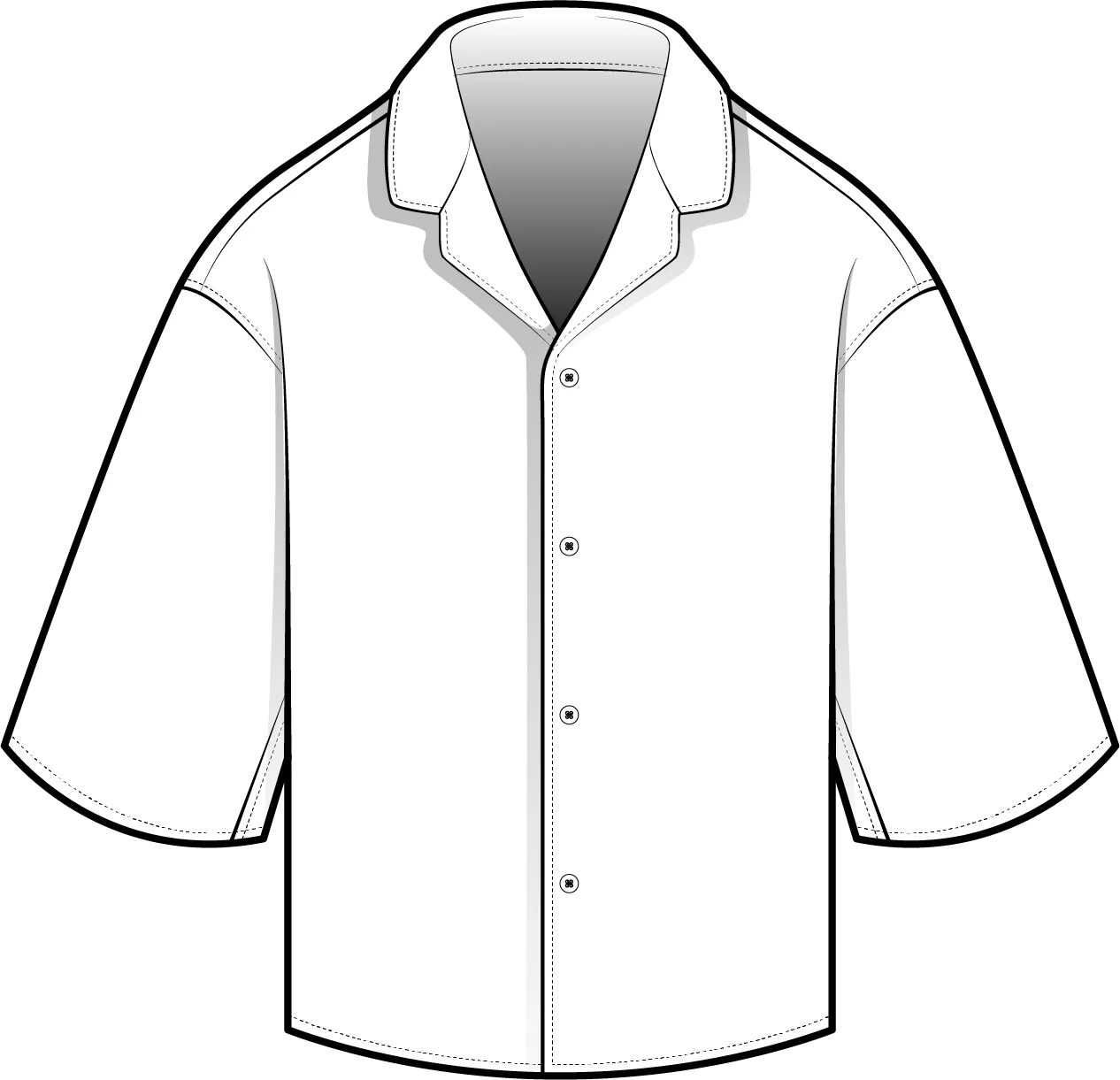
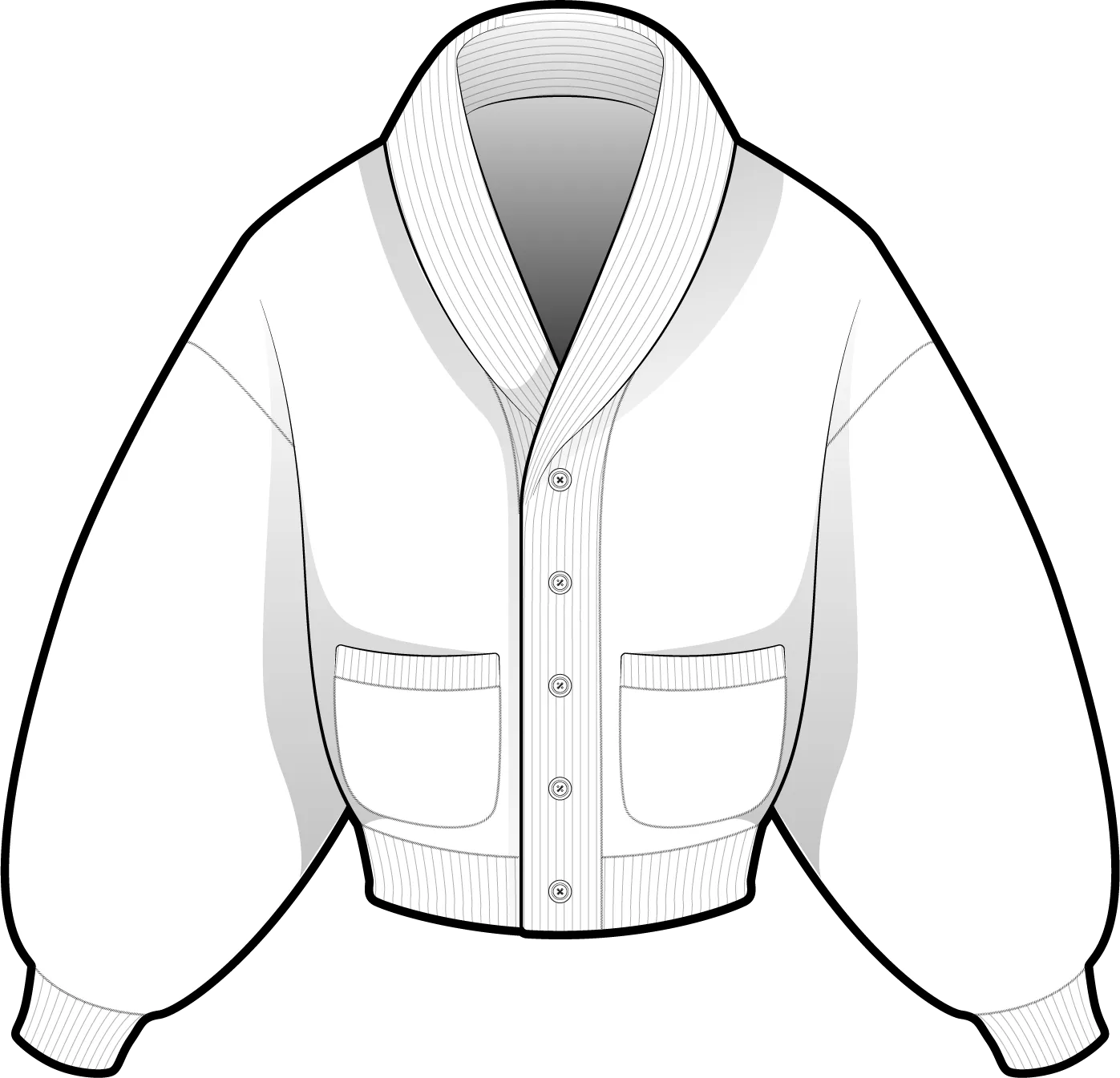
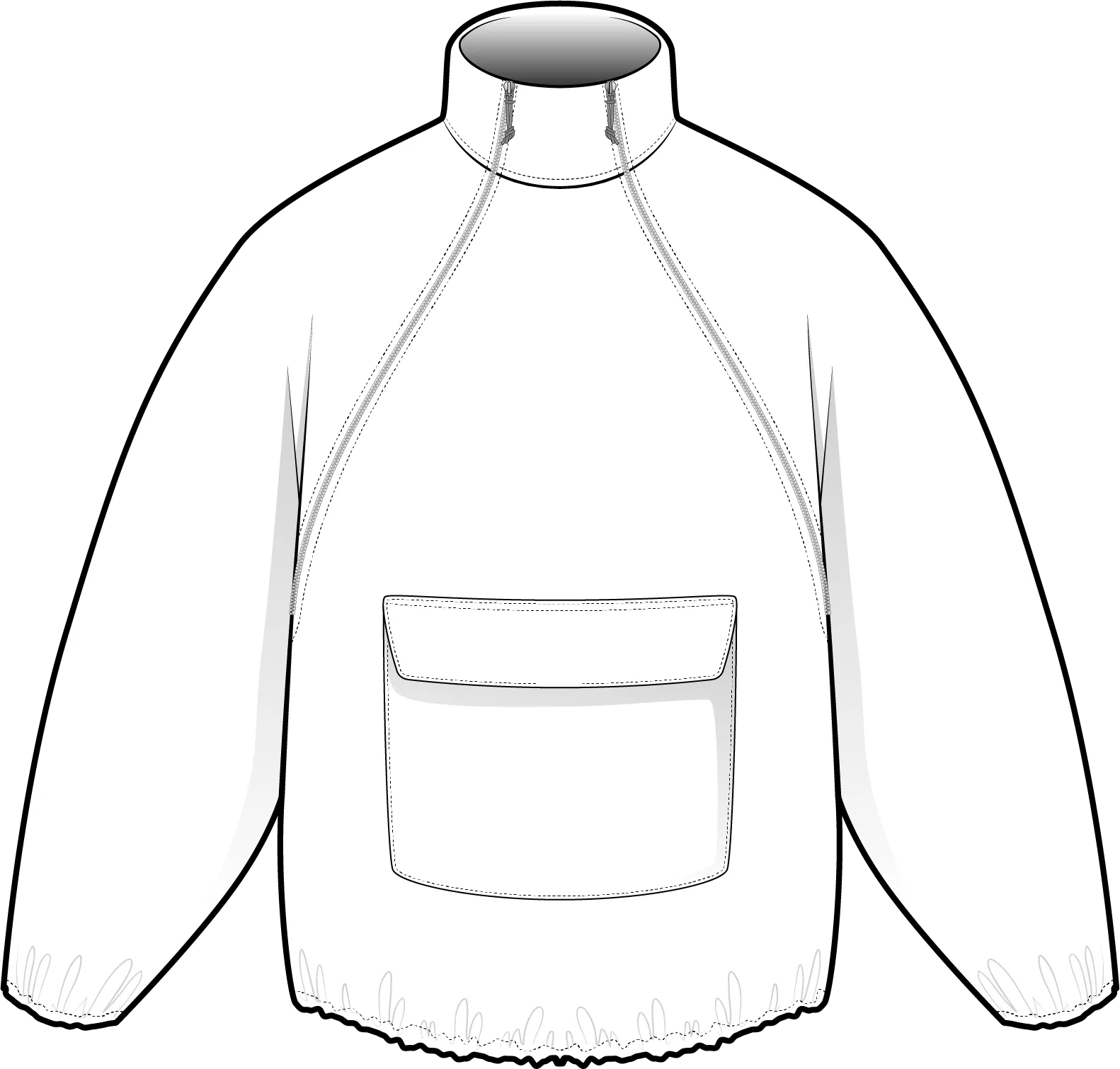
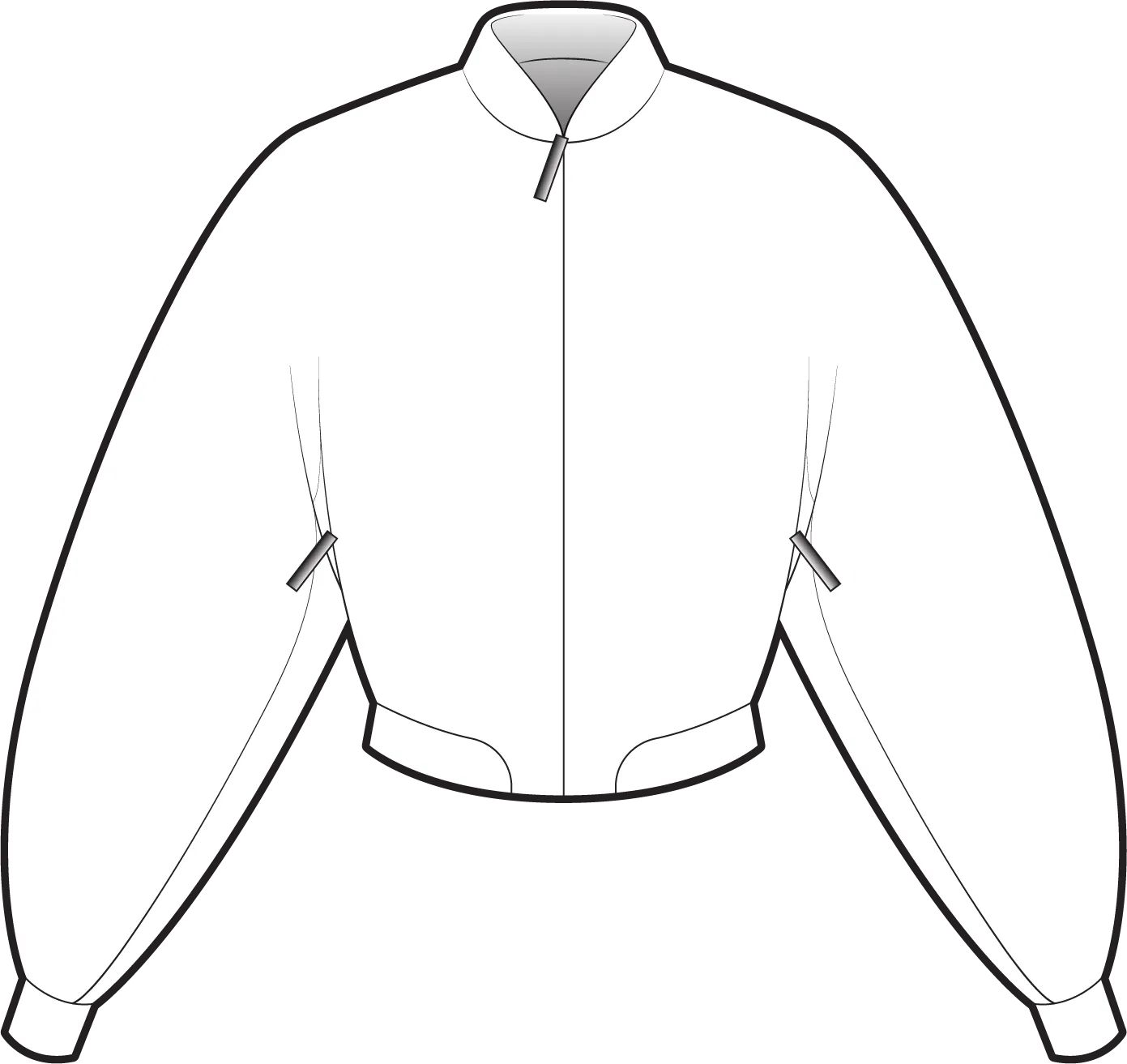
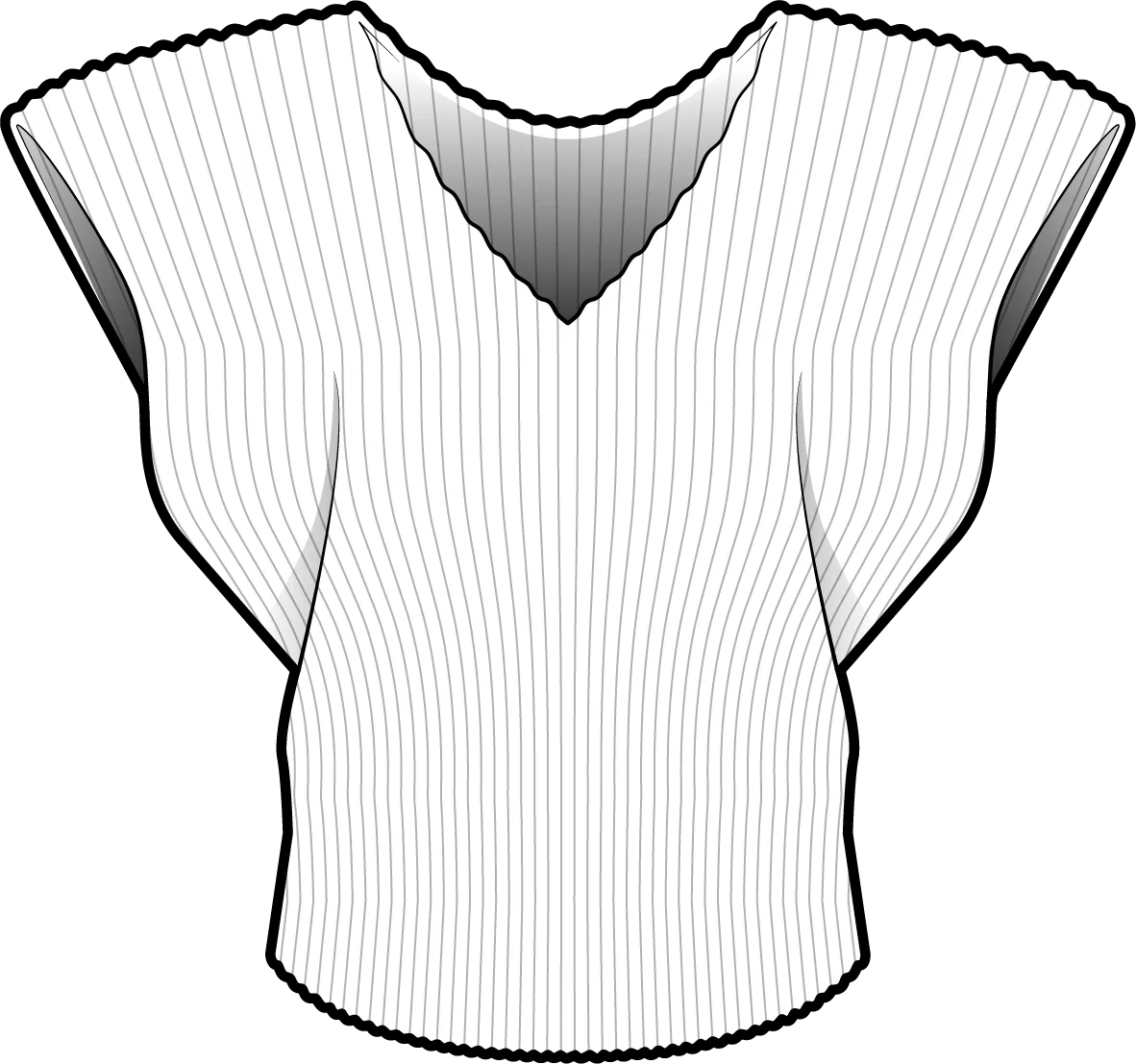
Next to the generator, FUPstudio keeps a library of ready-made flats. These are real files from it: 1,140 professional vector drawings, each with its .ai for Illustrator. Open one to see it there; the free ones download without an account.
Draw every piece as a flat, front and back, and look at the whole lineup side by side before you sample anything.
Download the .ai (beta) and finish the drawing in Illustrator, or use the PNG in a deck, a line sheet or a brief.
Ask for a longer sleeve, another collar or a different fit, and everything you do not name stays as it is.
Take the drawing into the Mockup Generator and see it as a photoreal garment, in the fabric and colour you choose.
From the mockup, the Tech Pack Generator writes the document a factory quotes from, with the technical flat on its own page.
Make the artwork in the Graphic Generator, then attach it when you turn the flat into a mockup.
A tool that draws the technical flat of a garment: the black-line drawing, front and back, that pattern makers and factories read. In FUPstudio you describe the garment or attach a sketch, a photo or a mockup, and it comes back as a clean flat on one sheet.
A few words in the bar, a hand sketch, a photo of a garment or a mockup. Ask in the prompt for what you need: the front and the back, a detail, a different fit.
Yes, in beta. Every new CAD can be downloaded as an .ai file for Adobe Illustrator, traced from the drawing, or as a PNG. With no background, the PNG is transparent.
A CAD at the default quality, High, costs 30 credits; Fast costs 10. Every account gets 250 free credits every month, no card needed.
Yes. Write the change in the bar, a longer sleeve or another collar, and the rest of the drawing stays as it is. Every generation is saved in My Area.
Next to the generator there is the Vector CAD library: 1,140 ready-made professional vector files, from garments to trims and fabric patterns, each with its .ai. The free ones download without an account; the full library comes with the Designer plan.
Take it into the Mockup Generator to see the garment photoreal, in the fabric and colour you choose. From the mockup, the Tech Pack Generator builds the document a factory quotes from.
Open the generator, describe the garment or attach a sketch. Every account starts with free credits, no card needed.